Product listing
Light Director Pro
By Blendscapes3D ·
$7.99
List price: $7.99
Listing details
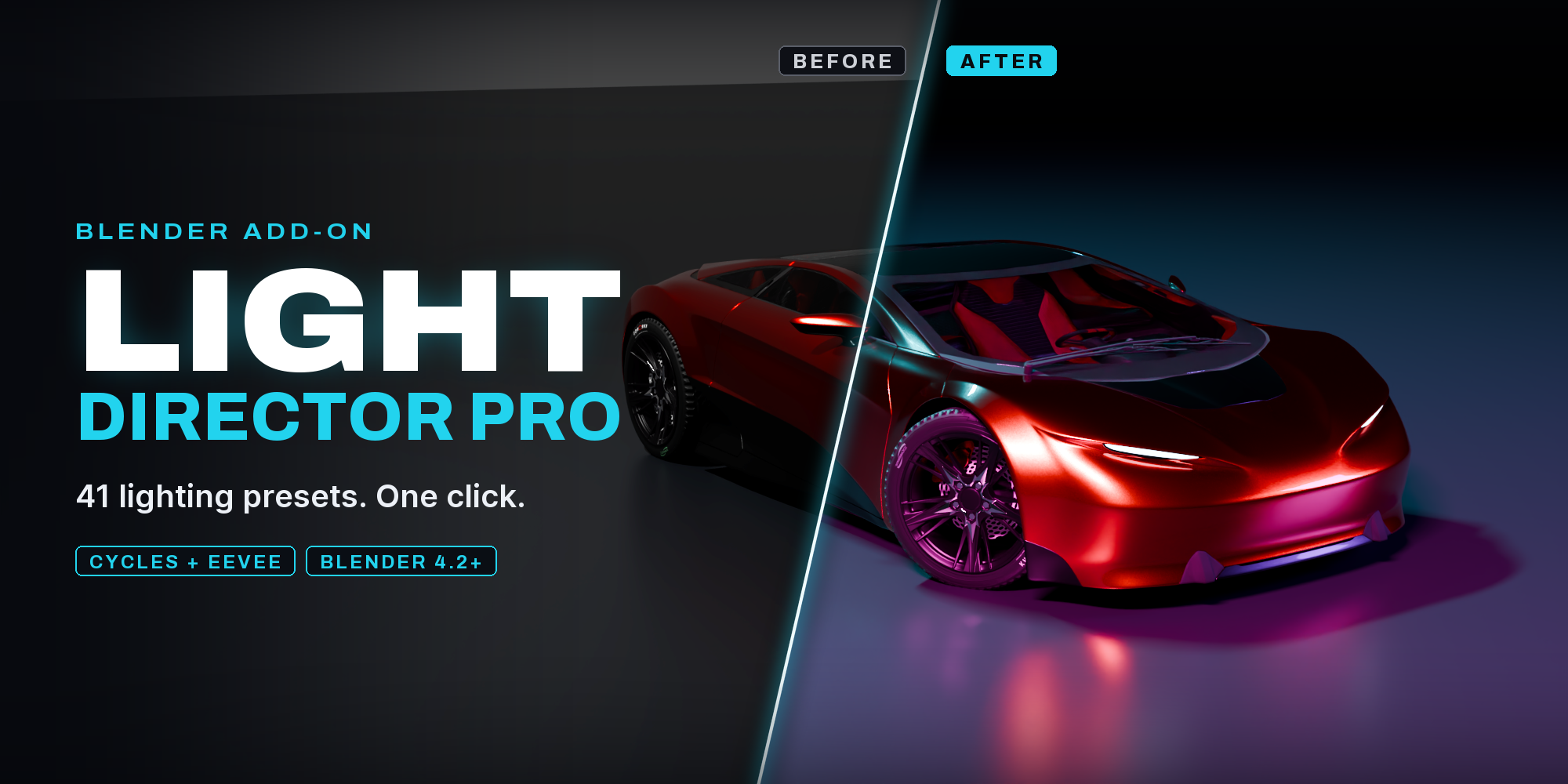
41 lighting rigs in one click - studio, portrait, product, natural, cinematic, stylised and neon. Save your own looks as presets and render every one of them on your own model as a labelled contact sheet.
Categories
Tags
Installation
- Download Light Director Pro and check which Blender versions the creator supports. Keep the installable archive (for example,
Light_Director_Pro.zip) intact. If the download is a bundle, extract it first to find the add-on archive. - In Blender, go to Edit → Preferences → Add-ons. In Blender 4.2 and newer, open the top-right menu and choose Install from Disk. In older versions, click Install….
- Select the add-on archive (for example,
Light_Director_Pro.zip) or its standalone.pyfile and confirm the installation. - Find the add-on in the Add-ons list and tick its checkbox if it isn’t already enabled.
Check the creator’s instructions for any extra setup, such as dependencies or license activation.
Compare with other products
Choose a category to find products to compare with this listing.
Product versions
-
1.5.0 published
Created Oct 12, 2026 · Published Oct 12, 2026
Release notes (source)
<p><b>Lights now follow your camera, presets can be tried one after another without re-selecting, and the add-on no longer deletes lights you placed yourself.</b></p> <p><b>New: rigs follow the camera.</b> Every preset describes its lights as seen from the camera ("key 45 degrees to the right"). With <b>Relative to Camera</b> (on by default) the whole rig turns with the active camera, so the key comes from the side the preset describes wherever you shoot from. Saved presets work the same way. Switch it off for the old world-based placement.</p> <p><b>Fixed: presets and Clear deleted your own lights.</b> Fixture lights, New Light from Viewport and Sun from HDRI are no longer removed by Replace Existing Rig or Clear All Rig Lights, and the Quick-Tune sliders only change the preset rig.</p> <p><b>Fixed: the second preset said "Select a target object first".</b> Light Director remembers what it lit, so you can click through presets one after another, even with nothing selected.</p> <p><b>Fixed: Render Preset Sheet replaced your rig.</b> "Put My Rig Back" (on by default) rebuilds your lighting after the sheet.</p> <p><b>Also:</b> quick buttons (presets, light types, effects, backdrops, atmosphere) apply with one click. Tested on Blender 4.5 LTS and 5.2.</p> -
1.4.0 published
Created Sep 18, 2026 · Published Sep 18, 2026
Release notes (source)
<p><strong>41 lighting presets, up from 12.</strong> Twenty-nine new ones, grouped into seven categories so the list stays usable: Studio, Portrait, Product, Natural, Cinematic, Stylised and Neon & Night. Every one is a real rig with its own light types, sizes, angles and colour temperatures, not a colour swap on the same three lamps. Automotive runs 8 m strip lights down both flanks for unbroken body reflections; Jewelry pairs a broad soft top with two pinpoint speculars; Fog Beam is built for volumetric haze.</p> <p><strong>New: save your own presets.</strong> Save Current Rig reads the lights back out of the scene, including whatever you changed with the Quick-Tune sliders or by hand, and stores them in your library. They then sit in the new My Presets panel next to the built-in ones and apply to any other scene at any subject size. Presets export and import as .json, so a studio can share one look across a team.</p> <p><strong>New: Render Preset Sheet.</strong> Preset thumbnails on a generic sphere only tell you so much. This renders your model through your camera under every preset, then composes one labelled contact sheet so you choose on the actual shot. Render all 41, a single category, or just your own saved presets.</p> <p>533 automated checks run against Blender 4.5 LTS and 5.2 LTS on every build.</p>
-
1.3.0 published
Created Sep 18, 2026 · Published Sep 18, 2026
Release notes (source)
<p>Two real bug fixes, a new studio floor, and an automated test suite.</p><h3>Fixed: backdrops cut through the subject</h3><p>Backdrops were always built at the world origin. Since that is exactly where most models sit, the wall went straight through the subject and hid whatever stood behind it. Backdrops are now measured against your selection and placed behind and below it, centred on the subject, with the floor at its feet. A new <strong>Fit to Selection</strong> option sizes the backdrop from the model as well; switch it off to enter width, depth and height by hand as before.</p><h3>Fixed: half the light fixtures failed to apply</h3><p>Applying a fixture that needed a different light type than the current one failed with an error such as <em>'SpotLight' object has no attribute 'size'</em>. Changing a light's type in Blender replaces the data structure behind it, and the add-on kept writing to the old one. Softbox, Fresnel Spot, LED Panel, Sun, Sky Dome and Hard Spot can now be applied to any light, as documented.</p><h3>New: Studio Floor</h3><p>A rig without a floor throws its shadows into nothing, which is what makes an otherwise good render look unfinished. <strong>Add Studio Floor</strong> puts a correctly sized floor under your selection, at the subject's feet.</p><ul>
<li>
<strong>Solid Floor</strong> - visible surface that catches light and shadow.</li>
<li>
<strong>Shadow Catcher</strong> - invisible in the render, only the shadow remains, for compositing onto your own background (Cycles).</li>
<li>Sizes itself from the selection, or takes a manual size. Applying it again updates the existing floor instead of adding a second one.</li>
</ul><h3>Quality</h3><p>271 automated checks now run against Blender 4.5 LTS and 5.2 LTS on every build: every preset, every fixture, every atmosphere, every animation effect, backdrop and floor placement, the rig control empty, baking, and the behaviour when nothing is selected.</p>
-
1.2 published
Created Sep 16, 2026 · Published Sep 16, 2026
Release notes (source)
<p>- Rig Control empty: every preset rig is now parented to an "LD_RigControl" empty at the subject center. Move or rotate the empty to reposition the whole lighting setup at once. New "Select Rig Control" button in the Cinematic Lighting panel. Clearing the rig removes the empty too.<br>- Lights scale with the subject: area light sizes and point/spot radii now scale with the model size, just like the placement distance already did. Energy is compensated so exposure stays consistent on tiny and huge models. Small subjects are no longer clamped to a 0.5 m minimum.<br>- Light Types keep the rig scale: swapping a light type onto a rig light sizes it for that rig's subject.<br>- Backdrop fix: the Cyclorama and Paper Sweep curve was inverted and bulged outward. It is now a proper concave cove.</p>