Product listing
Keycap Generator Pro Print-Ready Mechanical Keycaps for FDM
$34.00
List price: $34.00
Listing details
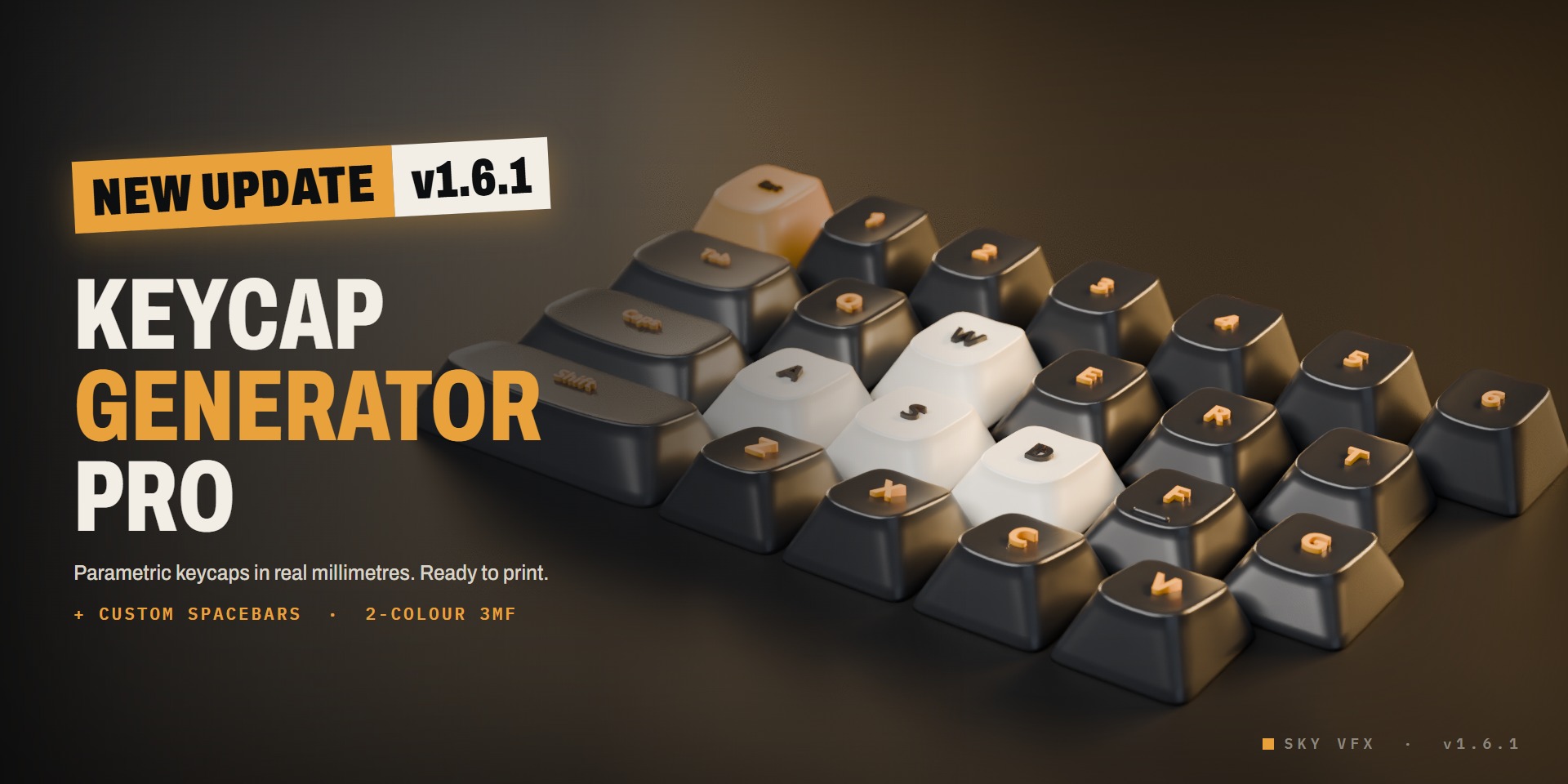
Print-ready mechanical keycaps in real millimetres: 5 profiles, 1U to 7U, custom sizes, any font, textures, finger bumps and two-colour 3MF for Bambu AMS. New in 1.6.1.
Categories
Tags
Installation
- Download Keycap Generator Pro Print-Ready Mechanical Keycaps for FDM and check which Blender versions the creator supports. Keep the installable archive (for example,
Keycap_Generator_Pro_Print-Ready_Mechanical_Keycaps_for_FDM.zip) intact. If the download is a bundle, extract it first to find the add-on archive. - In Blender, go to Edit → Preferences → Add-ons. In Blender 4.2 and newer, open the top-right menu and choose Install from Disk. In older versions, click Install….
- Select the add-on archive (for example,
Keycap_Generator_Pro_Print-Ready_Mechanical_Keycaps_for_FDM.zip) or its standalone.pyfile and confirm the installation. - Find the add-on in the Add-ons list and tick its checkbox if it isn’t already enabled.
Check the creator’s instructions for any extra setup, such as dependencies or license activation.
Compare with other products
Choose a category to find products to compare with this listing.
Product versions
-
1.6.1 published
Created Nov 10, 2026 · Published Nov 10, 2026
Release notes (source)
<p>v1.6.1: custom spacebars, two-colour 3MF, finger bumps. Free update for every owner. Every new option is off by default, so your old settings and presets make exactly the same caps as before.</p><p>- Custom Size (type mm): exact width, depth and height for any cap; stabilizers follow the width; Stem Offset.</p><p>- Fixed Corner Radius and Own Front Slope (1.6.1): long keys and spacebars that look store-bought.</p><p>- Multicolor 3MF for Bambu (AMS): body and legend as separate, lined-up parts in one file.</p><p>- Finger bumps for F and J (dot or bar).</p><p>- More sizes: 3U, 6U, 6.5U spacebars and a 2U vertical key.</p><p>- Different Top Thickness; Stem Diameter (5.0 to 7.0 mm); Stabilizers Same as Stem.</p><p>How to update: 1.6.1 is packaged as an extension. Turn off and remove the old Keycap Generator Pro first, then Edit > Preferences > Add-ons > Install from Disk > keycap_generator_pro-1.6.1.zip. Your JSON presets still load.</p>
-
1.4.2 published
Created Jun 26, 2026 · Published Jun 26, 2026
Release notes (source)
<p class="font-claude-response-body break-words whitespace-normal"><b>v1.4.2 — Bulletproof emboss export + bring-your-own models</b></p><p class="font-claude-response-body break-words whitespace-normal"><strong>Fixed</strong></p><ul class="[li_&]:mb-0 [li_&]:mt-1 [li_&]:gap-1 [&:not(:last-child)_ul]:pb-1 [&:not(:last-child)_ol]:pb-1 list-disc flex flex-col gap-1 pl-8 mb-3">
<li class="font-claude-response-body whitespace-normal break-words pl-2">Embossed (raised) legends now always export with the full keycap. On some caps — especially multi-word legends on tilted profiles (OEM/SA) — the export could drop the cap body and leave only the floating letters. Raised legends now export as a slicer-fused overlapping shell, so the cap always comes through whole and manifold.</li>
<li class="font-claude-response-body whitespace-normal break-words pl-2">Removed a false "shells not touching the cap" warning that appeared on healthy embossed caps.</li>
</ul><p class="font-claude-response-body break-words whitespace-normal"><strong>New</strong></p><ul class="[li_&]:mb-0 [li_&]:mt-1 [li_&]:gap-1 [&:not(:last-child)_ul]:pb-1 [&:not(:last-child)_ol]:pb-1 list-disc flex flex-col gap-1 pl-8 mb-3">
<li class="font-claude-response-body whitespace-normal break-words pl-2">
<strong>Add Selected as Part</strong> — select a model you imported yourself (File → Import) and click it to snap the model onto the cap top and merge it into your STL export, just like the built-in Import & Snap parts.</li>
</ul><p class="font-claude-response-body break-words whitespace-normal"><strong>Improved</strong></p><ul class="[li_&]:mb-0 [li_&]:mt-1 [li_&]:gap-1 [&:not(:last-child)_ul]:pb-1 [&:not(:last-child)_ol]:pb-1 list-disc flex flex-col gap-1 pl-8 mb-3">
<li class="font-claude-response-body whitespace-normal break-words pl-2">Every export-time boolean merge is now rollback-guarded: a part or legend that can't fuse cleanly is kept as a separate overlapping shell instead of corrupting the model — no more empty or shattered exports.</li>
</ul><p>


</p><p class="font-claude-response-body break-words whitespace-normal">Free update for all owners — re-download and Install from Disk. No project changes needed.</p>