Product listing
Instant Compositor
By Daniel Nees ·
$12.00
List price: $12.00
Listing details
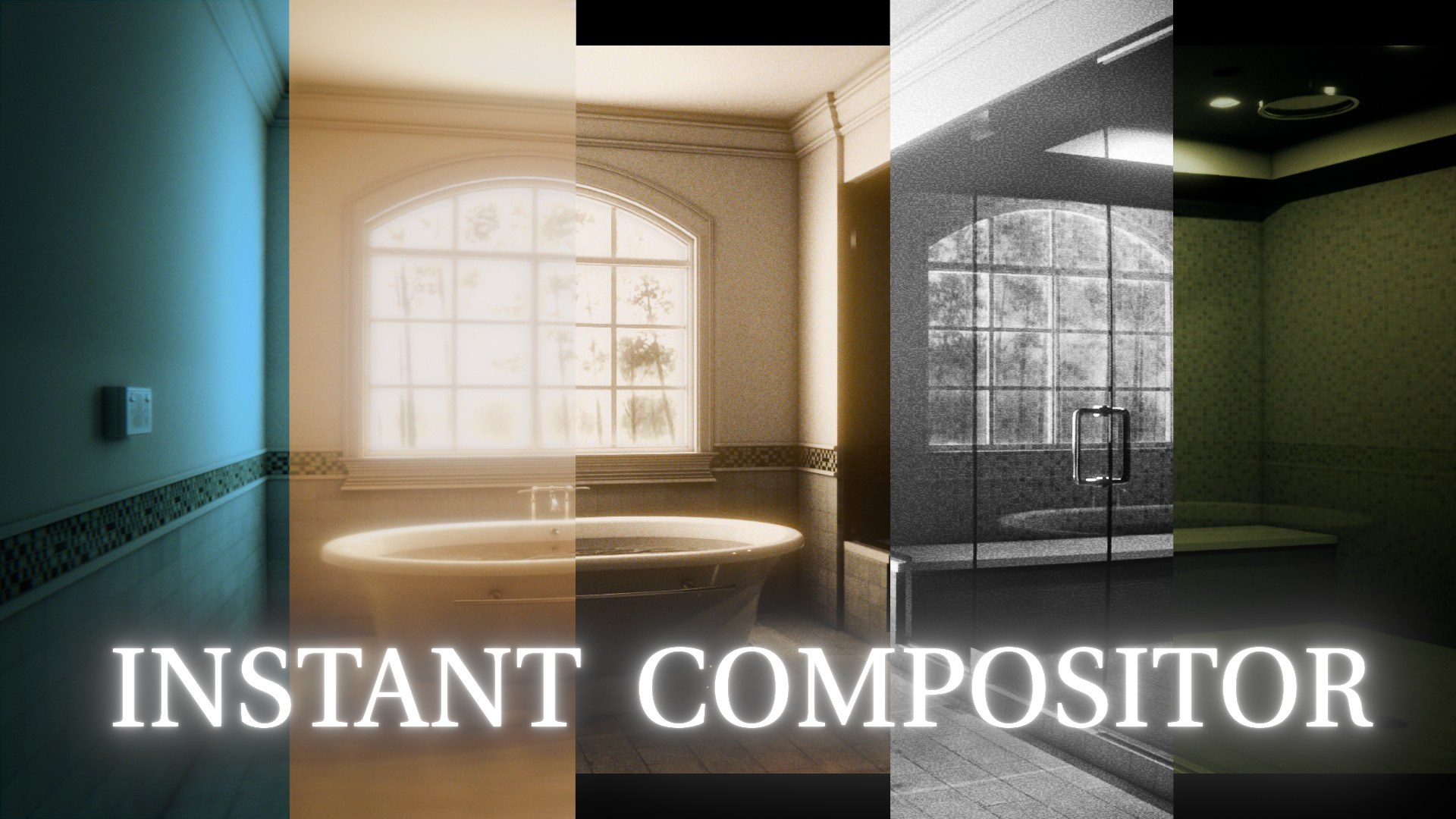
Completely composite any scene in seconds, and instantly import a wide variety of useful tools to elevate your work!
Categories
Tags
- aberration
- Add-on
- After
- anamorphic
- beginner
- bloom
- bundle
- chromatic
- cinematic
- color
- color grading
- colour
- composite
- Compositing
- composition
- compositor
- compositor node
- compositor-nodes
- Cycles
- dirt
- easy
- eevee
- effects
- efficient
- enhance
- Fast
- film
- glare
- Glow
- grading
- group
- high-quality
- instant
- lens
- Node
- nodes
- post
- Post-Processing
- preset
- presets
- PRO
- processing
- professional
- quality
- Render
- simple
- style
- tone
- tools
- vignette
Installation
- Download Instant Compositor and check which Blender versions the creator supports. Keep the installable archive (for example,
Instant_Compositor.zip) intact. If the download is a bundle, extract it first to find the add-on archive. - In Blender, go to Edit → Preferences → Add-ons. In Blender 4.2 and newer, open the top-right menu and choose Install from Disk. In older versions, click Install….
- Select the add-on archive (for example,
Instant_Compositor.zip) or its standalone.pyfile and confirm the installation. - Find the add-on in the Add-ons list and tick its checkbox if it isn’t already enabled.
Check the creator’s instructions for any extra setup, such as dependencies or license activation.
Compare with other products
Choose a category to find products to compare with this listing.
Product versions
-
InstantCompositor_1.3.0 published
Created Oct 9, 2024 · Published Oct 9, 2024
Release notes (source)
"Load tool" button now loads the correct node group for Light Group Grade.
-
InstantCompositor_1.2.0 published
Created Oct 2, 2024 · Published Oct 2, 2024
Release notes (source)
- Added 9 more presets (numbers 16 - 24)
- Anamorphic control on Glow tool now makes a difference between 0.5 and 1
- Added Source Mask input on Glow tool
- Added Anamorphic Streak tool
-
InstantCompositor_1.1.0 published
Created Sep 30, 2024 · Published Sep 30, 2024
Release notes (source)
Fixed Quick Background tool's inverted alpha channel
Fixed the default blue scale value in the Chromatic Aberration tool
Overall improvements to organisation and presentation of tool node graphs
Added Light Group Grading tool
Added controls for better customisation of Film Scratches tool
Added multiple outputs for several tools for ease of use
Replaced "effect only" control on Glow with a "Glow" output
-
InstantCompositor_1.0.0 published
Created Sep 30, 2024 · Published Sep 27, 2024
Release notes (source)
Initial release