Product listing
IconLift: SVG & PNG Icon Sets to 3D Icons, Every Export in One Click
By Zakharchuk Mykhailo ·
$20.00 On sale
List price: $29.00
Listing details
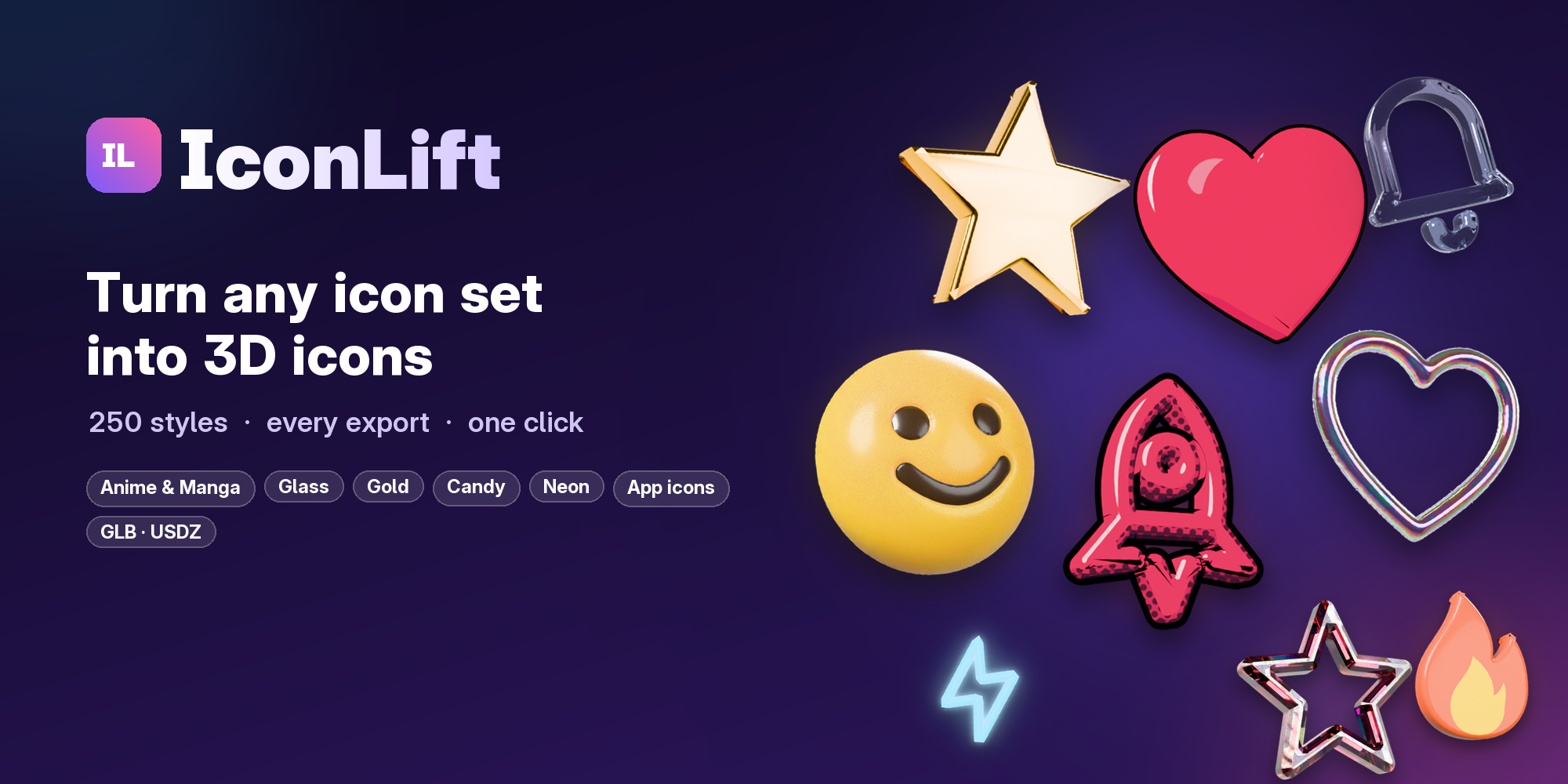
Blender add-on that turns whole SVG and PNG icon sets into consistent 3D icons in 250 styles, animates them and exports app icons, web icons, Figma files and 3D models in one click.
Categories
Tags
Installation
- Download IconLift: SVG & PNG Icon Sets to 3D Icons, Every Export in One Click and check which Blender versions the creator supports. Keep the installable archive (for example,
IconLift:_SVG_&_PNG_Icon_Sets_to_3D_Icons,_Every_Export_in_One_Click.zip) intact. If the download is a bundle, extract it first to find the add-on archive. - In Blender, go to Edit → Preferences → Add-ons. In Blender 4.2 and newer, open the top-right menu and choose Install from Disk. In older versions, click Install….
- Select the add-on archive (for example,
IconLift:_SVG_&_PNG_Icon_Sets_to_3D_Icons,_Every_Export_in_One_Click.zip) or its standalone.pyfile and confirm the installation. - Find the add-on in the Add-ons list and tick its checkbox if it isn’t already enabled.
Check the creator’s instructions for any extra setup, such as dependencies or license activation.
Compare with other products
Choose a category to find products to compare with this listing.
Product versions
-
1.1.1 published
Created Nov 11, 2026 · Published Nov 11, 2026
Release notes (source)
<p><strong>60 animations in 7 groups</strong> (were 10): Idle Loops (float, pulse, swing, breathe, orbit, figure eight, sway, rock, wobble), Attention (wiggle, heartbeat, shake, nod, head shake, tada, rubber band, bell ring, vibrate, wave), UI & Buttons (press, lift, toggle, like, download, upload, refresh, loading), In & Out (pop in, zoom in, spin in, flip in, drop in, slide in, rise in, swirl in, unfold), Bouncy & Fun (bounce, jelly, squash jump, hop, boing, dizzy, celebrate, backflip, roll, pendulum), Comic & Impact (impact, smash, recoil, dash, shock, glitch) and 3D Turns (hover, spin, flip, tumble, peek, flip loop, swivel, vertical flip). One menu shows them all, the arrows step through them, a button tries a random one (from a group, in the menu).</p><ul><li>Animations play with Auto Run Python Scripts off: every driver is now a simple expression of the frame (1.0 and 1.1 used one Blender only runs as a Python script, so a saved file could open without its animation).</li><li>Animated icons get room for their motion: a jump, a swing or a dash stays in the picture (the icon is drawn a little smaller in its loop, a third smaller at most).</li><li>Pictures and exports always show the icon at rest, whatever the animation does on the current frame.</li></ul>
-
1.1.0 published
Created Nov 11, 2026 · Published Nov 11, 2026
Release notes (source)
<p>250 ready styles in 16 categories (was 23): Anime & Manga, Comic & Cartoon, Sketch & Paper, Toy & Plastic, Soft & Cute, Glass & Crystal, Metal & Luxury, Neon & Sci-Fi, Holo & Iridescent, App Icons & Tiles, Natural Materials, Candy & Food, Retro & Pixel, Isometric & Blocks, Flat & Minimal, Stickers & Badges. The gallery shows one category at a time, and a button tries a random style.</p><p>Drawn looks for anime, manga and comics: cel shading, screentone, halftone, pop-art dots and pencil hatching (16 looks). Ink lines around every icon, any width, in black or a darker shade of each icon's own colors.</p><p>34 new materials (73 in all): jelly, gummy, ice, crystal, soap bubble, wood, marble, stone, leather, fabric, carbon fiber, glitter, velvet, bronze, brass, titanium, black chrome, rust, patina, hologram, lava, opal, enamel and more. Holo foil now shows a real rainbow.</p><p>Fixed: icons whose paths are drawn clockwise came out inside-out, which showed in 3D models seen with backface culling (games, AR). Tested on Blender 5.0.1, 5.1.2, 5.2.2 and 5.3.0.</p>
-
1.0.0 published
Created Nov 11, 2026 · Published Nov 11, 2026
Release notes (source)
<p>First public release.</p>