Product listing
Greenscreen Within Eevee Pro
By Mike Futcher ·
$5.00
List price: $5.00
Listing details
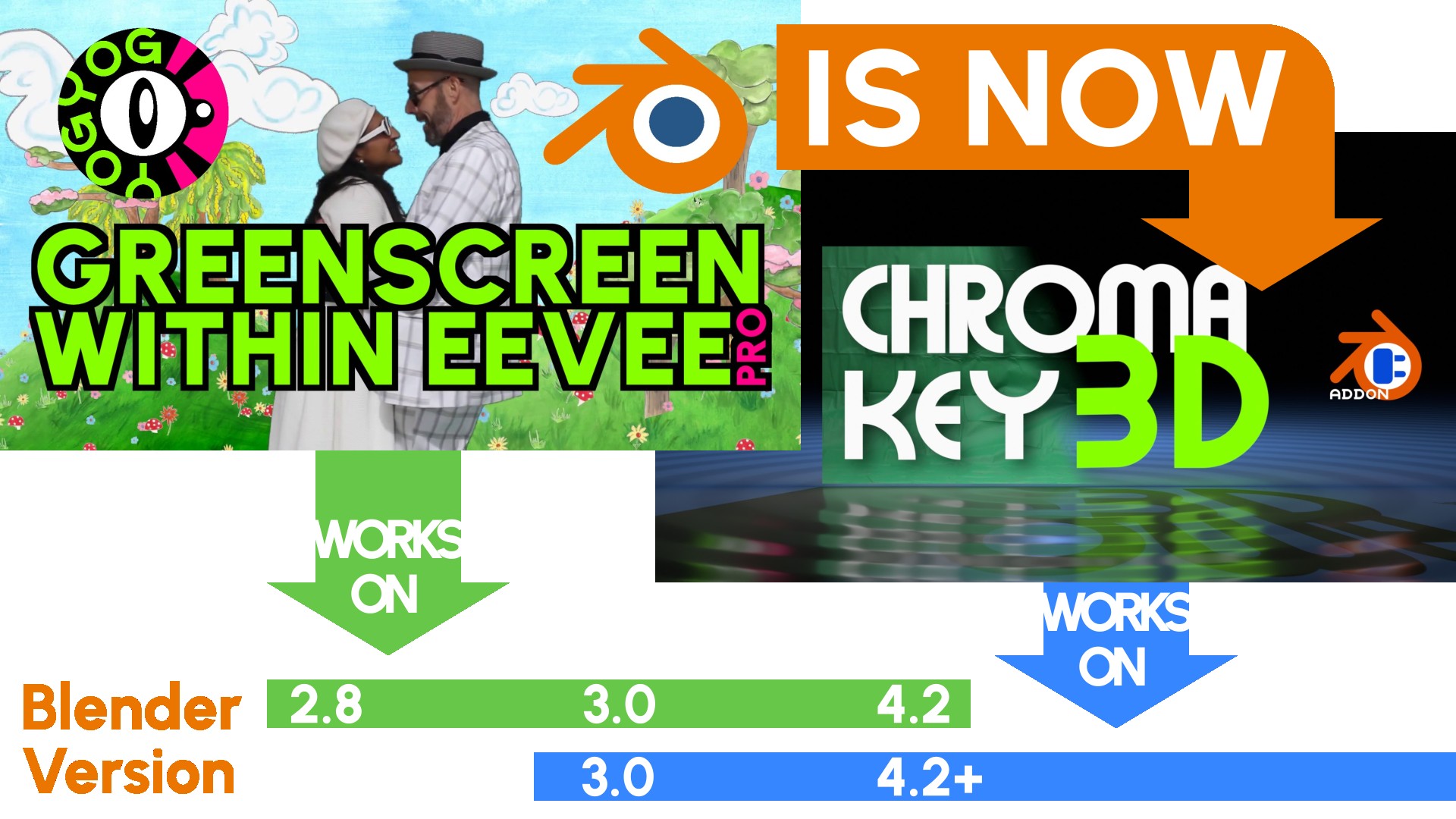
Film on still camera, create camera moves in 3D Designed for cheap greenscreens Works on any screen colour Eevee or Cycles Reacts to scene lighting Quality Chroma keying
Categories
Tags
Installation
- Download Greenscreen Within Eevee Pro and check which Blender versions the creator supports. Keep the installable archive (for example,
Greenscreen_Within_Eevee_Pro.zip) intact. If the download is a bundle, extract it first to find the add-on archive. - In Blender, go to Edit → Preferences → Add-ons. In Blender 4.2 and newer, open the top-right menu and choose Install from Disk. In older versions, click Install….
- Select the add-on archive (for example,
Greenscreen_Within_Eevee_Pro.zip) or its standalone.pyfile and confirm the installation. - Find the add-on in the Add-ons list and tick its checkbox if it isn’t already enabled.
Check the creator’s instructions for any extra setup, such as dependencies or license activation.
Compare with other products
Choose a category to find products to compare with this listing.