Product listing
Gamebridge Pro
By Mykola Piatkov ·
$9.99
List price: $9.99
Listing details
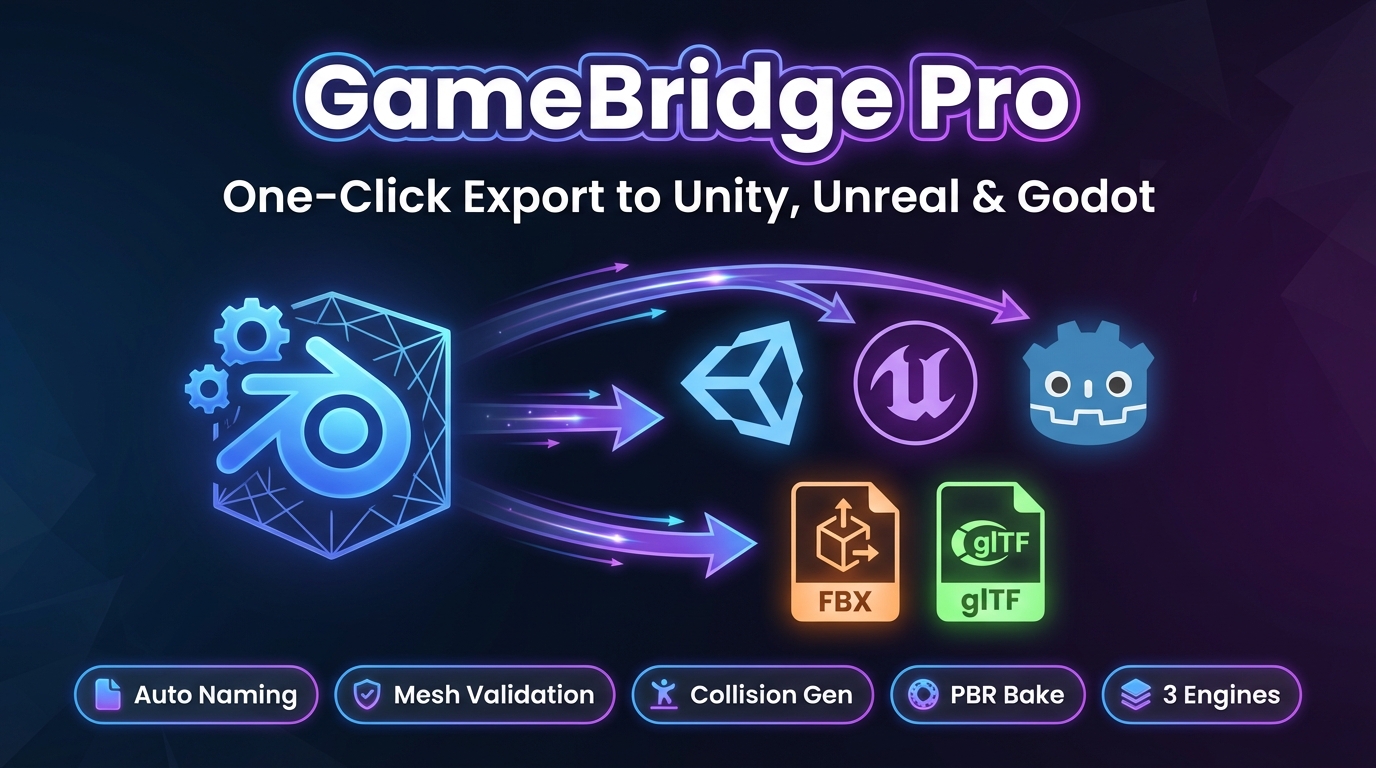
Naming conventions, collision shapes, mesh validation and PBR baking for Unity, Unreal and Godot — settled in one sidebar panel inside Blender, before the asset ever reaches the engine.
Categories
Tags
Installation
- Download Gamebridge Pro and check which Blender versions the creator supports. Keep the installable archive (for example,
Gamebridge_Pro.zip) intact. If the download is a bundle, extract it first to find the add-on archive. - In Blender, go to Edit → Preferences → Add-ons. In Blender 4.2 and newer, open the top-right menu and choose Install from Disk. In older versions, click Install….
- Select the add-on archive (for example,
Gamebridge_Pro.zip) or its standalone.pyfile and confirm the installation. - Find the add-on in the Add-ons list and tick its checkbox if it isn’t already enabled.
Check the creator’s instructions for any extra setup, such as dependencies or license activation.
Compare with other products
Choose a category to find products to compare with this listing.
Product versions
-
1.0.3 published
Created Oct 6, 2026 · Published Oct 6, 2026
Release notes (source)
<p>Selected Only now works. On: only the selected meshes are exported, as before. Off: every mesh visible in the scene is exported; hidden objects stay out, and collision meshes come with their parent through Include Collision. Validation, Enforce Naming (which renames the objects in your scene) and texture baking run on everything that goes into the file, so with Selected Only off they cover every visible mesh. Before, the setting was not read and the file always held the selection.</p><p>Your selection and active object are put back after the export.</p>
-
1.0.2 published
Created Oct 2, 2026 · Published Oct 2, 2026
Release notes (source)
<p>Maintenance release. The package now ships an updated README (install steps for Blender 4.2 and later, uninstall).</p><p>Minimum Blender is now 4.2 LTS (earlier builds were tested on 3.x; 4.2 is what we test on).</p><p>No changes to the tools. Verified from the installed archive on Blender 4.2.9 and 5.2.0.</p>
-
1.0.1 published
Created Sep 23, 2026 · Published Sep 23, 2026
Release notes (source)
<p><strong>Godot export fixed.</strong> The modifier switch was sent to the glTF exporter under the FBX name, so Blender refused the export call and no file was written. Godot exports now work on Blender 4.2.9, 5.1.0, 5.2.0, 5.2.1 and 5.2.2.</p><p><strong>Names keep their Godot suffix and their capitals.</strong> A mesh called Wall-col — the suffix Godot reads to build a collider — was renamed to allcol: the hyphen was dropped and the first letter with it. The suffixes -col, -colonly, -convcol, -convcolonly, -navmesh, -occ, -occonly, -rigid, -vehicle, -wheel and -noimp are now preserved exactly, capitals are converted instead of deleted, and a mesh that already carries a suffix is not given a second one.</p><p>Unity and Unreal exports are unchanged. Every release is checked by a run that reads the node names back out of the exported file.</p>