Product listing
FDM Print Animator
By Alberto Leuro ·
$14.99
List price: $14.99
Listing details
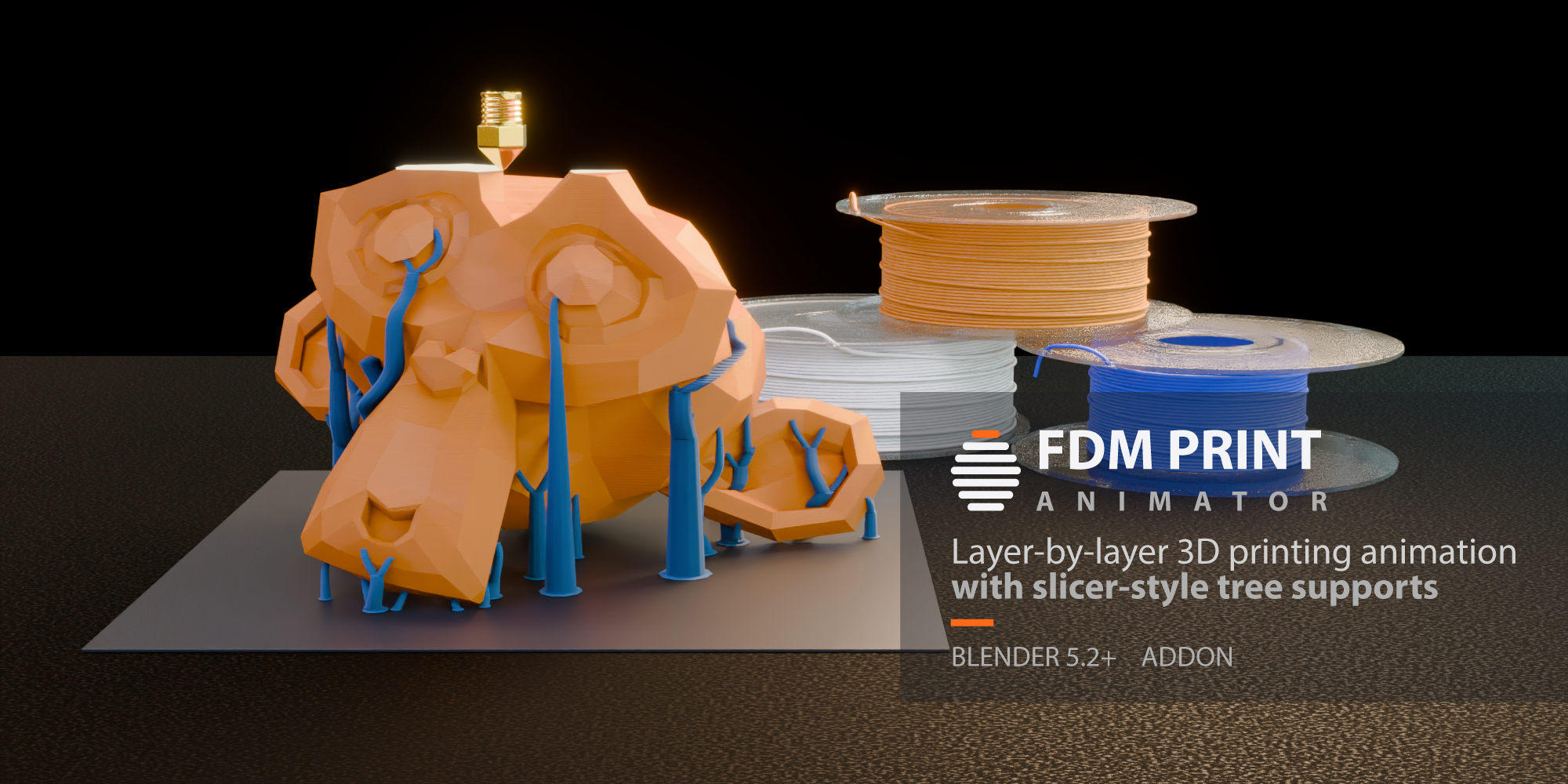
Create stunning layer-by-layer 3D printing animations in Blender with realistic nozzle motion, hot filament glow, and slicer-style supports. Perfect for makers, print sellers, and product content creators.
Categories
Tags
Installation
- Download FDM Print Animator and check which Blender versions the creator supports. Keep the installable archive (for example,
FDM_Print_Animator.zip) intact. If the download is a bundle, extract it first to find the add-on archive. - In Blender, go to Edit → Preferences → Add-ons. In Blender 4.2 and newer, open the top-right menu and choose Install from Disk. In older versions, click Install….
- Select the add-on archive (for example,
FDM_Print_Animator.zip) or its standalone.pyfile and confirm the installation. - Find the add-on in the Add-ons list and tick its checkbox if it isn’t already enabled.
Check the creator’s instructions for any extra setup, such as dependencies or license activation.
Compare with other products
Choose a category to find products to compare with this listing.
Product versions
-
fdm_print 1.16.8 published
Created Aug 15, 2026 · Published Aug 15, 2026
Release notes (source)
<h2 style="font-family: -apple-system, BlinkMacSystemFont, "Segoe UI", Roboto, Helvetica, Arial, sans-serif; margin: 0px 0px 10px; font-size: 27px; line-height: 1.25; color: rgb(34, 38, 43);">What was fixed</h2><p style="font-family: -apple-system, BlinkMacSystemFont, "Segoe UI", Roboto, Helvetica, Arial, sans-serif; margin: 0px 0px 20px; font-size: 17px; line-height: 1.7; color: rgb(58, 65, 72);">All of these came from real use, and all of them were the kind of small thing that quietly gets in the way.</p><ul style="font-family: -apple-system, BlinkMacSystemFont, "Segoe UI", Roboto, Helvetica, Arial, sans-serif; margin: 0px 0px 30px; padding-left: 22px; font-size: 17px; line-height: 1.75; color: rgb(58, 65, 72);"><li style="margin-bottom: 12px;"><strong style="color: rgb(34, 38, 43);">Using your own nozzle model now works.</strong> Pick any object and it is fitted to the print for you — tip on the layer, right size — and applied straight away.</li><li style="margin-bottom: 12px;"><strong style="color: rgb(34, 38, 43);">The Hot Band switch responds immediately.</strong> Turning the glow off no longer needed a second button press to take effect.</li><li style="margin-bottom: 12px;"><strong style="color: rgb(34, 38, 43);">The Surface Detail dials do something you can see.</strong> They were wired up but far too quiet; their range has been recalibrated, and the default look is unchanged.</li><li style="margin-bottom: 12px;"><strong style="color: rgb(34, 38, 43);">Reset Settings to Defaults leaves a working print.</strong> It now takes the rig apart, restores the factory values and prepares the print again from scratch.</li><li style="margin-bottom: 0px;"><strong style="color: rgb(34, 38, 43);">One click folds or unfolds the whole panel.</strong> And the panel opens folded every time, whatever you left open.</li></ul>
-
fdm_print - 1.16.2 unlisted
Created Aug 15, 2026 · Published Aug 14, 2026
Release notes (source)
<p><br></p>