Product listing
Easy Purge
By Mightyiest ·
$1.00
List price: $1.00
Listing details
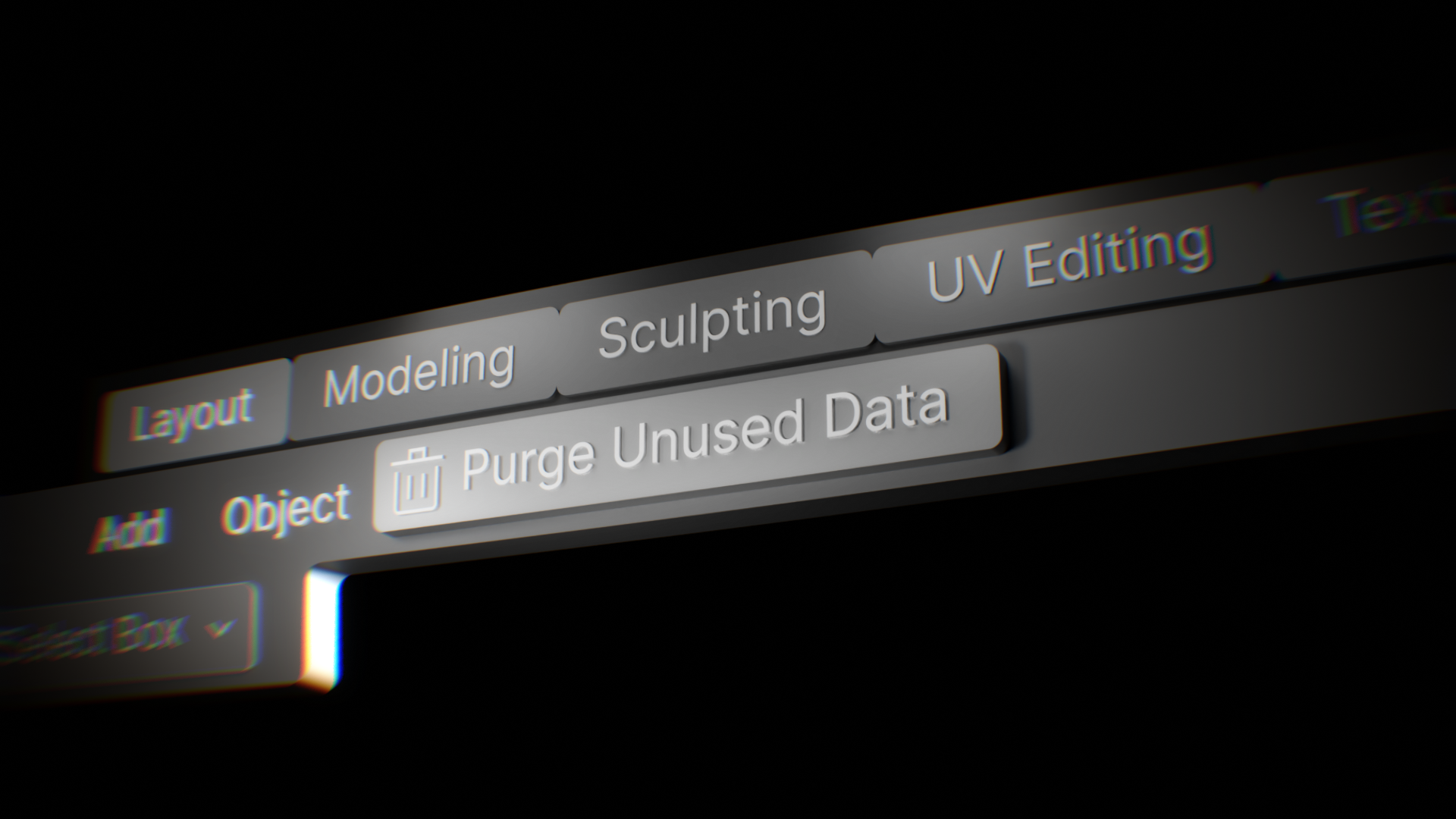
Keep your Blender projects clean, optimized, and bloat-free with a single click.
Categories
Tags
Installation
- Download Easy Purge and check which Blender versions the creator supports. Keep the installable archive (for example,
Easy_Purge.zip) intact. If the download is a bundle, extract it first to find the add-on archive. - In Blender, go to Edit → Preferences → Add-ons. In Blender 4.2 and newer, open the top-right menu and choose Install from Disk. In older versions, click Install….
- Select the add-on archive (for example,
Easy_Purge.zip) or its standalone.pyfile and confirm the installation. - Find the add-on in the Add-ons list and tick its checkbox if it isn’t already enabled.
Check the creator’s instructions for any extra setup, such as dependencies or license activation.
Compare with other products
Choose a category to find products to compare with this listing.
Product versions
-
Easy Purge 2.0 published
Created May 9, 2026 · Published May 9, 2026
Release notes (source)
<h1 class="text-text-100 mt-3 -mb-1 text-[1.375rem] font-bold">Easy Purge — v2.0.0 Update Summary</h1>
<p class="font-claude-response-body break-words whitespace-normal leading-[1.7]"><strong>Author:</strong> Mightyiest
<strong>Blender Compatibility:</strong> 3.6.0 – 5.x
<strong>Location:</strong> View3D > UI > Easy Purge</p>
<hr class="border-border-200 border-t-0.5 my-3 mx-1.5">
<h2 class="text-text-100 mt-3 -mb-1 text-[1.125rem] font-bold">What's New</h2>
<h3 class="text-text-100 mt-2 -mb-1 text-base font-bold">Introducing <span style="font-size:2rem;">N-Panel !!</span>
</h3>
<h3 class="text-text-100 mt-2 -mb-1 text-base font-bold">Dry Run Preview</h3>
<p class="font-claude-response-body break-words whitespace-normal leading-[1.7]">A new <strong>🔍 button</strong> sits next to the purge button. Click it to see exactly how many orphaned data-blocks would be removed, broken down by category, before committing to anything. The preview opens as a non-blocking floating panel so it doesn't cover the buttons behind it.</p>
<h3 class="text-text-100 mt-2 -mb-1 text-base font-bold">Per-Category Control</h3>
<p class="font-claude-response-body break-words whitespace-normal leading-[1.7]">Choose which data types to include in the purge: Meshes, Materials, Textures, Images, Armatures, Actions, Cameras, Lights, Node Groups, Collections, Fonts, and Curves. Defaults live in <strong>Addon Preferences</strong> and can be toggled directly in the N-panel.</p>
<h3 class="text-text-100 mt-2 -mb-1 text-base font-bold">Exclude by Name Pattern</h3>
<p class="font-claude-response-body break-words whitespace-normal leading-[1.7]">A comma-separated <strong>Exclude Patterns</strong> field lets you protect specific data-blocks from being purged. Matching is case-insensitive and checks prefixes, suffixes, and substrings — e.g. <code class="bg-text-200/5 border border-0.5 border-border-300 text-danger-000 whitespace-pre-wrap rounded-[0.4rem] px-1 py-px text-[0.9rem]">_keep, lib_</code> will protect anything named <code class="bg-text-200/5 border border-0.5 border-border-300 text-danger-000 whitespace-pre-wrap rounded-[0.4rem] px-1 py-px text-[0.9rem]">mat_keep</code>, <code class="bg-text-200/5 border border-0.5 border-border-300 text-danger-000 whitespace-pre-wrap rounded-[0.4rem] px-1 py-px text-[0.9rem]">lib_base</code>, and so on.</p>
<h3 class="text-text-100 mt-2 -mb-1 text-base font-bold">Auto-Purge on Save</h3>
<p class="font-claude-response-body break-words whitespace-normal leading-[1.7]">An opt-in toggle (off by default) that silently purges unused data before every file save. Fully respects your category toggles and exclude patterns. No popup interruption.</p>
<h3 class="text-text-100 mt-2 -mb-1 text-base font-bold">Purge History Log</h3>
<p class="font-claude-response-body break-words whitespace-normal leading-[1.7]">A collapsible <strong>Purge History</strong> sub-panel in the N-panel logs every purge session for the current Blender session, including:</p>
<ul class="[li_&]:mb-0 [li_&]:mt-1 [li_&]:gap-1 [&:not(:last-child)_ul]:pb-1 [&:not(:last-child)_ol]:pb-1 list-disc flex flex-col gap-1 pl-8 mb-3">
<li class="font-claude-response-body whitespace-normal break-words pl-2">Timestamp</li>
<li class="font-claude-response-body whitespace-normal break-words pl-2">Total data-blocks removed</li>
<li class="font-claude-response-body whitespace-normal break-words pl-2">Per-category breakdown</li>
<li class="font-claude-response-body whitespace-normal break-words pl-2">File size freed (for saved <code class="bg-text-200/5 border border-0.5 border-border-300 text-danger-000 whitespace-pre-wrap rounded-[0.4rem] px-1 py-px text-[0.9rem]">.blend</code> files)</li>
<li class="font-claude-response-body whitespace-normal break-words pl-2">Auto badge for saves triggered automatically</li>
</ul>
<p class="font-claude-response-body break-words whitespace-normal leading-[1.7]">Up to 50 entries are kept. A <strong>Clear History</strong> button resets the log.</p>
<h3 class="text-text-100 mt-2 -mb-1 text-base font-bold">File Size Delta Reporting</h3>
<p class="font-claude-response-body break-words whitespace-normal leading-[1.7]">After each purge, the addon compares the <code class="bg-text-200/5 border border-0.5 border-border-300 text-danger-000 whitespace-pre-wrap rounded-[0.4rem] px-1 py-px text-[0.9rem]">.blend</code> file size before and after and records how much disk space was freed. Shown in the history log per session.</p>
<hr class="border-border-200 border-t-0.5 my-3 mx-1.5">
<h2 class="text-text-100 mt-3 -mb-1 text-[1.125rem] font-bold">N-Panel Layout</h2>
<div class="overflow-x-auto w-full px-2 mb-6"><table class="min-w-full border-collapse text-sm leading-[1.7] whitespace-normal">
<thead class="text-left"><tr>
<th scope="col" class="text-text-100 border-b-0.5 border-border-300/60 py-2 pr-4 align-top font-bold">Section</th>
<th scope="col" class="text-text-100 border-b-0.5 border-border-300/60 py-2 pr-4 align-top font-bold">Contents</th>
</tr></thead>
<tbody>
<tr>
<td class="border-b-0.5 border-border-300/30 py-2 pr-4 align-top"><strong>Actions</strong></td>
<td class="border-b-0.5 border-border-300/30 py-2 pr-4 align-top">Purge Unused Data button + Dry Run (🔍) button</td>
</tr>
<tr>
<td class="border-b-0.5 border-border-300/30 py-2 pr-4 align-top"><strong>Quick Settings</strong></td>
<td class="border-b-0.5 border-border-300/30 py-2 pr-4 align-top">Auto-Purge on Save toggle, Exclude Patterns field</td>
</tr>
<tr>
<td class="border-b-0.5 border-border-300/30 py-2 pr-4 align-top"><strong>Categories</strong></td>
<td class="border-b-0.5 border-border-300/30 py-2 pr-4 align-top">Per-type checkboxes (2-column grid)</td>
</tr>
<tr>
<td class="border-b-0.5 border-border-300/30 py-2 pr-4 align-top"><strong>Purge History</strong></td>
<td class="border-b-0.5 border-border-300/30 py-2 pr-4 align-top">Collapsible log of past sessions</td>
</tr>
</tbody>
</table></div>
<hr class="border-border-200 border-t-0.5 my-3 mx-1.5">
<h2 class="text-text-100 mt-3 -mb-1 text-[1.125rem] font-bold">Bug Fixes (from v1.x)</h2>
<ul class="[li_&]:mb-0 [li_&]:mt-1 [li_&]:gap-1 [&:not(:last-child)_ul]:pb-1 [&:not(:last-child)_ol]:pb-1 list-disc flex flex-col gap-1 pl-8 mb-3">
<li class="font-claude-response-body whitespace-normal break-words pl-2">
<code class="bg-text-200/5 border border-0.5 border-border-300 text-danger-000 whitespace-pre-wrap rounded-[0.4rem] px-1 py-px text-[0.9rem]">self.render</code> corrected to <code class="bg-text-200/5 border border-0.5 border-border-300 text-danger-000 whitespace-pre-wrap rounded-[0.4rem] px-1 py-px text-[0.9rem]">context.scene.render</code> in preset update callbacks</li>
<li class="font-claude-response-body whitespace-normal break-words pl-2">Removed blocking confirmation dialog that fired before every purge</li>
<li class="font-claude-response-body whitespace-normal break-words pl-2">Removed post-purge popup that interrupted the workspace after every clean</li>
</ul>
-
EasyPurge_1.4.1 published
Created May 9, 2026 · Published May 9, 2026
Release notes (source)
<p><br></p>