Product listing
DimFlow - Animated CAD Dimensions & Measurements
By Amir Sharoleslam ·
Price not listed
Listing details
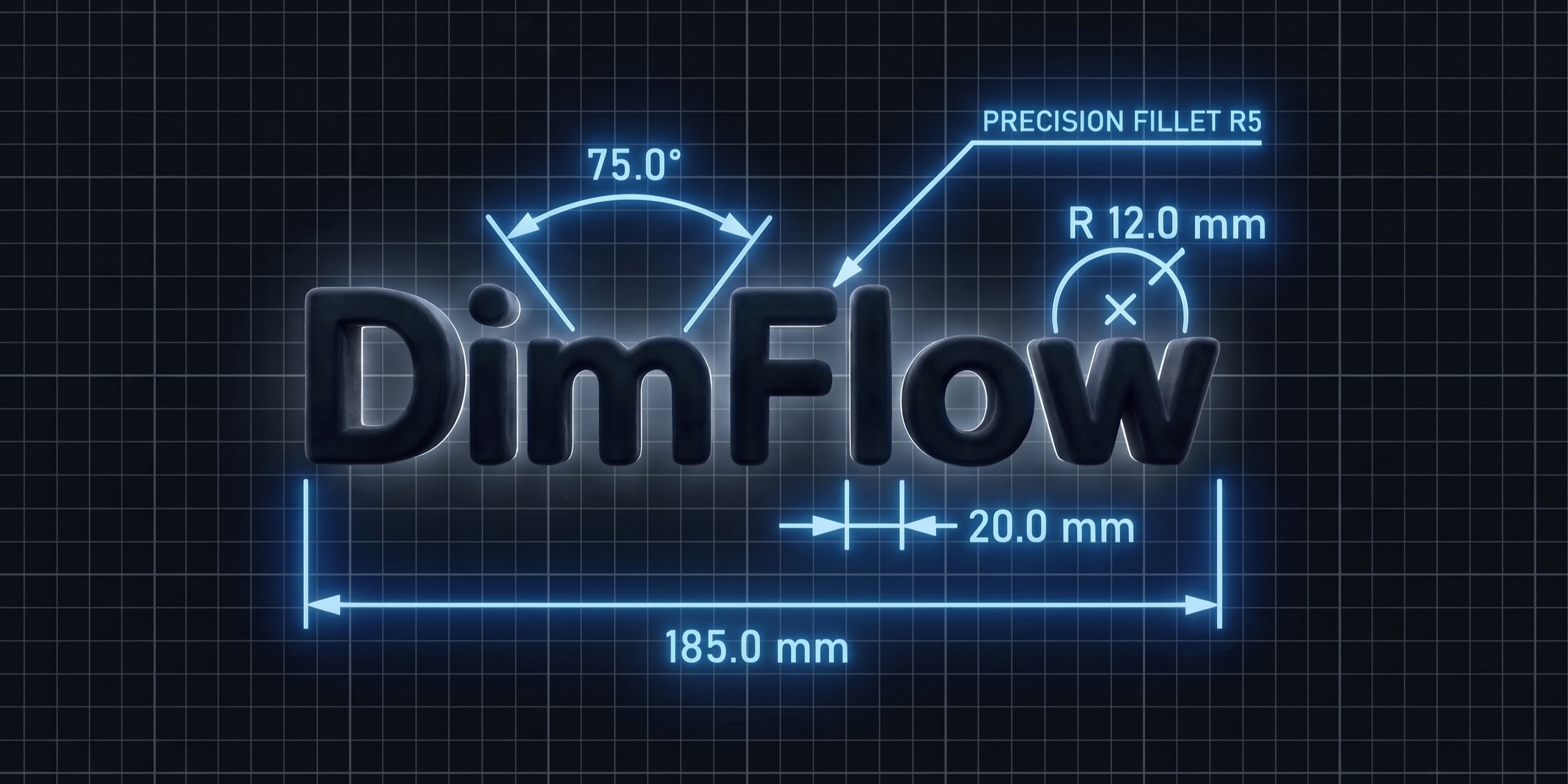
Dimensions that follow your model. Linear, Angular, Radius and Annotation callouts that stay attached as you edit — with live measurements, reveal animations and Blueprint View. Built entirely in Geometry Nodes.
Categories
Tags
Compare with other products
Choose a category to find products to compare with this listing.
Variants
-
Full Add-on disabled
Price: $19.00 · List price: $19.00
Variant versions
-
2.5.1 published
Created Nov 6, 2026 · Published Nov 6, 2026
Release notes (source)
<p>DimFlow 2.5.1 — free update for all owners</p><p>Old scenes upgrade themselves on load. Your values, links and keyframes survive untouched.</p><p>FIXES</p><p>- Fixed two causes of crashes during animation renders — DimFlow no longer touches scene data while a render is running</p><p>- Hidden labels no longer cost anything to evaluate, so scenes with long notes play back about 10× faster</p><p>- Dimensions now respect the scene's Unit Scale. A scene at Unit Scale 0.1 used to show 1 unit as 100 cm where Blender itself says 10 cm</p><p>- In Straight mode, the sidebar Length now matches the label, and typing a value moves the point along the straight axis</p><p>IMPROVEMENTS</p><p>- New dimensions are created on the selected object's origin instead of at the 3D cursor. A Linear is centred on it; with nothing selected, it is centred on the 3D cursor</p><p>- Leading spaces in an annotation now shift the text and extend the plate</p><p>NEW</p><p>- Padding Left and Padding Right on the label plate, for one-sided padding</p><p>Eevee and Cycles · Windows, macOS, Linux</p>
-
2.5.0 published
Created Aug 11, 2026 · Published Aug 11, 2026
Release notes (source)
<p>DimFlow 2.5 — free update for all owners</p><p><br></p><p>Old scenes upgrade themselves on load. Your values, links and keyframes survive untouched.</p><p><br></p><p><br></p><p>DIMENSIONS NOW DRIVE THE MODEL</p><p><br></p><p>Type a length, angle, radius or diameter into the sidebar and the model moves until the measurement really is that number. The bound vertex or object slides, turns or scales to match.</p><p><br></p><p>- A pin picks which end holds still — first point, second point, or the middle so both ends move out evenly</p><p>- Driving a radius resizes the whole ring, so the circle keeps its shape and its plane</p><p>- Works on Linear, Angular and Radius, on any dimension bound to geometry</p><p><br></p><p><br></p><p>STRAIGHT DIMENSIONS</p><p><br></p><p>- Straight — draw the Linear dimension line flat along a world axis, with the extension lines reaching each point separately at their own lengths. The reading becomes the distance along that axis</p><p>- Straight Axis — Auto, or force X, Y or Z when the span is nearly square</p><p><br></p><p><br></p><p>STYLE PRESETS</p><p><br></p><p>- Save a complete look — colour, text, thickness, materials, plate settings, arrows — and apply it to any dimension with one click</p><p>- Pin a preset as the default so every new dimension is born with your style</p><p>- Shared across all four types, and stored with Blender rather than the .blend, so they follow you between projects</p><p><br></p><p><br></p><p>SMARTER PLACEMENT</p><p><br></p><p>- Measure between two objects in Edit Mode — pick one vertex on each and the dimension tracks both</p><p>- Select a whole circle in Edit Mode and Radius fits it, in the circle's own plane</p><p>- New dimensions are built flat in the view you are working in, instead of always facing front</p><p>- An annotation added in Object Mode now hangs on the selected object</p><p><br></p><p><br></p><p>PLACEMENT AND CONTROLS</p><p><br></p><p>- Three independent offsets — Distance Offset (across), Sideway Offset (along) and Normal Offset (off the drawing plane) on Linear, plus Normal Offset on Angular and Radius</p><p>- Offset X / Y on the Bind modifier to nudge a bound callout off the surface it sits against</p><p>- Extension Line 1 and 2 — hide either side of a Linear dimension on its own</p><p>- Text Offset X on all four types</p><p>- Roughness / Strength — one plate control, roughness on glass materials and emission strength on emissive ones</p><p>- Show Image and Show Text Background are now collapsible panels with their own header checkbox, and their controls grey out when switched off</p><p><br></p><p><br></p><p>FIXES</p><p><br></p><p>- 180° angles now work, and the label flips itself when Reflex Angle is switched on</p><p>- Face Camera now faces the camera squarely at any camera roll</p><p>- Angle measurement rewritten with atan2 — the old method lost precision near 0° and 180°</p><p>- Arrow and dot heads are smooth-shaded, and the leader now lands on the centre of the dot</p><p>- Extension lines grow out of the arrow points during a reveal, rather than from their far ends</p><p>- Radius callouts sit exactly in the circle's plane instead of a hair off it</p><p><br></p><p><br></p><p>RENAMED</p><p><br></p><p>Offset Distance is now Distance Offset, and Offset Sideways is now Sideway Offset, so the three offsets read together. Your saved values carry across automatically.</p><p><br></p><p><br></p><p>Eevee and Cycles · Windows, macOS, Linux</p>
-
2.0.0 published
Created Aug 3, 2026 · Published Aug 3, 2026
Release notes (source)
<p>DimFlow 2.0 — Live Dimensions</p><p><br></p><p>Dimensions now stay attached to what they measure. Move the object, drag a</p><p>vertex, edit the mesh — the callout follows and the value updates with it.</p><p><br></p><p>NEW</p><p>- Live tracking — dimensions follow the objects and vertices they were built</p><p> on, in Object Mode and while you're editing</p><p>- Measure between objects — select two objects for a Linear dimension between</p><p> their origins, three for an Angular with the active object as the corner</p><p>- Automatic circle detection — drop a Radius on a circle or cylinder and it</p><p> finds the real radius, drawn in that face's own plane</p><p>- True Diameter mode — the leader now spans the full circle with arrowheads at</p><p> both ends, instead of only doubling the number</p><p>- Units follow your scene — switch to Imperial and every dimension follows,</p><p> unless you set one by hand</p><p>- Second pointer on annotations — one label calling out two features</p><p>- Image plate on annotations — logo, warning symbol or a photo of the part,</p><p> aspect-correct and tied to the landing line</p><p>- Bevelled label plates — adjustable segments and smooth shading</p><p>- Liquid Glass materials for the label plate, in Eevee and Cycles builds</p><p>- Ruler style on annotations, plus separate horizontal and vertical text offsets</p><p><br></p><p>IMPROVED</p><p>- The annotation label holds still while you aim the leader</p><p>- Negative text offset drops the label under the landing line</p><p>- File upgrades now carry settings across by name rather than by position, so</p><p> your values survive as the add-on grows new controls</p><p><br></p><p>REQUIRES</p><p>Eevee and Cycles. Windows, macOS, Linux.</p><p>Free update for existing owners — old scenes upgrade themselves on load.</p>
-