Product listing
Dark Matter — Blender Theme
By Enrico Bramini ·
$4.99
List price: $4.99
Listing details
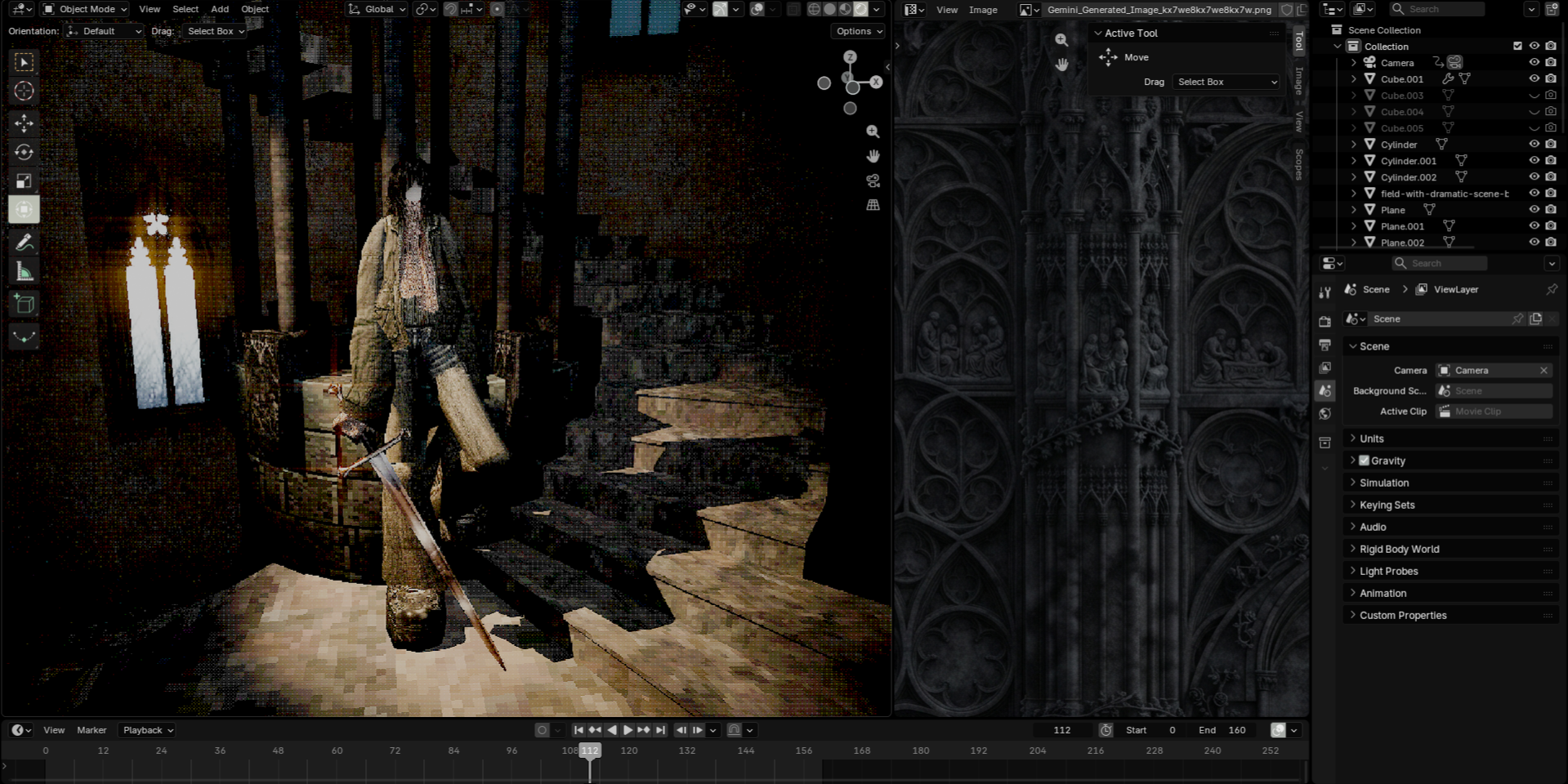
Dark Matter — Blender Theme Enter the dark. Dark Matter is a sleek, deep-black theme for Blender designed for artists who prefer a darker, cleaner and more immersive workspace. Built around near-black tones and subtle contrasts, Dark Matter reduces visual distractions while keeping Blender's interface clear and comfortable to work with. Features Deep black interface Minimal and clean aesthetic Subtle contrast for better readability Designed for long creative sessions Works across Blender's main interface Perfect for dark-mode enthusiasts Whether you're modeling, sculpting, animating or rendering, Dark Matter gives Blender a darker, more focused atmosphere. Less noise. More focus
Categories
Tags
Installation
- Download Dark Matter — Blender Theme and check which Blender versions the creator supports. Keep the installable archive (for example,
Dark_Matter_—_Blender_Theme.zip) intact. If the download is a bundle, extract it first to find the add-on archive. - In Blender, go to Edit → Preferences → Add-ons. In Blender 4.2 and newer, open the top-right menu and choose Install from Disk. In older versions, click Install….
- Select the add-on archive (for example,
Dark_Matter_—_Blender_Theme.zip) or its standalone.pyfile and confirm the installation. - Find the add-on in the Add-ons list and tick its checkbox if it isn’t already enabled.
Check the creator’s instructions for any extra setup, such as dependencies or license activation.
Compare with other products
Choose a category to find products to compare with this listing.