Product listing
Linkage Customizable Marking Menus
By Linkage Design ·
$0.00
List price: $0.00
Listing details
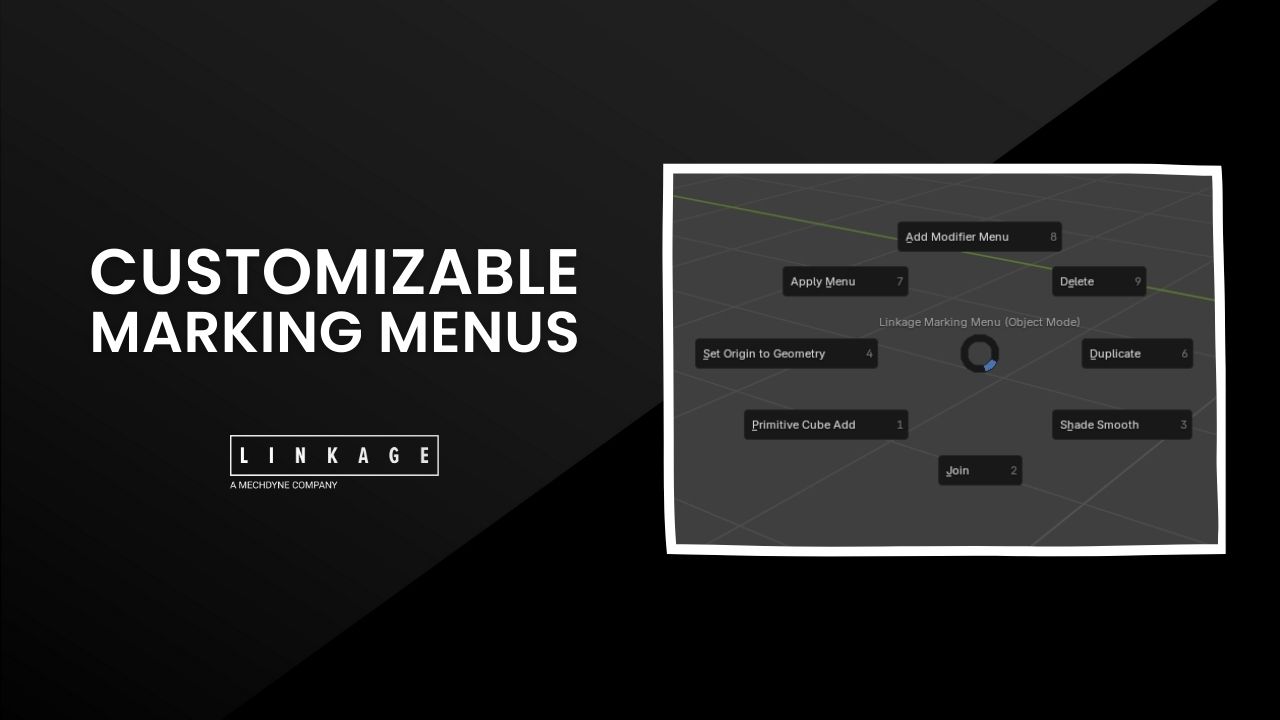
Take control of your Blender workflow with Linkage Customizable Marking Menus! These intuitive quick-access menus let you activate tools directly in the viewport, saving time and eliminating the need for constant menu navigation. Fully customizable, they allow you to tailor your setup with your favorite tools or custom operators, making your workflow faster, smoother, and more efficient. Perfect for 3D artists and designers looking to boost productivity and stay in the creative flow.
Categories
Tags
Installation
- Download Linkage Customizable Marking Menus and check which Blender versions the creator supports. Keep the installable archive (for example,
Linkage_Customizable_Marking_Menus.zip) intact. If the download is a bundle, extract it first to find the add-on archive. - In Blender, go to Edit → Preferences → Add-ons. In Blender 4.2 and newer, open the top-right menu and choose Install from Disk. In older versions, click Install….
- Select the add-on archive (for example,
Linkage_Customizable_Marking_Menus.zip) or its standalone.pyfile and confirm the installation. - Find the add-on in the Add-ons list and tick its checkbox if it isn’t already enabled.
Check the creator’s instructions for any extra setup, such as dependencies or license activation.
Compare with other products
Choose a category to find products to compare with this listing.
Product versions
-
Linkage Marking Menus-v1.0.3 published
Created Apr 17, 2025 · Published Apr 17, 2025
Release notes (source)
<p><br></p>
-
Linkage Marking Menus-v1.0.2 published
Created Mar 26, 2025 · Published Mar 26, 2025
Release notes (source)
<p><br></p>