Product listing
Core Utilities
By Tachyon Studio ·
From $15.99
Listing details
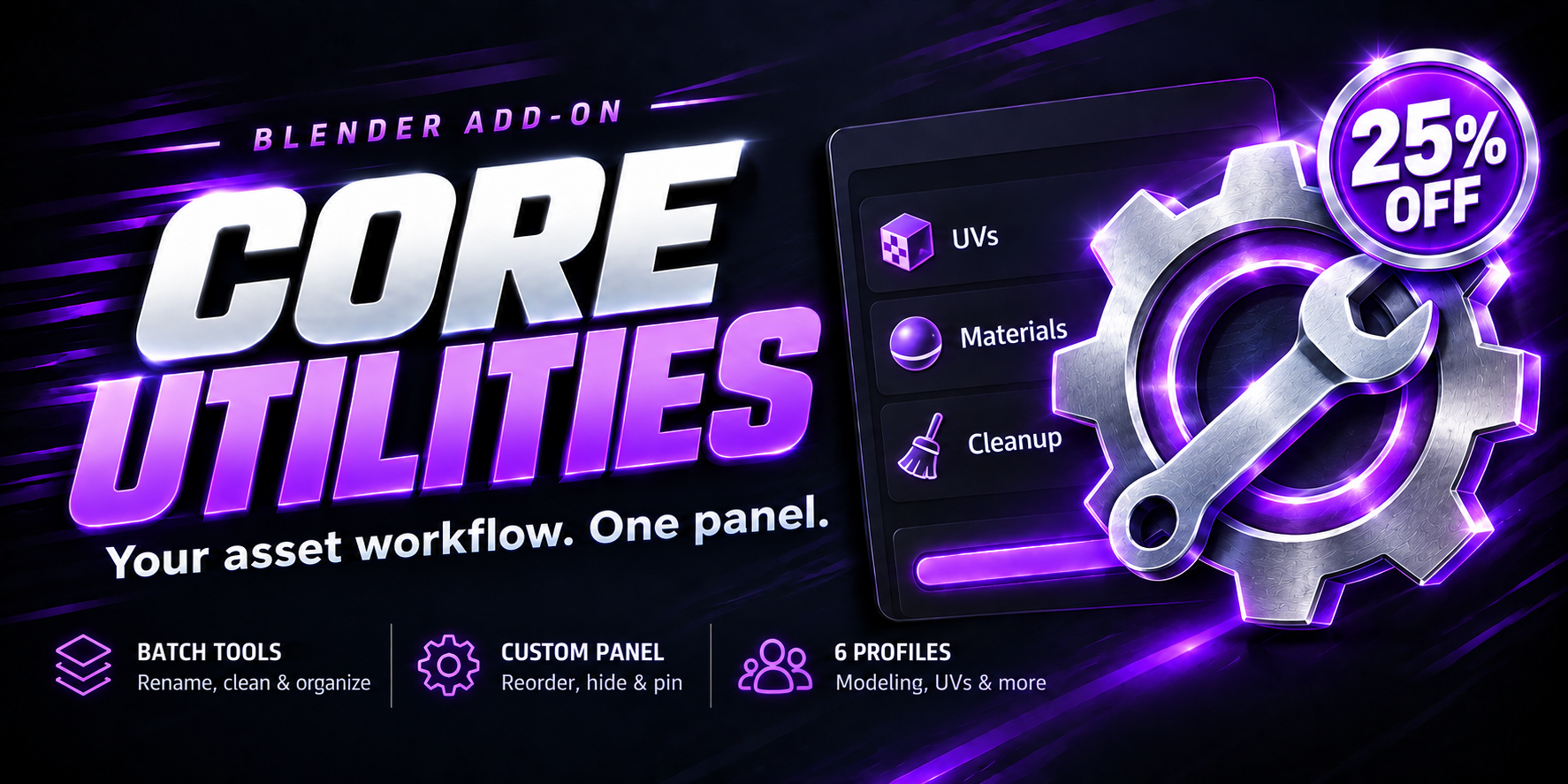
The repetitive half of asset work, in one panel you arrange yourself. Batch rename, triangulate, material and UV tools, parenting, backups and two checkers - with previews before anything broad happens.
Categories
Tags
Compare with other products
Choose a category to find products to compare with this listing.
Variants
-
Individual published
Price: $15.99 · List price: $15.99
Variant versions
-
Core Utilities 1.5.0 published
Created Sep 28, 2026 · Published Sep 28, 2026
Release notes (source)
<div style="background:#0c0e13;color:#dfe3ea;font-family:-apple-system,BlinkMacSystemFont,'Segoe UI',Roboto,Arial,sans-serif;padding:0;margin:0;max-width:100%;overflow:hidden;"><div style="color:#dfe3ea;font-family:-apple-system,BlinkMacSystemFont,'Segoe UI',Roboto,Arial,sans-serif;background:#0f1218;border-bottom:1px solid #2c313b;padding:44px 30px;text-align:center;"><div style="display:inline-block;background:rgba(169,167,255,0.12);color:#d0cfff;padding:7px 18px;border-radius:20px;font-size:11px;font-weight:700;letter-spacing:3px;margin-bottom:16px;">CHANGELOG</div><h1 style="margin:0;font-size:34px;font-weight:900;color:#fff;">Core Utilities</h1><p style="margin:12px 0 0;color:#9aa0ac;font-size:15px;">What's new in Core Utilities · Blender 3.3 – 5.2</p></div><div style="background:#0c0e13;color:#dfe3ea;font-family:-apple-system,BlinkMacSystemFont,'Segoe UI',Roboto,Arial,sans-serif;padding:36px 30px;max-width:100%;"><h2 style="font-size:20px;font-weight:800;color:#a9a7ff;margin:34px 0 14px;padding-bottom:8px;border-bottom:1px solid #2c313b;letter-spacing:.3px;">1.5.0 — 28 September 2026</h2><p style="font-size:15px;color:#c2c7d1;line-height:1.75;margin:0 0 16px;">One UV map was never enough for baking. This release lets UV Automation work on any UV map your meshes share, packs it into the 0-1 tile when you ask, and shows you every mesh's UVs at a glance.</p><h3 style="font-size:16px;font-weight:700;color:#fff;margin:22px 0 10px;">Added</h3><p style="font-size:15px;color:#c2c7d1;line-height:1.75;margin:0 0 16px;"><b style="color:#fff;">UV Automation works on any UV map.</b> A new <b style="color:#fff;">UV Map</b> dropdown in the <i>Run</i> section lists the UV maps every selected mesh shares, and every mesh under a selected parent. Pick one, such as a mask or bake map, and <b style="color:#fff;">Run UV Automation for Selection</b> and <b style="color:#fff;">Run UV Automation per Asset</b> both work on it. Meshes without that map are skipped and named in a warning. Your other UV maps, including the one used for export and rendering, are left exactly as they were. <b style="color:#fff;">Active UV Map</b> works as before.</p><p style="font-size:15px;color:#c2c7d1;line-height:1.75;margin:0 0 16px;"><b style="color:#fff;">Pack into 0-1 Space.</b> Tick it and every island lands inside the 0-1 tile, ready to bake in Substance Painter or Blender. Islands keep equal texel density relative to each other; the target TD value is not enforced in this mode, since that would push islands back out of the tile. <b style="color:#fff;">Run per Asset</b> gives each asset its own tile.</p><img src="https://assets.superhivemarket.com/cache/4697e4e7a050ead69fc80dc7face90e2.webp" alt="Automate any UV map, packed into 0-1" style="display:block;width:100%;max-width:100%;height:auto;border-radius:12px;margin:6px 0 22px;"><p style="font-size:15px;color:#c2c7d1;line-height:1.75;margin:0 0 16px;"><b style="color:#fff;">Preview UVs in the UV Editor.</b> The eye button next to the UV Map dropdown, and in the UV Editor header, draws the chosen UV map of every selected mesh, and every mesh under a selected parent, in the UV Editor. It works in Object Mode too, so you can check a whole asset without entering Edit Mode. Switch the map it shows from the same dropdown. Anything outside 0-1 is drawn in red, with a count in the corner of the UV Editor. Right-click the eye to <b style="color:#fff;">Assign Shortcut</b>. Turning the preview on or off is not an undo step, so <b style="color:#fff;">Ctrl + Z</b> never just switches it off.</p><img src="https://assets.superhivemarket.com/cache/ca50036c399a439a428675591429a6e6.webp" alt="See every UV map at a glance" style="display:block;width:100%;max-width:100%;height:auto;border-radius:12px;margin:6px 0 22px;"><h3 style="font-size:16px;font-weight:700;color:#fff;margin:22px 0 10px;">Fixed</h3><p style="font-size:15px;color:#c2c7d1;line-height:1.75;margin:0 0 16px;"><b style="color:#fff;">Running UV Automation from Edit Mode returns you to Edit Mode.</b> It used to leave you in Object Mode.</p></div><div style="color:#dfe3ea;font-family:-apple-system,BlinkMacSystemFont,'Segoe UI',Roboto,Arial,sans-serif;background:#0f1218;border-top:1px solid #2c313b;padding:30px;text-align:center;"><div style="font-size:13px;color:#6c7280;line-height:1.8;">GPL-3.0-or-later · Copyright 2026 Tachyon Studio</div></div></div>
-
-
Studio published
Price: $155.99 · List price: $155.99
Variant versions
-
Core Utilities 1.5.0 published
Created Sep 28, 2026 · Published Sep 28, 2026
Release notes (source)
<div style="background:#0c0e13;color:#dfe3ea;font-family:-apple-system,BlinkMacSystemFont,'Segoe UI',Roboto,Arial,sans-serif;padding:0;margin:0;max-width:100%;overflow:hidden;"><div style="color:#dfe3ea;font-family:-apple-system,BlinkMacSystemFont,'Segoe UI',Roboto,Arial,sans-serif;background:#0f1218;border-bottom:1px solid #2c313b;padding:44px 30px;text-align:center;"><div style="display:inline-block;background:rgba(169,167,255,0.12);color:#d0cfff;padding:7px 18px;border-radius:20px;font-size:11px;font-weight:700;letter-spacing:3px;margin-bottom:16px;">CHANGELOG</div><h1 style="margin:0;font-size:34px;font-weight:900;color:#fff;">Core Utilities</h1><p style="margin:12px 0 0;color:#9aa0ac;font-size:15px;">What's new in Core Utilities · Blender 3.3 – 5.2</p></div><div style="background:#0c0e13;color:#dfe3ea;font-family:-apple-system,BlinkMacSystemFont,'Segoe UI',Roboto,Arial,sans-serif;padding:36px 30px;max-width:100%;"><h2 style="font-size:20px;font-weight:800;color:#a9a7ff;margin:34px 0 14px;padding-bottom:8px;border-bottom:1px solid #2c313b;letter-spacing:.3px;">1.5.0 — 28 September 2026</h2><p style="font-size:15px;color:#c2c7d1;line-height:1.75;margin:0 0 16px;">One UV map was never enough for baking. This release lets UV Automation work on any UV map your meshes share, packs it into the 0-1 tile when you ask, and shows you every mesh's UVs at a glance.</p><h3 style="font-size:16px;font-weight:700;color:#fff;margin:22px 0 10px;">Added</h3><p style="font-size:15px;color:#c2c7d1;line-height:1.75;margin:0 0 16px;"><b style="color:#fff;">UV Automation works on any UV map.</b> A new <b style="color:#fff;">UV Map</b> dropdown in the <i>Run</i> section lists the UV maps every selected mesh shares, and every mesh under a selected parent. Pick one, such as a mask or bake map, and <b style="color:#fff;">Run UV Automation for Selection</b> and <b style="color:#fff;">Run UV Automation per Asset</b> both work on it. Meshes without that map are skipped and named in a warning. Your other UV maps, including the one used for export and rendering, are left exactly as they were. <b style="color:#fff;">Active UV Map</b> works as before.</p><p style="font-size:15px;color:#c2c7d1;line-height:1.75;margin:0 0 16px;"><b style="color:#fff;">Pack into 0-1 Space.</b> Tick it and every island lands inside the 0-1 tile, ready to bake in Substance Painter or Blender. Islands keep equal texel density relative to each other; the target TD value is not enforced in this mode, since that would push islands back out of the tile. <b style="color:#fff;">Run per Asset</b> gives each asset its own tile.</p><img src="https://assets.superhivemarket.com/cache/4697e4e7a050ead69fc80dc7face90e2.webp" alt="Automate any UV map, packed into 0-1" style="display:block;width:100%;max-width:100%;height:auto;border-radius:12px;margin:6px 0 22px;"><p style="font-size:15px;color:#c2c7d1;line-height:1.75;margin:0 0 16px;"><b style="color:#fff;">Preview UVs in the UV Editor.</b> The eye button next to the UV Map dropdown, and in the UV Editor header, draws the chosen UV map of every selected mesh, and every mesh under a selected parent, in the UV Editor. It works in Object Mode too, so you can check a whole asset without entering Edit Mode. Switch the map it shows from the same dropdown. Anything outside 0-1 is drawn in red, with a count in the corner of the UV Editor. Right-click the eye to <b style="color:#fff;">Assign Shortcut</b>. Turning the preview on or off is not an undo step, so <b style="color:#fff;">Ctrl + Z</b> never just switches it off.</p><img src="https://assets.superhivemarket.com/cache/ca50036c399a439a428675591429a6e6.webp" alt="See every UV map at a glance" style="display:block;width:100%;max-width:100%;height:auto;border-radius:12px;margin:6px 0 22px;"><h3 style="font-size:16px;font-weight:700;color:#fff;margin:22px 0 10px;">Fixed</h3><p style="font-size:15px;color:#c2c7d1;line-height:1.75;margin:0 0 16px;"><b style="color:#fff;">Running UV Automation from Edit Mode returns you to Edit Mode.</b> It used to leave you in Object Mode.</p></div><div style="color:#dfe3ea;font-family:-apple-system,BlinkMacSystemFont,'Segoe UI',Roboto,Arial,sans-serif;background:#0f1218;border-top:1px solid #2c313b;padding:30px;text-align:center;"><div style="font-size:13px;color:#6c7280;line-height:1.8;">GPL-3.0-or-later · Copyright 2026 Tachyon Studio</div></div></div>
-
-
Team published
Price: $62.99 · List price: $62.99
Variant versions
-
Core Utilities 1.5.0 published
Created Sep 28, 2026 · Published Sep 28, 2026
Release notes (source)
<div style="background:#0c0e13;color:#dfe3ea;font-family:-apple-system,BlinkMacSystemFont,'Segoe UI',Roboto,Arial,sans-serif;padding:0;margin:0;max-width:100%;overflow:hidden;"><div style="color:#dfe3ea;font-family:-apple-system,BlinkMacSystemFont,'Segoe UI',Roboto,Arial,sans-serif;background:#0f1218;border-bottom:1px solid #2c313b;padding:44px 30px;text-align:center;"><div style="display:inline-block;background:rgba(169,167,255,0.12);color:#d0cfff;padding:7px 18px;border-radius:20px;font-size:11px;font-weight:700;letter-spacing:3px;margin-bottom:16px;">CHANGELOG</div><h1 style="margin:0;font-size:34px;font-weight:900;color:#fff;">Core Utilities</h1><p style="margin:12px 0 0;color:#9aa0ac;font-size:15px;">What's new in Core Utilities · Blender 3.3 – 5.2</p></div><div style="background:#0c0e13;color:#dfe3ea;font-family:-apple-system,BlinkMacSystemFont,'Segoe UI',Roboto,Arial,sans-serif;padding:36px 30px;max-width:100%;"><h2 style="font-size:20px;font-weight:800;color:#a9a7ff;margin:34px 0 14px;padding-bottom:8px;border-bottom:1px solid #2c313b;letter-spacing:.3px;">1.5.0 — 28 September 2026</h2><p style="font-size:15px;color:#c2c7d1;line-height:1.75;margin:0 0 16px;">One UV map was never enough for baking. This release lets UV Automation work on any UV map your meshes share, packs it into the 0-1 tile when you ask, and shows you every mesh's UVs at a glance.</p><h3 style="font-size:16px;font-weight:700;color:#fff;margin:22px 0 10px;">Added</h3><p style="font-size:15px;color:#c2c7d1;line-height:1.75;margin:0 0 16px;"><b style="color:#fff;">UV Automation works on any UV map.</b> A new <b style="color:#fff;">UV Map</b> dropdown in the <i>Run</i> section lists the UV maps every selected mesh shares, and every mesh under a selected parent. Pick one, such as a mask or bake map, and <b style="color:#fff;">Run UV Automation for Selection</b> and <b style="color:#fff;">Run UV Automation per Asset</b> both work on it. Meshes without that map are skipped and named in a warning. Your other UV maps, including the one used for export and rendering, are left exactly as they were. <b style="color:#fff;">Active UV Map</b> works as before.</p><p style="font-size:15px;color:#c2c7d1;line-height:1.75;margin:0 0 16px;"><b style="color:#fff;">Pack into 0-1 Space.</b> Tick it and every island lands inside the 0-1 tile, ready to bake in Substance Painter or Blender. Islands keep equal texel density relative to each other; the target TD value is not enforced in this mode, since that would push islands back out of the tile. <b style="color:#fff;">Run per Asset</b> gives each asset its own tile.</p><img src="https://assets.superhivemarket.com/cache/4697e4e7a050ead69fc80dc7face90e2.webp" alt="Automate any UV map, packed into 0-1" style="display:block;width:100%;max-width:100%;height:auto;border-radius:12px;margin:6px 0 22px;"><p style="font-size:15px;color:#c2c7d1;line-height:1.75;margin:0 0 16px;"><b style="color:#fff;">Preview UVs in the UV Editor.</b> The eye button next to the UV Map dropdown, and in the UV Editor header, draws the chosen UV map of every selected mesh, and every mesh under a selected parent, in the UV Editor. It works in Object Mode too, so you can check a whole asset without entering Edit Mode. Switch the map it shows from the same dropdown. Anything outside 0-1 is drawn in red, with a count in the corner of the UV Editor. Right-click the eye to <b style="color:#fff;">Assign Shortcut</b>. Turning the preview on or off is not an undo step, so <b style="color:#fff;">Ctrl + Z</b> never just switches it off.</p><img src="https://assets.superhivemarket.com/cache/ca50036c399a439a428675591429a6e6.webp" alt="See every UV map at a glance" style="display:block;width:100%;max-width:100%;height:auto;border-radius:12px;margin:6px 0 22px;"><h3 style="font-size:16px;font-weight:700;color:#fff;margin:22px 0 10px;">Fixed</h3><p style="font-size:15px;color:#c2c7d1;line-height:1.75;margin:0 0 16px;"><b style="color:#fff;">Running UV Automation from Edit Mode returns you to Edit Mode.</b> It used to leave you in Object Mode.</p></div><div style="color:#dfe3ea;font-family:-apple-system,BlinkMacSystemFont,'Segoe UI',Roboto,Arial,sans-serif;background:#0f1218;border-top:1px solid #2c313b;padding:30px;text-align:center;"><div style="font-size:13px;color:#6c7280;line-height:1.8;">GPL-3.0-or-later · Copyright 2026 Tachyon Studio</div></div></div>
-