Product listing
Copy (Legacy) [v2.0]
By Vikky Kumar ·
From $1.00
Listing details
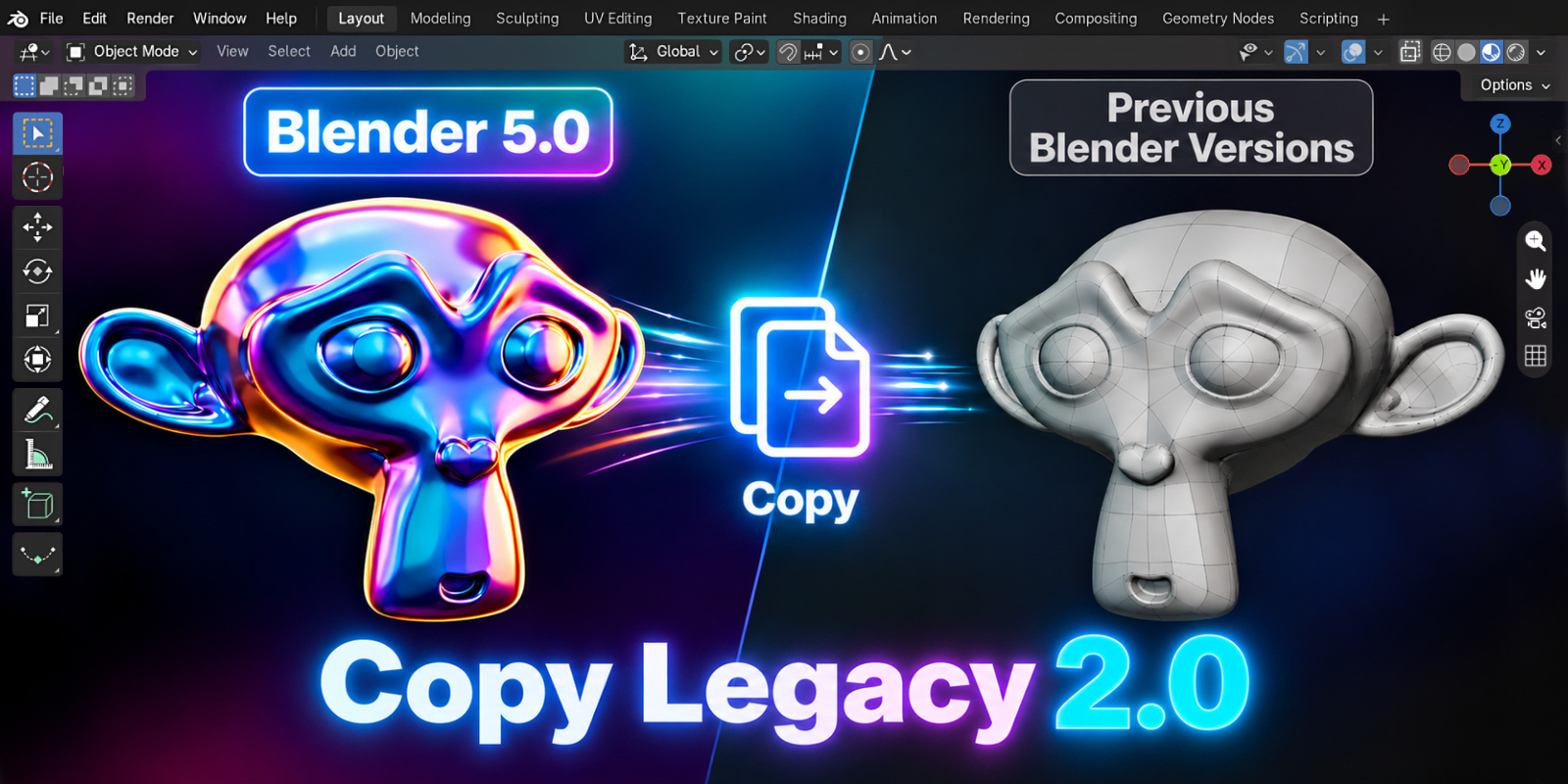
Copy Objects from Blender 5 to previous versions.
Categories
Tags
Installation
- Download Copy (Legacy) [v2.0] and check which Blender versions the creator supports. Keep the installable archive (for example,
Copy_(Legacy)_[v2.0].zip) intact. If the download is a bundle, extract it first to find the add-on archive. - In Blender, go to Edit → Preferences → Add-ons. In Blender 4.2 and newer, open the top-right menu and choose Install from Disk. In older versions, click Install….
- Select the add-on archive (for example,
Copy_(Legacy)_[v2.0].zip) or its standalone.pyfile and confirm the installation. - Find the add-on in the Add-ons list and tick its checkbox if it isn’t already enabled.
Check the creator’s instructions for any extra setup, such as dependencies or license activation.
Compare with other products
Choose a category to find products to compare with this listing.
Variants
-
Buy Me a Coffee 🍺 published
Price: $1.00 · List price: $1.00
Variant versions
-
v2.0.0 published
Created Oct 22, 2026 · Published Oct 22, 2026
Release notes (source)
<ul style="padding-left:2em;color:rgb(209, 215, 224);font-family:-apple-system , BlinkMacSystemFont , "Segoe UI" , "Noto Sans" , Helvetica , Arial , sans-serif , "Apple Color Emoji" , "Segoe UI Emoji";margin-bottom:0px !important;">
<li>
<span style="font-weight:600;">Faster Copy Behavior:</span> Almost instant copy behavior with no UI freezing or waiting.</li>
<li style="margin-top:0.25em;">
<span style="font-weight:600;">Download Blender 4.5 Feature:</span> One-click download button in preferences to automatically download and extract portable Blender 4.5 LTS to:<ul style="padding-left:2em;">
<li>
<span style="font-weight:600;">Windows:</span> <code style="font-family:ui-monospace , SFMono-Regular , "SF Mono" , Menlo , Consolas , "Liberation Mono" , monospace;font-size:13.6px;padding:0.2em 0.4em;margin:0px;white-space:break-spaces;background-color:rgba(101, 108, 118, 0.2);border-radius:6px;">C:\Users\<name>\Blender Portable\blender-4.5\</name></code>
</li>
<li style="margin-top:0.25em;">
<span style="font-weight:600;">macOS:</span> <code style="font-family:ui-monospace , SFMono-Regular , "SF Mono" , Menlo , Consolas , "Liberation Mono" , monospace;font-size:13.6px;padding:0.2em 0.4em;margin:0px;white-space:break-spaces;background-color:rgba(101, 108, 118, 0.2);border-radius:6px;">/Users/<name>/Blender Portable/blender-4.5/</name></code>
</li>
<li style="margin-top:0.25em;">
<span style="font-weight:600;">Linux:</span> <code style="font-family:ui-monospace , SFMono-Regular , "SF Mono" , Menlo , Consolas , "Liberation Mono" , monospace;font-size:13.6px;padding:0.2em 0.4em;margin:0px;white-space:break-spaces;background-color:rgba(101, 108, 118, 0.2);border-radius:6px;">/home/<name>/Blender Portable/blender-4.5/</name></code>
</li>
</ul>
</li>
<li style="margin-top:0.25em;">
<span style="font-weight:600;">Shortcut Enable/Disable:</span> Added an on/off toggle checkbox to shortcut in preferences.</li>
<li style="margin-top:0.25em;">
<span style="font-weight:600;">Discord Community:</span> Added Discord invite link in preferences for support and feedback.</li>
</ul>
-
-
Loved My Work 💖 published
Price: $3.00 · List price: $3.00
Variant versions
-
v2.0.0 published
Created Oct 22, 2026 · Published Oct 22, 2026
Release notes (source)
<ul style="padding-left: 2em; color: rgb(209, 215, 224); font-family: -apple-system, BlinkMacSystemFont, "Segoe UI", "Noto Sans", Helvetica, Arial, sans-serif, "Apple Color Emoji", "Segoe UI Emoji"; margin-bottom: 0px !important; --darkreader-inline-color: var(--darkreader-text-d1d7e0, #d0ccc5);" data-darkreader-inline-color=""><li><span style="font-weight: 600;">Faster Copy Behavior:</span> Almost instant copy behavior with no UI freezing or waiting.</li><li style="margin-top: 0.25em;"><span style="font-weight: 600;">Download Blender 4.5 Feature:</span> One-click download button in preferences to automatically download and extract portable Blender 4.5 LTS to:<ul style="padding-left: 2em;"><li><span style="font-weight: 600;">Windows:</span> <code style="font-family: ui-monospace, SFMono-Regular, "SF Mono", Menlo, Consolas, "Liberation Mono", monospace; font-size: 13.6px; padding: 0.2em 0.4em; margin: 0px; white-space: break-spaces; background-color: rgba(101, 108, 118, 0.2); border-radius: 6px; --darkreader-inline-bgcolor: var(--darkreader-background-656c7633, rgba(82, 89, 93, 0.2));" data-darkreader-inline-bgcolor="">C:\Users\<Name>\Blender Portable\blender-4.5\</code></li><li style="margin-top: 0.25em;"><span style="font-weight: 600;">macOS:</span> <code style="font-family: ui-monospace, SFMono-Regular, "SF Mono", Menlo, Consolas, "Liberation Mono", monospace; font-size: 13.6px; padding: 0.2em 0.4em; margin: 0px; white-space: break-spaces; background-color: rgba(101, 108, 118, 0.2); border-radius: 6px; --darkreader-inline-bgcolor: var(--darkreader-background-656c7633, rgba(82, 89, 93, 0.2));" data-darkreader-inline-bgcolor="">/Users/<Name>/Blender Portable/blender-4.5/</code></li><li style="margin-top: 0.25em;"><span style="font-weight: 600;">Linux:</span> <code style="font-family: ui-monospace, SFMono-Regular, "SF Mono", Menlo, Consolas, "Liberation Mono", monospace; font-size: 13.6px; padding: 0.2em 0.4em; margin: 0px; white-space: break-spaces; background-color: rgba(101, 108, 118, 0.2); border-radius: 6px; --darkreader-inline-bgcolor: var(--darkreader-background-656c7633, rgba(82, 89, 93, 0.2));" data-darkreader-inline-bgcolor="">/home/<name>/Blender Portable/blender-4.5/</code></li></ul></li><li style="margin-top: 0.25em;"><span style="font-weight: 600;">Shortcut Enable/Disable:</span> Added an on/off toggle checkbox to shortcut in preferences.</li><li style="margin-top: 0.25em;"><span style="font-weight: 600;">Discord Community:</span> Added Discord invite link in preferences for support and feedback.</li></ul>
-