Product listing
Combat Laser
By Roman Tursunov ·
$7.00
List price: $7.00
Listing details
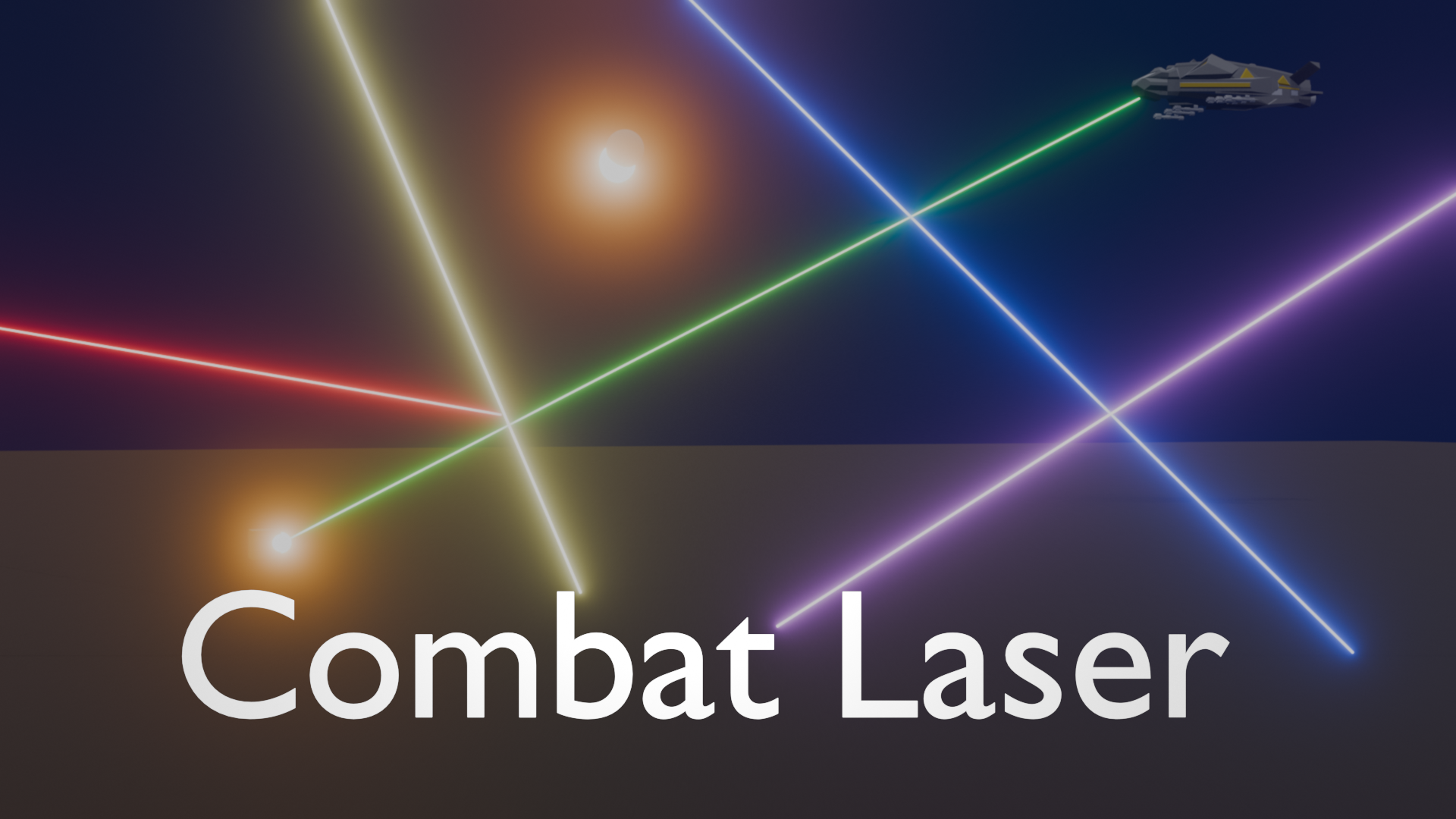
Blender addon Combat Laser
Categories
Tags
Compare with other products
Choose a category to find products to compare with this listing.
Product versions
-
Combat Laser 1.2.0 published
Created Jul 5, 2026 · Published Jul 5, 2026
Release notes (source)
<h3 class="text-text-100 mt-3 -mb-1 text-[1.125rem] font-bold" style="color: rgb(0, 0, 0);">What's New in Combat Laser 1.2.0</h3><p class="font-claude-response-body break-words whitespace-normal"><span style="font-weight: bolder;">Multiple laser emitters!</span> You can now add as many laser emitters to your scene as you need, instead of being limited to just one.</p><ul class="[li_&]:mb-0 [li_&]:mt-1 [li_&]:gap-1 [&:not(:last-child)_ul]:pb-1 [&:not(:last-child)_ol]:pb-1 list-disc flex flex-col gap-1 pl-8 mb-3"><li class="font-claude-response-body whitespace-normal break-words pl-2">Click <span style="font-weight: bolder;">"Add New Emitter"</span> to create a new emitter — previous emitters stay untouched in the scene.</li><li class="font-claude-response-body whitespace-normal break-words pl-2">Use the new <span style="font-weight: bolder;">Active Emitter</span> dropdown to switch between emitters and control them individually (aim, toggle live laser, shoot).</li><li class="font-claude-response-body whitespace-normal break-words pl-2">A <span style="font-weight: bolder;">Delete</span> button next to the dropdown lets you remove the emitter you're no longer using.</li></ul><p></p><p class="font-claude-response-body break-words whitespace-normal">This makes it possible to set up multi-turret scenes, crossfire sequences, and other setups requiring several laser sources at once.</p>
-
Combat Laser 1.1.5 published
Created May 8, 2026 · Published May 8, 2026
Release notes (source)
<p class="font-claude-response-body break-words whitespace-normal leading-[1.7]"><strong>Version 1.1.5 — Dynamic Target Tracking</strong></p><p class="font-claude-response-body break-words whitespace-normal leading-[1.7]">The biggest update to Combat Laser yet. Your laser beams now behave like they do in the movies.</p><p class="font-claude-response-body break-words whitespace-normal leading-[1.7]"><strong>The beam follows the emitter</strong>
If your cannon, ship, or turret is animated, the laser fires from its exact position on every frame. No more beams floating in empty space after the emitter moves.</p><p class="font-claude-response-body break-words whitespace-normal leading-[1.7]"><strong>The beam tracks the target</strong>
Fire at a moving object and the laser stays locked to it for the entire shot. The beam stretches dynamically between the emitter and the target surface in real time — just like in Star Trek or Star Wars.</p><p class="font-claude-response-body break-words whitespace-normal leading-[1.7]"><strong>Impact stays on the surface</strong>
The explosion appears exactly where the beam hits and sticks to the target surface throughout its duration. Even if the target is spinning or flying across the screen.</p><p class="font-claude-response-body break-words whitespace-normal leading-[1.7]"><strong>Fully baked — works without the addon</strong>
All animations are baked as keyframes at the moment of firing. Share your .blend file with a client or collaborator and everything plays back perfectly — no addon required on their end.</p><p class="font-claude-response-body break-words whitespace-normal leading-[1.7]"><strong>No workflow changes</strong>
Everything works exactly as before. Aim your emitter, press SHOOT, done. The tracking is automatic.</p><hr class="border-border-200 border-t-0.5 my-3 mx-1.5"><p>


</p><p class="font-claude-response-body break-words whitespace-normal leading-[1.7]"><em>All existing presets, settings, and features remain unchanged.</em></p>