Product listing
Chat Companion
By Polygoningenieur ·
From $1.00
Listing details
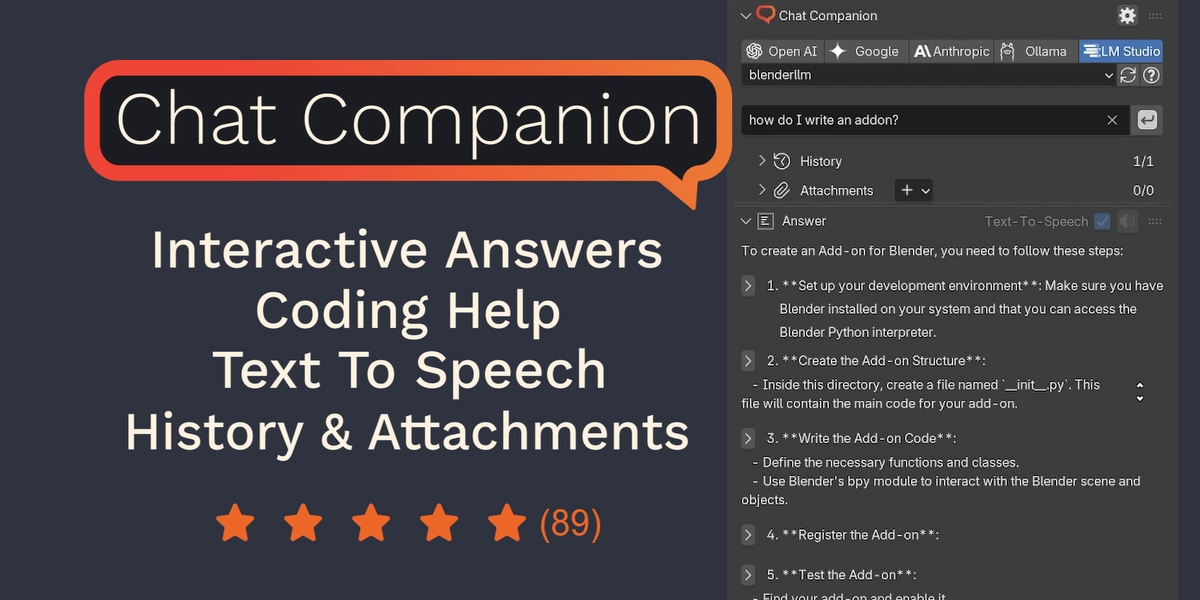
Chat Companion is your AI assistant for Blender. Use your local models from LM Studio or Ollama, or external ones from OpenAI, Google Gemini and Anthropic Claude. Leverage Immediate Code Execution, Code Completion, User Interface Help and utilize Attachments, Text-to-speech and more! Try it out now and take your workflow to the next level!
Categories
Tags
Installation
- Download Chat Companion and check which Blender versions the creator supports. Keep the installable archive (for example,
Chat_Companion.zip) intact. If the download is a bundle, extract it first to find the add-on archive. - In Blender, go to Edit → Preferences → Add-ons. In Blender 4.2 and newer, open the top-right menu and choose Install from Disk. In older versions, click Install….
- Select the add-on archive (for example,
Chat_Companion.zip) or its standalone.pyfile and confirm the installation. - Find the add-on in the Add-ons list and tick its checkbox if it isn’t already enabled.
Check the creator’s instructions for any extra setup, such as dependencies or license activation.
Compare with other products
Choose a category to find products to compare with this listing.
Variants
-
Free(*ish) published
Price: $1.00 · List price: $1.00
Variant versions
-
Legacy Free published
Created May 28, 2026 · Published May 28, 2026
Release notes (source)
<p>Preparation for new Superhivemarket versioning and remote repository support.</p>
-
-
Full published
Price: $19.90 · List price: $19.90
Variant versions
-
Legacy Full published
Created May 28, 2026 · Published May 28, 2026
Release notes (source)
<p>Preparation for new Superhivemarket versioning and remote repository support.</p>
-
-
Birthday Gift disabled
Price: $1.00 · List price: $1.00
Variant versions
-
Birthday Gift published
Created May 28, 2026 · Published May 28, 2026
Release notes (source)
Update to new Superhivemarket versioning and remote repository support.
-
-
Cyber2025 unlisted
Price: $19.90 · List price: $19.90
Variant versions
-
Cyber2025 published
Created May 28, 2026 · Published May 28, 2026
Release notes (source)
<p>Update to new Superhivemarket versioning and remote repository support.</p>
-