Product listing
Camera Orbit - One-Click Orbit Rigs with Strobe Backgrounds
By Henry Drenth ·
$9.00
List price: $9.00
Listing details
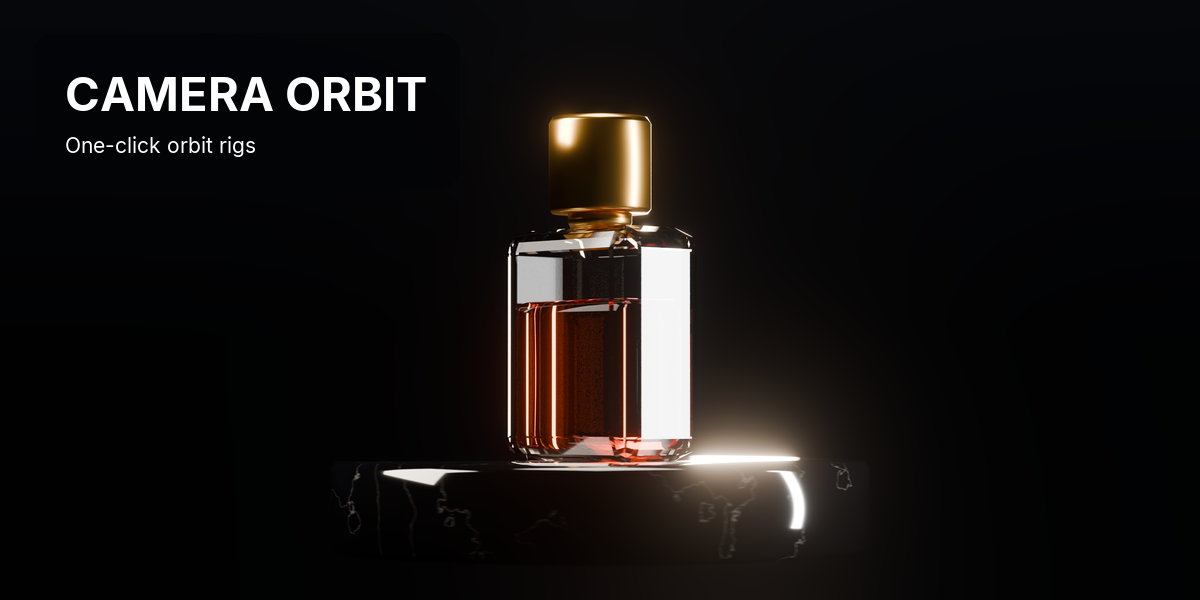
Camera Orbit is a Blender add-on that turns the camera you already have into an orbit rig in one click. The pivot lands on your subject, your keyframes stay, and a strobe backdrop can flash behind.
Categories
Tags
Compare with other products
Choose a category to find products to compare with this listing.
Product versions
-
1.2.1 published
Created Oct 14, 2026 · Published Oct 14, 2026
Release notes (source)
<p><b>CAMERA ORBIT 1.2.1</b></p><p><b><br></b></p><p><b>NEW</b></p><p>- Panoramic cameras (fisheye, equirectangular, mirror ball, cube face, cylindrical) get a strobe dome around the camera instead of a flat plane. A flat plane can't fill a fisheye: it would have to be infinitely wide to reach 90 degrees off-axis.</p><p>- The dome reaches as far as the camera sees: half the fisheye field of view, or the full sphere for 360 projections. The Distance slider scales it like the plane.</p><p>- The panel shows "Camera changed since the last Refit" when the camera type or fisheye field of view changed after the strobe was built.</p><p><br></p><p><b>CHANGED</b></p><p>- The strobe plane and dome are shaded smooth, so the dome no longer shows facets in the viewport. Refit applies it to existing rigs.</p><p><br></p><p><b>FIXED</b></p><p>- On fisheye and other panoramic cameras the strobe plane covered only a small patch in the middle of the frame, whatever its distance.</p><p><br></p><p><b>UPGRADING</b></p><p>- Rigs on panoramic cameras show the Refit hint. Click Refit to swap the plane for a dome.</p><p>- Fisheye and 360 renders need Cycles. EEVEE renders panoramic cameras as perspective.</p>
-
1.1.0 published
Created Oct 8, 2026 · Published Oct 8, 2026
Release notes (source)
<p><b>CAMERA ORBIT 1.1.0</b></p><p><b><br></b></p><p><b>CHANGED</b></p><p>- The strobe now has four sliders: Flashes per Sec, Burst Every (seconds), Randomness and Seed. Burst Length, Silence Length, Flash Period and Flash On are gone.</p><p>- Randomness defaults to 1. It varies burst length, burst timing and flash length. At 0 the pattern repeats exactly.</p><p>- Strobe timing runs in seconds, so changing the frame rate keeps the same pace.</p><p>- New strobe planes start at emission strength 25 (was 50).</p><p><br></p><p><b>FIXED</b></p><p>- Insert Keyframe (I) on the pivot keyed every strobe and turntable slider along with the transform. Those sliders now live on the strobe plane and the camera data, so the pivot keys location, rotation and scale only.</p><p>- Refit reset the plane's Strength and Color to the defaults. It now keeps what you set in the panel.</p><p>- Pressing I on the camera keyed its internal rig id, and a duplicate of that camera could then show the wrong strobe plane. Re-Pivot and Refit now delete those keys.</p><p><br></p><p><b>UPGRADING FROM 1.0.1</b></p><p>- Rigs made with 1.0.1 or older show an Update Rig button in the panel. It moves the settings off the pivot and deletes the slider keys I added there. Transform keys on the pivot stay.</p><p>- The plane distance and turntable speed carry over. The strobe pattern resets to the new defaults.</p><p>- Existing planes keep their current emission strength.</p>
-
1.0.1 published
Created Oct 8, 2026 · Published Oct 8, 2026
Release notes (source)
<p><br></p>