Product listing
Camera Director Pro
By Blendscapes3D ·
$6.49
List price: $6.49
Listing details
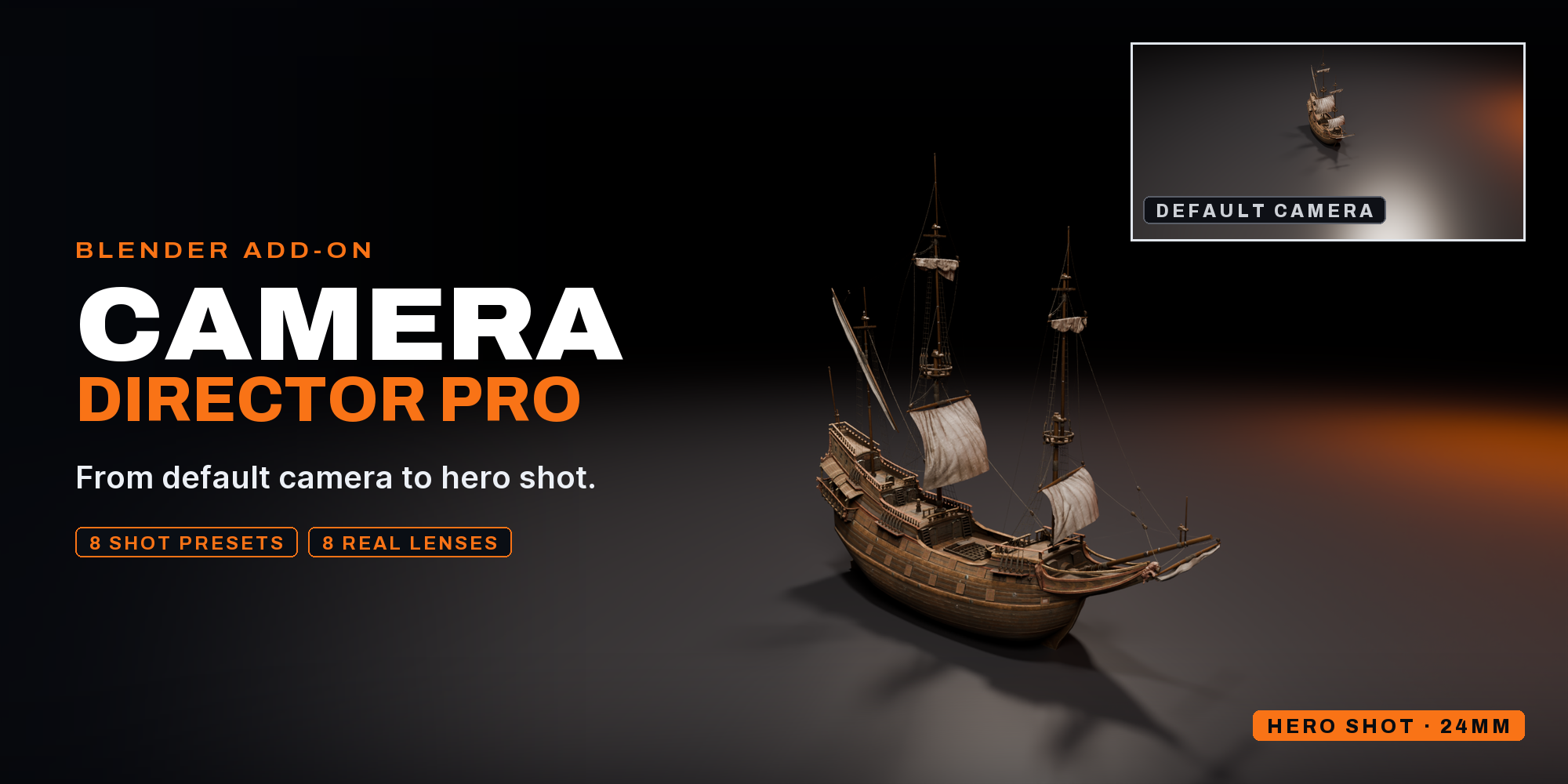
Every shot in Blender starts with the same boring workflow: add camera, rotate, adjust focal length, reposition, adjust again, guess the composition, tweak the sensor, wonder why it looks flat. Camera Director Pro skips all of that. Select your subject. Click "Close-Up." Done , a new camera appears with an 85mm lens, slight low angle, rule-of-thirds composition, framed tight. Click "Drone" and it's a high-angle wide at 35mm. Click "Handheld" and the camera starts breathing like a real documentary operator.
Categories
Tags
Installation
- Download Camera Director Pro and check which Blender versions the creator supports. Keep the installable archive (for example,
Camera_Director_Pro_.zip) intact. If the download is a bundle, extract it first to find the add-on archive. - In Blender, go to Edit → Preferences → Add-ons. In Blender 4.2 and newer, open the top-right menu and choose Install from Disk. In older versions, click Install….
- Select the add-on archive (for example,
Camera_Director_Pro_.zip) or its standalone.pyfile and confirm the installation. - Find the add-on in the Add-ons list and tick its checkbox if it isn’t already enabled.
Check the creator’s instructions for any extra setup, such as dependencies or license activation.
Compare with other products
Choose a category to find products to compare with this listing.
Product versions
-
1.1.0 published
Created Oct 12, 2026 · Published Oct 12, 2026
Release notes (source)
<p><b>Camera Director Pro 1.1.0</b>: a quality update. Every shot preset now frames your subject properly at any size, and several bugs from 1.0 are fixed.</p>
<p><b>Fixes</b></p>
<ul>
<li>Shot presets sit at the right height: Low-Angle Hero is really low and looks up, Drone is really high, Top-Down looks straight down. (In 1.0 the heights were mirrored, so Top-Down ended up below the subject and rendered black on anything standing on a floor.)</li>
<li>The camera never goes below the bottom of the subject.</li>
<li>Dutch Angle now tilts the horizon instead of turning the camera sideways.</li>
<li>Lens presets no longer overwrite your render resolution. Only the 40mm Anamorphic changes the frame (to 2.39:1) and it keeps your width.</li>
<li>Binding a camera to the timeline no longer renames a marker you already had on that frame.</li>
<li>New Camera from Viewport matches the viewport's focal length and orthographic views.</li>
<li>Small products are framed correctly; clipping adapts to tiny and huge scenes.</li>
<li>Explosion Kick is now one jolt that dies away, as described.</li>
<li>The "Auto-Bake Shake" preference now works.</li>
</ul>
<p><b>Improvements</b></p>
<ul>
<li>Every preset fits the shot to the lens and render aspect, so it frames a 20 cm product, a character, a car or a 30 m ship equally well.</li>
<li>Rule of Thirds pans the camera and places the subject exactly on the third. Auto-Frame got a "Size in Frame" control.</li>
<li>Camera shake scales with the distance to your subject.</li>
<li>New: Bake Shake into editable keyframes.</li>
<li>New: Focus on Selection (depth of field) and a "Focus on Subject" option on presets.</li>
<li>New: quick presets apply with one click and can reuse the active camera.</li>
</ul>
<p>Tested on Blender 4.5 LTS and 5.2 (306 automated checks plus viewport tests).</p>