Product listing
BuildXQ Craft
$19.00
List price: $19.00
Listing details
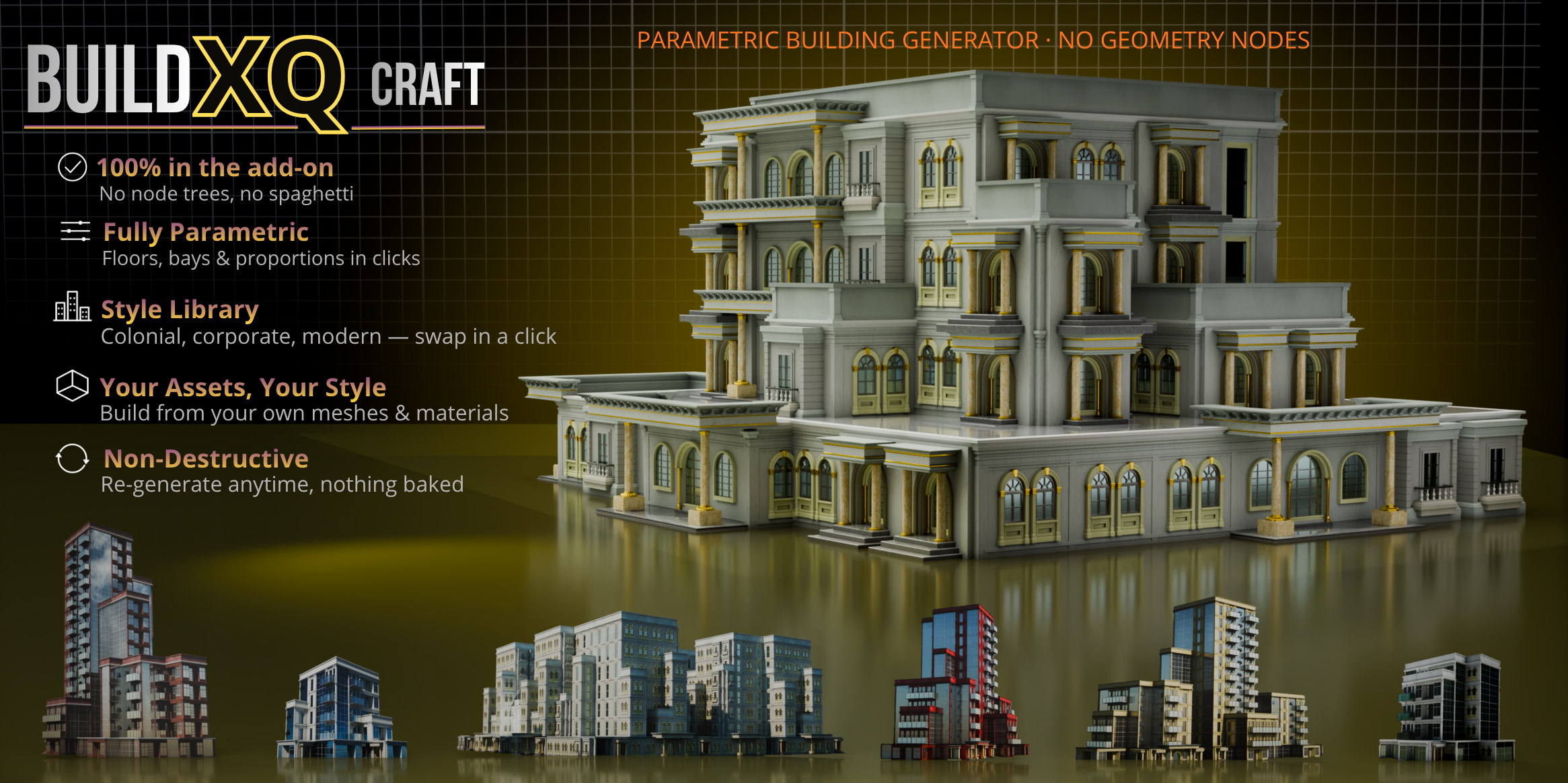
A parametric building generator for Blender, built around your own models. Stretch, swap walls, push out bays and restyle complete multi-storey buildings in minutes — real, editable geometry, no manual modeling.
Categories
Tags
Installation
- Download BuildXQ Craft and check which Blender versions the creator supports. Keep the installable archive (for example,
BuildXQ_Craft.zip) intact. If the download is a bundle, extract it first to find the add-on archive. - In Blender, go to Edit → Preferences → Add-ons. In Blender 4.2 and newer, open the top-right menu and choose Install from Disk. In older versions, click Install….
- Select the add-on archive (for example,
BuildXQ_Craft.zip) or its standalone.pyfile and confirm the installation. - Find the add-on in the Add-ons list and tick its checkbox if it isn’t already enabled.
Check the creator’s instructions for any extra setup, such as dependencies or license activation.
Compare with other products
Choose a category to find products to compare with this listing.
Product versions
-
2.0.0 published
Created Sep 16, 2026 · Published Sep 16, 2026
Release notes (source)
<p><b>BuildXQ Craft 2.0.0</b> — free update for all owners of 1.0</p><p><b>NEW</b></p><p>• Five complete styles in the showroom: Personal, Colonial, Corporate, ClassicFixed and ArtDecoFixed — each with its demo building and palette.</p><p>• Fixed styles — every floor is its own design; nothing has to repeat.</p><p>• Studio tab — draw a wall on a grid and get a finished piece, registered in your style.</p><p>• Library tab — the XQ Library: 200+ pieces with thumbnails, sync your own, registered in Blender's Asset Browser.</p><p>• Pack tab — export a whole style as one .blend (pieces, showcase building, environment) and import packs.</p><p>• Sky controls (sun, atmosphere, clouds, presets) in the Material tab.</p><p>• Colour Variants — colour per object, palettes, Colorize Building / Colorize All.</p><p>• Create your own style from the Base template, with materials named after your style.</p><p><br></p><p><b>IMPROVED</b></p><p>• The style is always your last edit — no Save/Apply; a guard stops a bay or incomplete slots from overwriting a style.</p><p>• Bays: baseboard on ground-floor bays; side walls default to the style's own window.</p><p>• Build slots listed top-down; "Read before you start" card; Initialize frames the showroom and tidies the Outliner.</p><p>• Help & Links footer on every tab.</p><p><br></p><p><b>INSTALLATION</b></p><p>• Now a Blender Extension (Blender 5.2 or newer). Drag the zip onto Blender to install.</p><p>• Files made with 1.0 keep working — open them and run Initialize once.</p>
-
1.0.0 published
Created Sep 16, 2026 · Published Jun 24, 2026
Release notes (source)
<p>BuildXQ Craft 1.0.0 — initial release (June 2026).<br>Legacy version: the original files as sold. Owners of 1.0 keep access here.</p>