Product listing
Brushflares Addon - Stylised Lens Flare Tool for Blender 5.1 + Handcrafted Texture Library
By Merlin Perry ·
From $40.00
Listing details
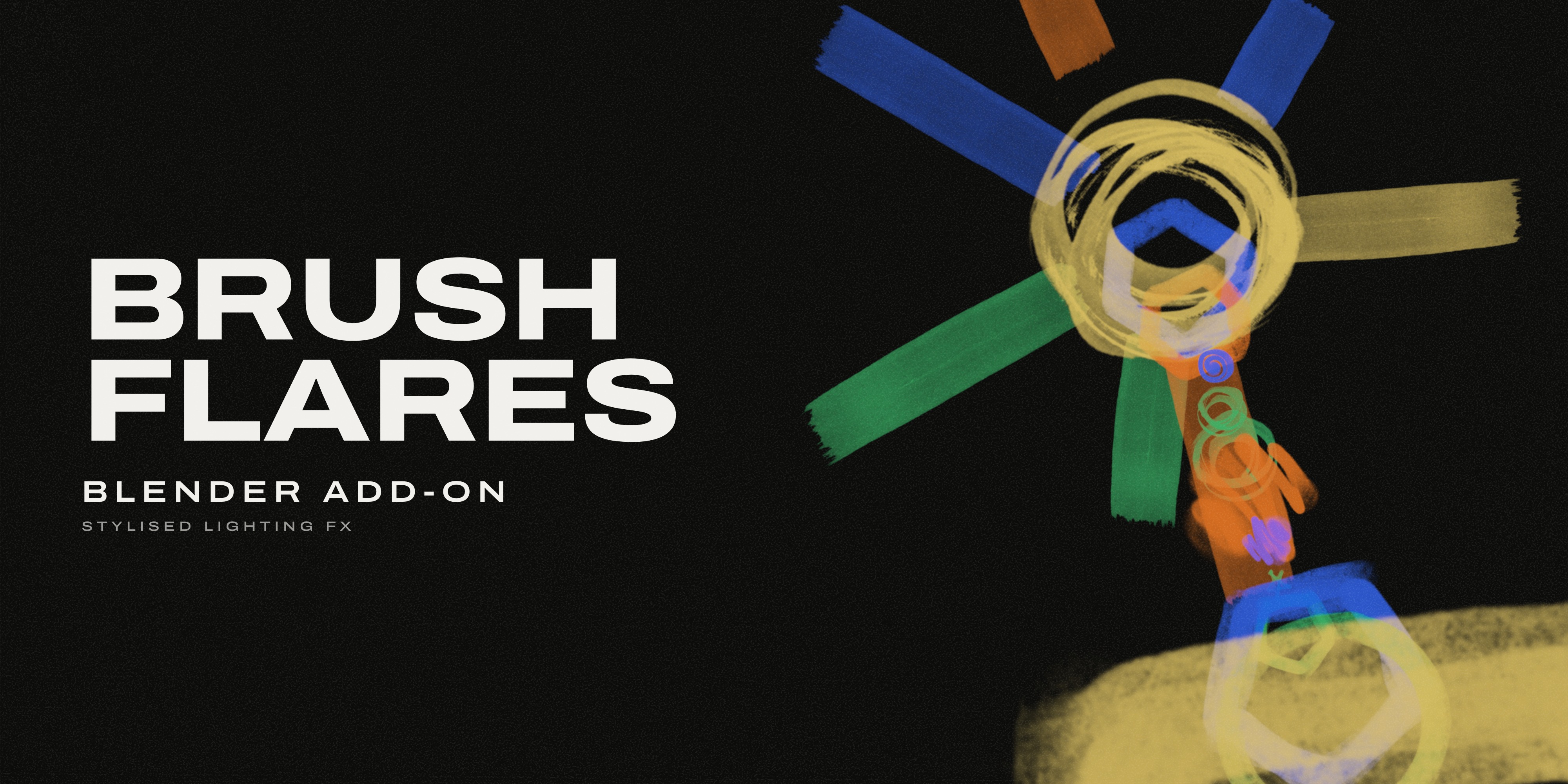
If you work in a stylised or NPR pipeline, Brushflares helps you add handcrafted stylised lens flares to your project without relying on overly realistic digital compositing glows. It's a highly customisable lens-flare and radial-streak burst system built entirely in Blender, driven by your own painted atlases. Comic book inks, gouache, watercolour, screen print, punk, cel shading, mixed media... whatever your visual language is, Brushflares speaks it, because the style comes entirely from you.
Categories
Tags
Compare with other products
Choose a category to find products to compare with this listing.
Variants
-
STUDIO published
Price: $300.00 · List price: $300.00
Variant versions
-
Brushflares v1.1.4 published
Created Aug 10, 2026 · Published Aug 10, 2026
Release notes (source)
<h1 class="mt-3 -mb-1 text-[1.375rem] font-bold">Brushflares 1.1.4</h1>

<p class="font-claude-response-body break-words whitespace-normal"><strong>Occlusion fix.</strong> Objects standing behind the light could block the flare. If your light sat in front of a wall or a car body but inside its outline on screen, the flare vanished when it had no business doing so. The occlusion rays now start at the camera and stop exactly at the light, so a blocker only counts when it is actually between the two. Light in front, flare on. Light behind, flare off. As it always should have been.</p>

<p class="font-claude-response-body break-words whitespace-normal"><strong>Updating from 1.1.3.</strong> Flares built in the old version need a rebuild to pick up the fix. Brushflares spots them on open and offers Update All Systems, which carries your settings across.</p>

<p class="font-claude-response-body break-words whitespace-normal">Blender 5.1 or newer. Tested on 5.2 LTS.</p>
-
-
PRO published
Price: $40.00 · List price: $40.00
Variant versions
-
Brushflares v1.1.4 published
Created Aug 12, 2026 · Published Aug 12, 2026
Release notes (source)
<h1 class="mt-3 -mb-1 text-[1.375rem] font-bold">Brushflares 1.1.4</h1><p class="font-claude-response-body break-words whitespace-normal"><strong>Occlusion fix.</strong> Objects standing behind the light could block the flare. If your light sat in front of a wall or a car body but inside its outline on screen, the flare vanished when it had no business doing so. The occlusion rays now start at the camera and stop exactly at the light, so a blocker only counts when it is actually between the two. Light in front, flare on. Light behind, flare off. As it always should have been.</p><p class="font-claude-response-body break-words whitespace-normal"><strong>Updating from 1.1.3.</strong> Flares built in the old version need a rebuild to pick up the fix. Brushflares spots them on open and offers Update All Systems, which carries your settings across.</p><p>


</p><p class="font-claude-response-body break-words whitespace-normal">Blender 5.1 or newer. Tested on 5.2 LTS.</p>
-
Brushflares v1.1.3 published
Created Aug 8, 2026 · Published Aug 8, 2026
Release notes (source)
<h1 class="mt-3 -mb-1 text-[1.375rem] font-bold">Brushflares 1.1.3</h1><p class="font-claude-response-body break-words whitespace-normal"><strong>Roll.</strong> Both systems rotate now. The streak burst turns as one arrangement, ring and all. Flare cards spin on their own centres. Animatable.</p><p class="font-claude-response-body break-words whitespace-normal"><strong>Systems are layers.</strong> Up and down arrows in the Flare Systems list set draw order. Lower in the list draws in front.</p><p class="font-claude-response-body break-words whitespace-normal"><strong>Duplicate.</strong> Stack a second look on the same light without building it again.</p><p class="font-claude-response-body break-words whitespace-normal"><strong>Scale.</strong> One dial sizes the flares and the streaks together.</p><p class="font-claude-response-body break-words whitespace-normal"><strong>Lock Size to Focal Length.</strong> Flares stop growing when you zoom in. On by default.</p><p class="font-claude-response-body break-words whitespace-normal"><strong>Per-system shading.</strong> Opacity and Emission Strength now only touch the selected system, and each system owns its material. Copy Settings carries the shader across too.</p><p class="font-claude-response-body break-words whitespace-normal"><strong>Cleaner naming.</strong> Everything is named after its source: <code class="bg-text-200/5 border border-0.5 border-border-300 text-danger-000 whitespace-pre-wrap rounded-[0.4rem] px-1 py-px text-[0.9rem]">Flare_Sun</code>, <code class="bg-text-200/5 border border-0.5 border-border-300 text-danger-000 whitespace-pre-wrap rounded-[0.4rem] px-1 py-px text-[0.9rem]">Flare_Sun_MAT</code>. No more working out which <code class="bg-text-200/5 border border-0.5 border-border-300 text-danger-000 whitespace-pre-wrap rounded-[0.4rem] px-1 py-px text-[0.9rem]">.001</code> belongs to what.</p><p class="font-claude-response-body break-words whitespace-normal"><strong>UI pass.</strong> Nudge arrows back on every field, Intensity Taper moved up with the Cards controls, and occlusion no longer creates a collection you did not ask for.</p><p class="font-claude-response-body break-words whitespace-normal"><strong>Updating from 1.1.2.</strong> Flares built in the old version need a rebuild to gain the new controls. Brushflares spots them on open and offers Update All Systems, which carries your settings across.</p><p>


</p><p class="font-claude-response-body break-words whitespace-normal">Blender 5.1 or newer. Tested on 5.2 LTS.</p>
-
Brushflares v1.1.2 published
Created Aug 3, 2026 · Published Aug 3, 2026
Release notes (source)
<p>Minor bug fixes to the multiple flares management system and slow build speed on initialisation. </p><p>UI & preset functionality improvements</p>
-
Related products
More from this creator
No other products from this creator.