Product listing
BoneBrush 2.0 Creature RIgger tool
By Aksentii Ustinov ·
$23.99 On sale
List price: $29.99
Listing details
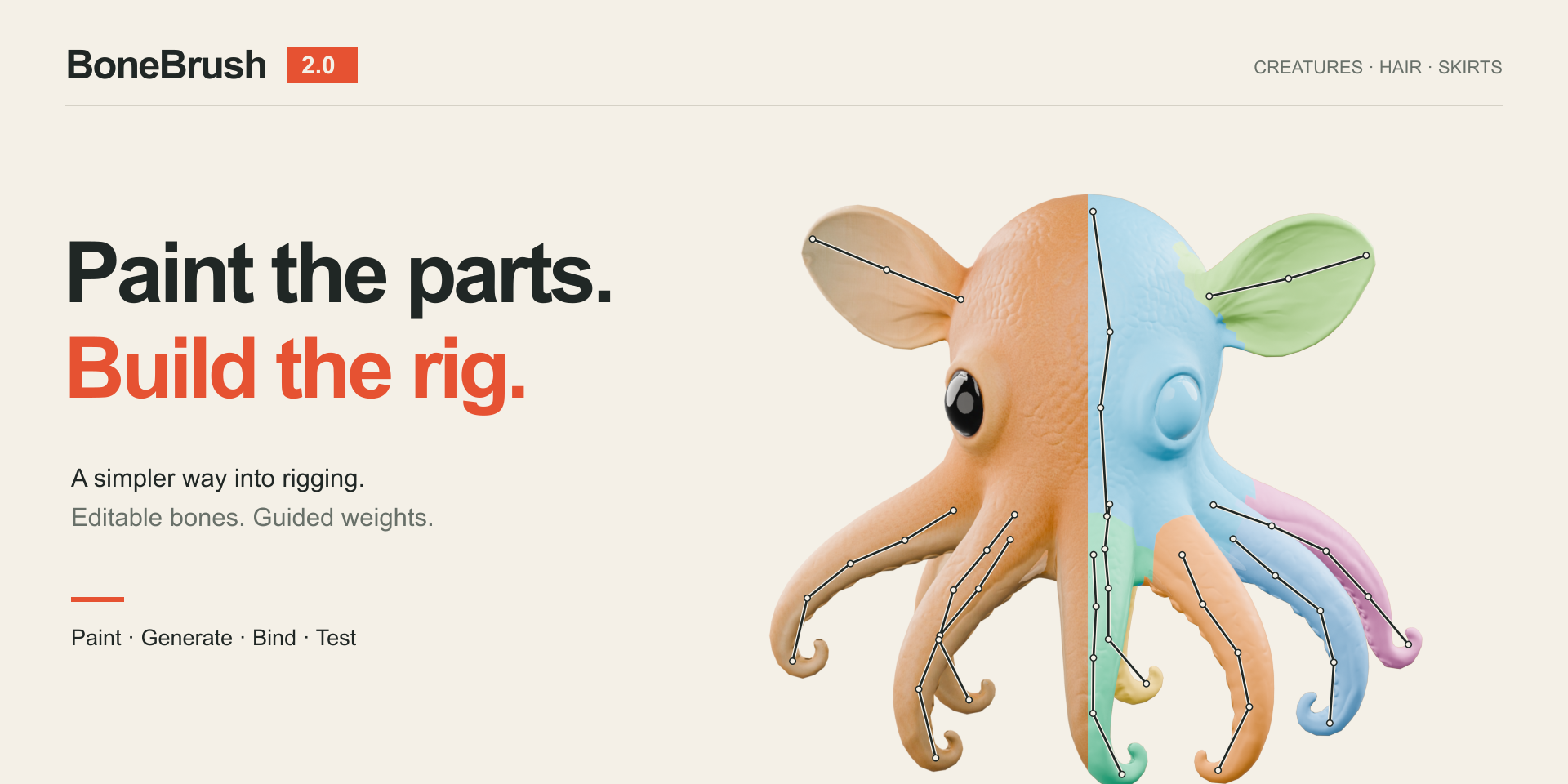
Paint Face Sets, generate editable bones, bind weights and add IK, Spline IK, IK/FK and Wiggle controls to monsters, animals and unusual Blender meshes.
Categories
Tags
Installation
- Download BoneBrush 2.0 Creature RIgger tool and check which Blender versions the creator supports. Keep the installable archive (for example,
BoneBrush_2.0_Creature_RIgger_tool.zip) intact. If the download is a bundle, extract it first to find the add-on archive. - In Blender, go to Edit → Preferences → Add-ons. In Blender 4.2 and newer, open the top-right menu and choose Install from Disk. In older versions, click Install….
- Select the add-on archive (for example,
BoneBrush_2.0_Creature_RIgger_tool.zip) or its standalone.pyfile and confirm the installation. - Find the add-on in the Add-ons list and tick its checkbox if it isn’t already enabled.
Check the creator’s instructions for any extra setup, such as dependencies or license activation.
Compare with other products
Choose a category to find products to compare with this listing.
Product versions
-
BoneBrush 2.0 published
Created Sep 14, 2026 · Published Sep 13, 2026
Release notes (source)
<b>BoneBrush 2.0 — public release</b><br><br>- Hair → Around Head: generate multiple editable <b>chains </b>from a fixed crown and one surrounding hair Face Set.<br>- Skirt → Around Waist: generate <b>chains </b>from a fixed waistband or bodice and one surrounding hem Face Set.<br>- Live Hair / Live Skirt and Timeline Wiggle: <b>move or animate</b> the root to drive secondary bone motion. Eligible new Hair/Skirt rigs enable Timeline <b>Wiggle after Bind</b>.<br>- Bake Wiggle to New Action: preserve the source action and record secondary rotations into a copy.<br>- <b>Improved Face Set Guided weights</b> with local parent/child transitions, region-limited smoothing and Expert Joint Width.<br>- Per-row Play after Bind / Rebind and Test All below the Face Set list in Quick and Expert.<br>- Keep the list and amplitude, speed and direction controls available during Pose Test. Stop / Esc restores the starting pose without new keys or changed weights.