Product listing
BlendFlow 2.0
By Alejandro Caballero ·
$15.00
List price: $15.00
Listing details
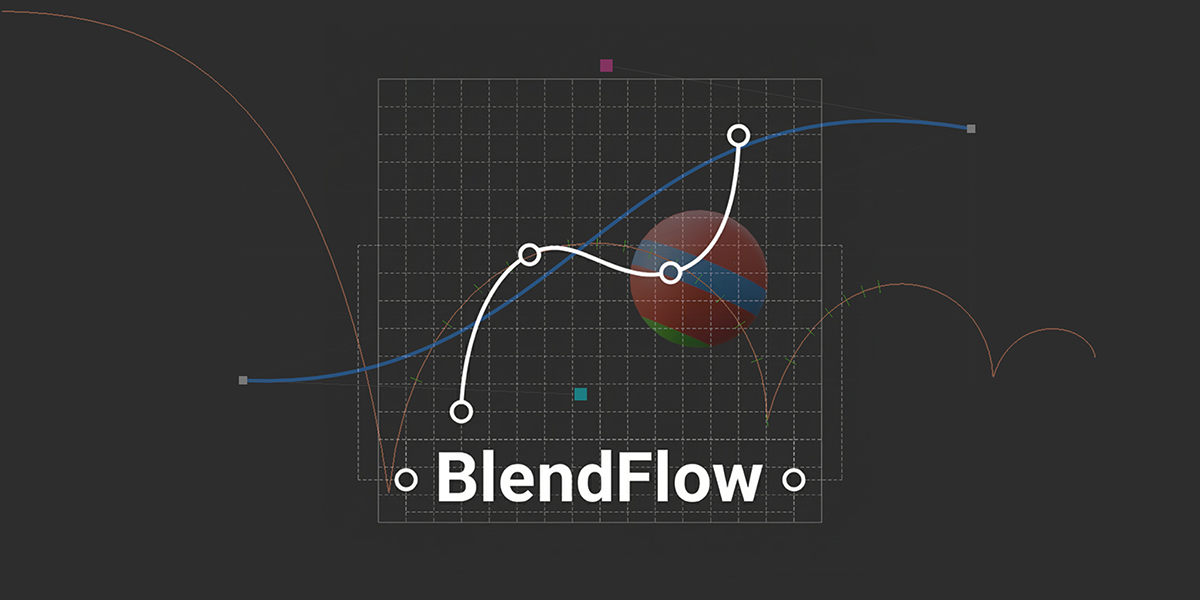
Tweak your motion paths and timing curves live and on-the-fly directly in Blender's 3D Viewport! Adjust your animation flow with instant visual feedback—no reloading or Graph Editor required.
Categories
Tags
Installation
- Download BlendFlow 2.0 and check which Blender versions the creator supports. Keep the installable archive (for example,
BlendFlow_2.0.zip) intact. If the download is a bundle, extract it first to find the add-on archive. - In Blender, go to Edit → Preferences → Add-ons. In Blender 4.2 and newer, open the top-right menu and choose Install from Disk. In older versions, click Install….
- Select the add-on archive (for example,
BlendFlow_2.0.zip) or its standalone.pyfile and confirm the installation. - Find the add-on in the Add-ons list and tick its checkbox if it isn’t already enabled.
Check the creator’s instructions for any extra setup, such as dependencies or license activation.
Compare with other products
Choose a category to find products to compare with this listing.
Product versions
-
BlendFlow 2.0 published
Created Oct 3, 2026 · Published Oct 3, 2026
Release notes (source)
<p>New Features in v2.0</p><p>• Global Keyframe Retiming: Change the speed of an entire animation by selecting only the first and last</p><p>keyframes while keeping intermediate points intact.</p><p>• Synchronized Multi-Channel Retiming: Location, Rotation, and Scale F-curves now retime together in perfect</p><p>synchronization.</p><p>• Proportional Tangent Scaling: Handle lengths scale proportionally (DT_new / DT_orig) when retiming,</p><p>preserving custom arcs, bounces, and shapes.</p><p>• Auto-Sync Point Deletion: Deleting control points on the 3D curve using native Blender keys (X / Delete)</p><p>automatically deletes object keyframes.</p><p>• Freehand Sketch to 3D Path: Convert 3D Viewport Annotation sketches directly into 3D Motion Paths.</p><p>• Adaptive Stroke Sampling: Smart sampling modes (AUTO, BOUNCE, UNIFORM) with automatic V-corner</p><p>ground impact detection.</p><p>• Viewport Spacing Marks: Visual perpendicular ticks along the motion path showing frame-by-frame</p><p>acceleration and velocity.</p><p>• Automated Superhive & Cloudflare Licensing: Instant automatic activation for Superhive (Blender Market)</p><p>orders with a 3-day offline mode.</p><p>• Blender 4.2+ & 5.0 Ready: Official blender_manifest.toml extension manifest and full Blender 5.0 API</p><p>compatibility.</p><hr><hr><p>Novedades en v2.0</p><p>• Retiempo Global por Extremos: Ajusta la velocidad de toda una animación seleccionando solo el primer y</p><p>último keyframe sin arruinar los puntos intermedios.</p><p>• Sincronización Multicanal: Posición, Rotación y Escala se ajustan juntas en perfecto orden sin que los canales</p><p>se desfasen.</p><p>• Preservación Proporcional de Tangentes: Los tiradores se escalan proporcionalmente al cambiar el tiempo,</p><p>manteniendo intacta la forma de tus arcos y rebotes.</p><p>• Borrado Automático de Keyframes: Borrar puntos de la curva 3D con la tecla nativa (X / Supr) elimina</p><p>automáticamente sus keyframes en el objeto.</p><p>• Conversión de Trazos a Rutas 3D: Convierte bocetos dibujados con la herramienta de Anotaciones en rutas</p><p>de animación 3D al instante.</p><p>• Muestreo Adaptativo de Trazos: Modos inteligentes (AUTO, BOUNCE, UNIFORM) con detección automática</p><p>de esquinas de impacto en 'V'.</p><p>• Marcas de Tiempo en Viewport (Spacing Marks): Guías visuales perpendiculares a la ruta que muestran la</p><p>velocidad y aceleración cuadro por cuadro.</p><p>• Licencias Automáticas Superhive + Cloudflare: Validación instantánea para compras en Superhive (Blender</p><p>Market) con modo offline de 3 días.</p><p>• Preparado para Blender 4.2+ y 5.0: Manifest oficial blender_manifest.toml para el gestor de extensiones y</p><p>compatibilidad total con Blender 5.0.</p>
Related products
More from this creator
No other products from this creator.