Product listing
Batch Print Exporter (STL, 3MF, OBJ)
By Hanru Croucamp ·
$6.75 On sale
List price: $9.00
Listing details
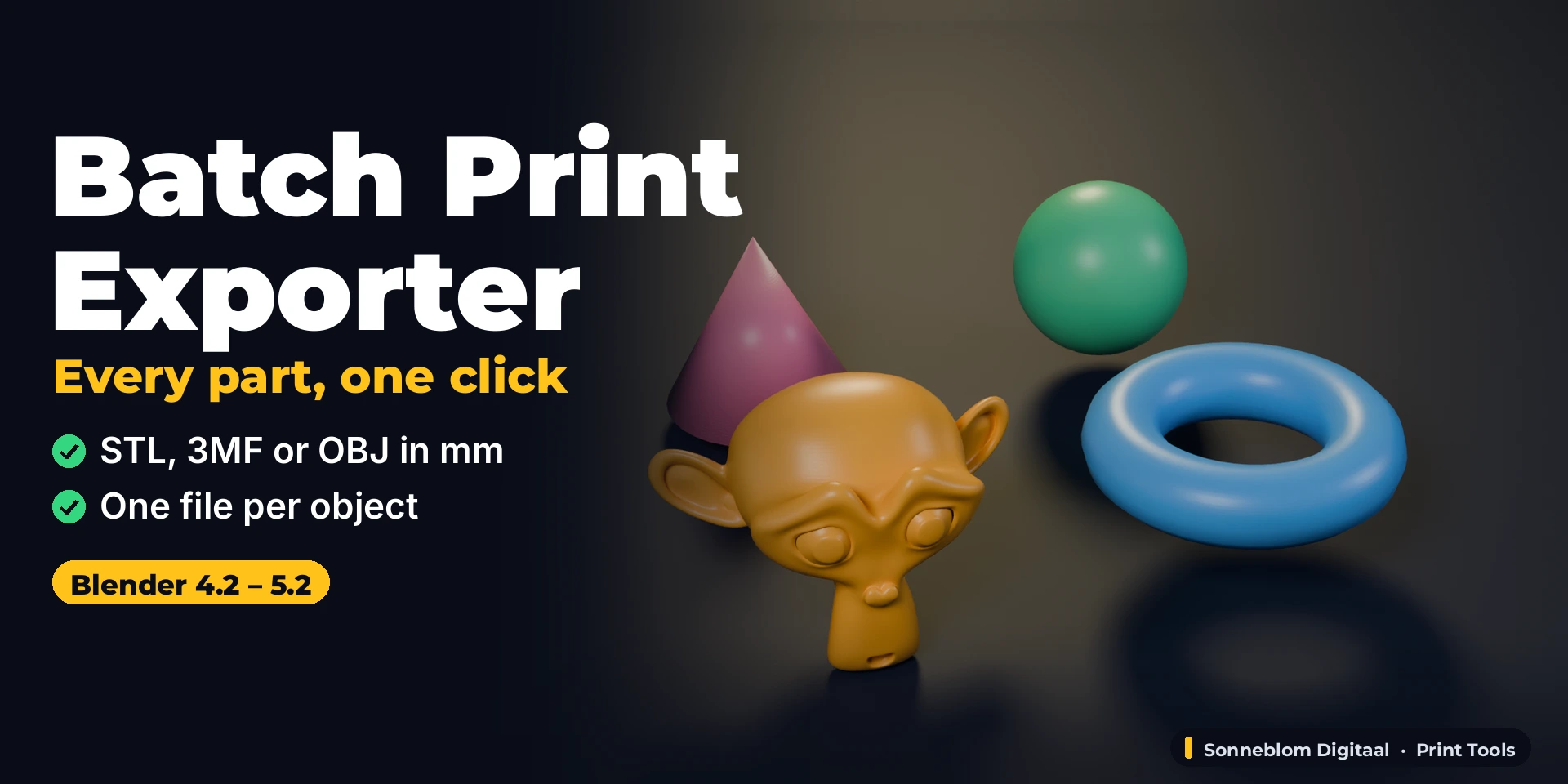
Every selected object to its own STL, 3MF or OBJ file in millimetres, in one click
Categories
Tags
Installation
- Download Batch Print Exporter (STL, 3MF, OBJ) and check which Blender versions the creator supports. Keep the installable archive (for example,
Batch_Print_Exporter_(STL,_3MF,_OBJ).zip) intact. If the download is a bundle, extract it first to find the add-on archive. - In Blender, go to Edit → Preferences → Add-ons. In Blender 4.2 and newer, open the top-right menu and choose Install from Disk. In older versions, click Install….
- Select the add-on archive (for example,
Batch_Print_Exporter_(STL,_3MF,_OBJ).zip) or its standalone.pyfile and confirm the installation. - Find the add-on in the Add-ons list and tick its checkbox if it isn’t already enabled.
Check the creator’s instructions for any extra setup, such as dependencies or license activation.
Compare with other products
Choose a category to find products to compare with this listing.
Product versions
-
1.1.2 published
Created Nov 10, 2026 · Published Nov 10, 2026
Release notes (source)
<p>Model units default to 1 unit = 1 mm (before: Scene units, which wrote STLs at 1000x size in a default scene), with a size line and a red warning over 2 m. Scale factor, one combined file option, ASCII STL. Every setting in Adjust Last Operation (F9); an F9 redo replaces the files of that export. Last export list in the panel (written files, open edges, skipped objects). Closed text and curve solids are reported closed and are written closed in STL, 3MF and OBJ (seam vertices shared).</p>
-
1.0.2 published
Created Oct 28, 2026 · Published Oct 28, 2026
Release notes (source)
<p>Tested on Blender 5.2.2 LTS (and 4.2 LTS)</p><p>Tested and certified on Blender 5.2.2 LTS (and 4.2 LTS); version bump only, no API changes needed.</p>