Product listing
BakeStation — Batch PBR Baker
By Mykola Piatkov ·
$9.99
List price: $9.99
Listing details
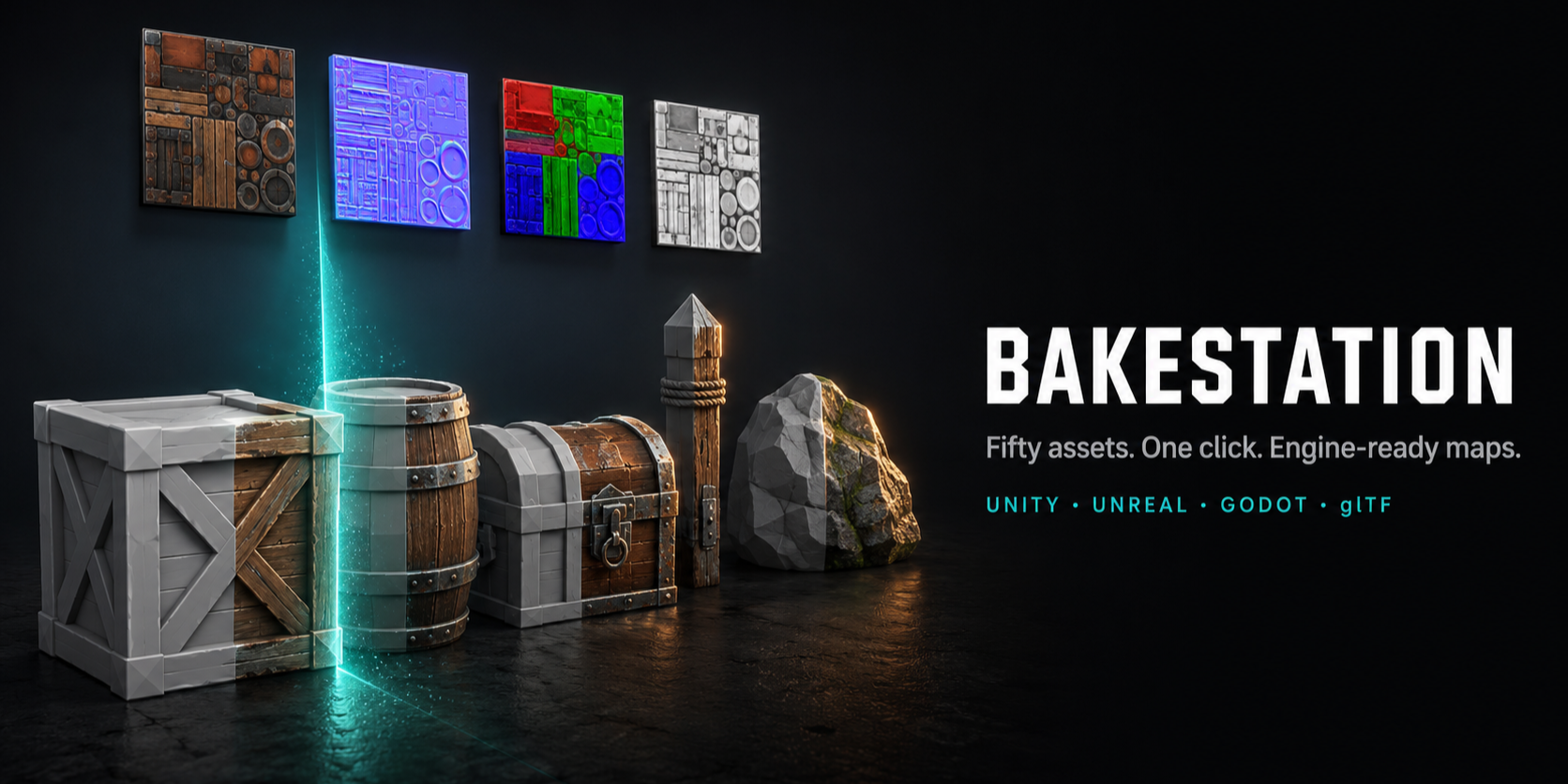
Batch high-to-low PBR baking with automatic pairing, ORM / mask / glTF channel packing, UDIM support, naming tokens, preview spheres and engine presets — set the queue and leave it.
Categories
Tags
Installation
- Download BakeStation — Batch PBR Baker and check which Blender versions the creator supports. Keep the installable archive (for example,
BakeStation_—_Batch_PBR_Baker.zip) intact. If the download is a bundle, extract it first to find the add-on archive. - In Blender, go to Edit → Preferences → Add-ons. In Blender 4.2 and newer, open the top-right menu and choose Install from Disk. In older versions, click Install….
- Select the add-on archive (for example,
BakeStation_—_Batch_PBR_Baker.zip) or its standalone.pyfile and confirm the installation. - Find the add-on in the Add-ons list and tick its checkbox if it isn’t already enabled.
Check the creator’s instructions for any extra setup, such as dependencies or license activation.
Compare with other products
Choose a category to find products to compare with this listing.
Product versions
-
1.1.3 published
Created Oct 2, 2026 · Published Oct 2, 2026
Release notes (source)
<p>Maintenance release. The package now ships an updated README (install steps for Blender 4.2 and later, uninstall).</p><p>No changes to the tools. Verified from the installed archive on Blender 4.2.9 and 5.2.0.</p>
-
1.1.2 published
Created Aug 27, 2026 · Published Aug 27, 2026
Release notes (source)
<p>Remove cage and Remove all cages are now proper undo steps.</p><p><br></p><p>Before this release neither of them created an undo step at all. Pressing</p><p>Ctrl+Z after removing cages did not bring the cages back — it undid whatever</p><p>you had done before removing them, which is worse than doing nothing. The two</p><p>operators now register with UNDO like the rest of the add-on, so removing a</p><p>cage behaves like any other edit.</p><p><br></p><p>Nothing else changed: baking, cages, the queue and the panel are the same.</p>