Product listing
AutoTex Matcher
By Targam ·
$10.00
List price: $10.00
Listing details
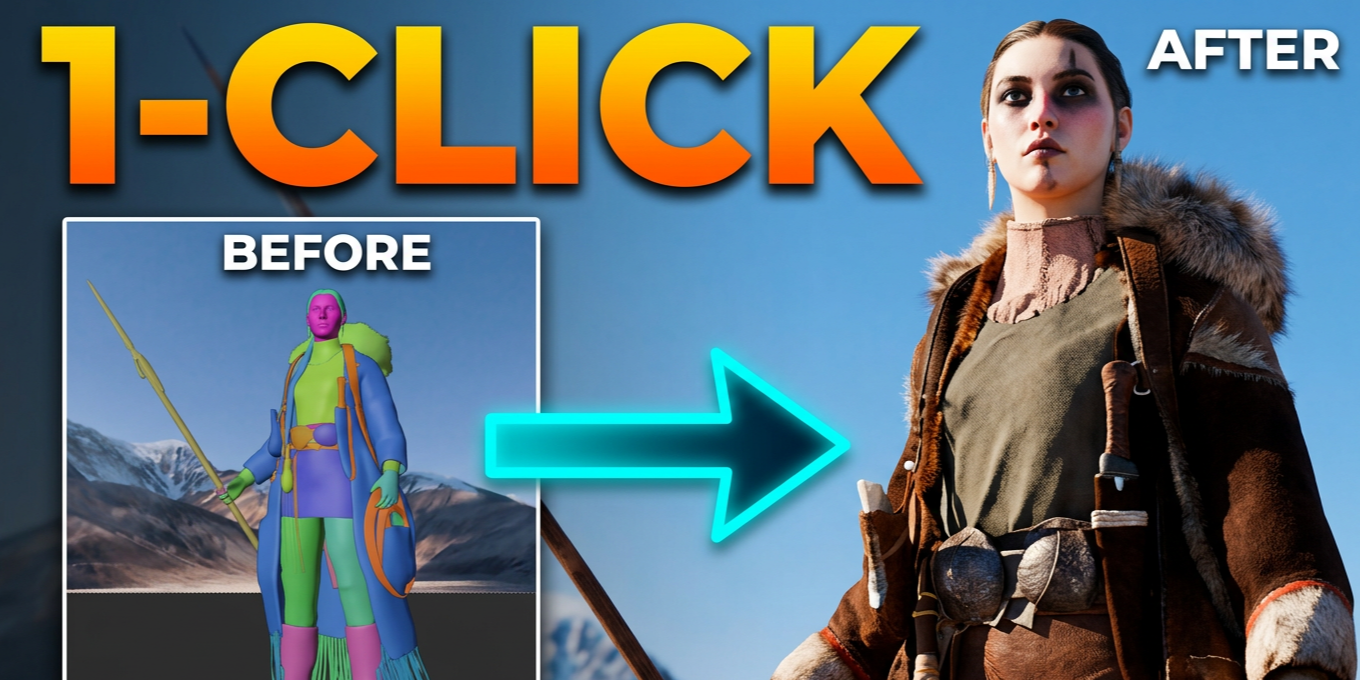
Smart Texture Matching & Auto Material Setup for Blender
Categories
Tags
Installation
- Download AutoTex Matcher and check which Blender versions the creator supports. Keep the installable archive (for example,
AutoTex_Matcher.zip) intact. If the download is a bundle, extract it first to find the add-on archive. - In Blender, go to Edit → Preferences → Add-ons. In Blender 4.2 and newer, open the top-right menu and choose Install from Disk. In older versions, click Install….
- Select the add-on archive (for example,
AutoTex_Matcher.zip) or its standalone.pyfile and confirm the installation. - Find the add-on in the Add-ons list and tick its checkbox if it isn’t already enabled.
Check the creator’s instructions for any extra setup, such as dependencies or license activation.
Compare with other products
Choose a category to find products to compare with this listing.
Product versions
-
AutoTex_v1.0 published
Created Jun 19, 2026 · Published Jun 19, 2026
Release notes (source)
<p>Blender 4.5+</p>
-
AutoTex v1.1 published
Created Jun 19, 2026 · Published Jun 19, 2026
Release notes (source)
<p>Version 1.1 <b>v5.0+</b><br></p><ul> <li><p>Added Preview Before Apply.</p></li> <li><p>Added non-destructive material updating.</p></li> <li><p>Improved multi-material and texture-set matching.</p></li> <li><p>Added target Principled BSDF selection.</p></li> <li><p>Added optional per-shader Mapping.</p></li> <li><p>Added Gloss, Transmission, and Subsurface map support.</p></li> <li><p>Added OpenGL and DirectX normal map detection.</p></li> <li><p>Expanded supported import formats.</p></li> <li><p>Improved batch import handling and reporting.</p></li> </ul>