Product listing
Atlasflow – Ultimate Color Atlasing
By Baltha Studio ·
$9.90
List price: $9.90
Listing details
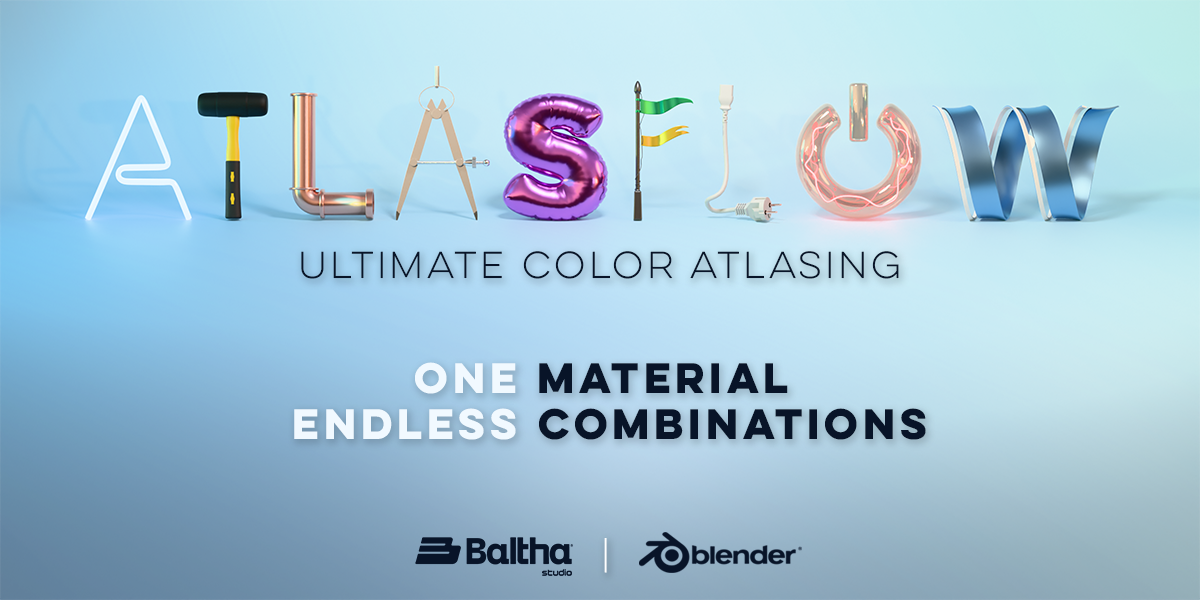
Atlasflow is a powerful Blender add-on that takes color atlasing to the next-level by enabling per-face PBR editing within a single material and two lightweight 128×128 pixel textures. With an intuitive toolset, you can achieve an immense range of PBR value combinations and face-specific settings with unprecedented ease and nearly zero texture footprint. This approach dramatically reduces draw calls and simplifies material management, making it ideal for game asset creation, stylized models, or any project demanding high optimization or fast-paced production!
Categories
Tags
Installation
- Download Atlasflow – Ultimate Color Atlasing and check which Blender versions the creator supports. Keep the installable archive (for example,
Atlasflow_–_Ultimate_Color_Atlasing.zip) intact. If the download is a bundle, extract it first to find the add-on archive. - In Blender, go to Edit → Preferences → Add-ons. In Blender 4.2 and newer, open the top-right menu and choose Install from Disk. In older versions, click Install….
- Select the add-on archive (for example,
Atlasflow_–_Ultimate_Color_Atlasing.zip) or its standalone.pyfile and confirm the installation. - Find the add-on in the Add-ons list and tick its checkbox if it isn’t already enabled.
Check the creator’s instructions for any extra setup, such as dependencies or license activation.
Compare with other products
Choose a category to find products to compare with this listing.
Related products
More from this creator
No other products from this creator.