Product listing
Aseprite Bridge
By Martin de Lange ·
$15.00
List price: $15.00
Listing details
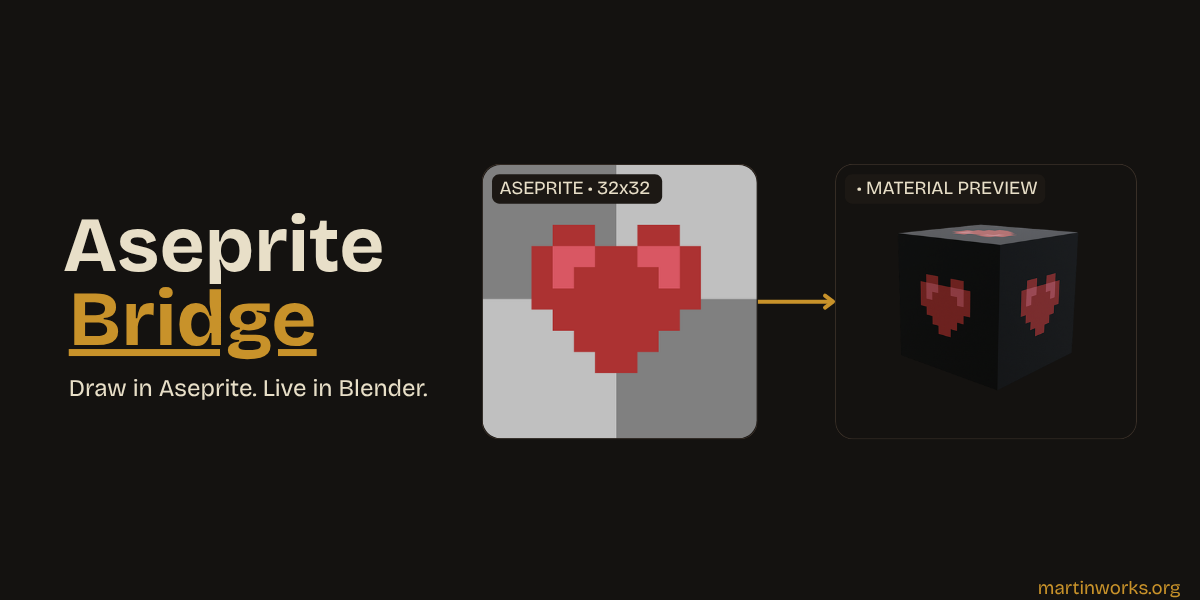
A real-time bridge between Aseprite and Blender. Paint pixels in Aseprite and they stream straight onto a material on your model - no exporting, no reloading.
Categories
Tags
Installation
- Download Aseprite Bridge and check which Blender versions the creator supports. Keep the installable archive (for example,
Aseprite_Bridge.zip) intact. If the download is a bundle, extract it first to find the add-on archive. - In Blender, go to Edit → Preferences → Add-ons. In Blender 4.2 and newer, open the top-right menu and choose Install from Disk. In older versions, click Install….
- Select the add-on archive (for example,
Aseprite_Bridge.zip) or its standalone.pyfile and confirm the installation. - Find the add-on in the Add-ons list and tick its checkbox if it isn’t already enabled.
Check the creator’s instructions for any extra setup, such as dependencies or license activation.
Compare with other products
Choose a category to find products to compare with this listing.
Product versions
-
1.0.5 published
Created Nov 3, 2026 · Published Nov 3, 2026
Release notes (source)
<p><b>Version 1.0.5</b></p><p><b>Fixed:<br></b>A texture packed by 1.0.4 was stored without a file path, which left it in an invalid state inside your .blend. The artwork could empty out, and because the problem was saved into the file it stayed broken even if you went back to an older version. Textures are now stored correctly.</p><p><br></p><p><i>Files already affected repair themselves. Open the file, let one stroke come through from Aseprite, and save.</i></p>
-
1.0.4 published
Created Oct 18, 2026 · Published Oct 18, 2026
Release notes (source)
<p><b>Version 1.0.4</b></p><p><b><i>Fixed:</i></b></p><p>Your painted texture is now kept when you save the .blend. Until this version Blender saved an empty image, so you could paint, save, reopen and find the model un-textured with no warning. The texture is packed into your file automatically. <br><br>There is a "Pack texture into .blend" switch in the Advanced panel if you ever want it off.</p><p>Saving twice now keeps the newer artwork. Previously a second save could write the texture as it was at the first save.<br><br><b>What happened to 1.0.3:</b><br><br>I kind of skipped version 1.0.4 as I broke some small parts of the loading where it would try to connect before blender even opened and it would cause a freeze. I am very sorry for that!</p>
-
1.0.2 published
Created Sep 21, 2026 · Published Sep 21, 2026
Release notes (source)
<p><b><i>Version 1.0.2</i></b></p><p><br></p><p><b>Fixed:</b></p><p>The model could stay Un-textured on a mesh that already had a material. The bridge material was added as a new slot that none of your faces used, so the stream worked but nothing appeared on the model. Blender now tells you when that happens and offers a one-click "Put Faces On Bridge Material", with "Restore Previous Faces" to undo it. Your existing materials and face assignments are never changed unless you ask for it.</p><p><br></p><p>On a fresh object you had to paint a stroke before the material was set up. The material is now wired as soon as Aseprite connects.</p><p><br></p><p><b>Improved:</b></p><ul><li>Send UV Layout works before you have painted anything. Blender asks Aseprite for the canvas size the moment it connects, so the UV reference grid is available straight away.</li><li>When the canvas size is not known yet, the Send UV Layout button is greyed out with the reason underneath instead of looking like it did nothing.</li><li>The panel now points at Sprite > Stream to Blender, which is where the toggle actually lives.</li><li>Builds bought from the store no longer show "Licensed to: Unregistered copy". They show the version instead.</li><li>Both halves are included. Install the updated Aseprite extension along with the Blender add-on, since the new canvas size handshake needs both sides.</li></ul>