Product listing
ASCII Render
By Alastor ·
$9.00
List price: $9.00
Listing details
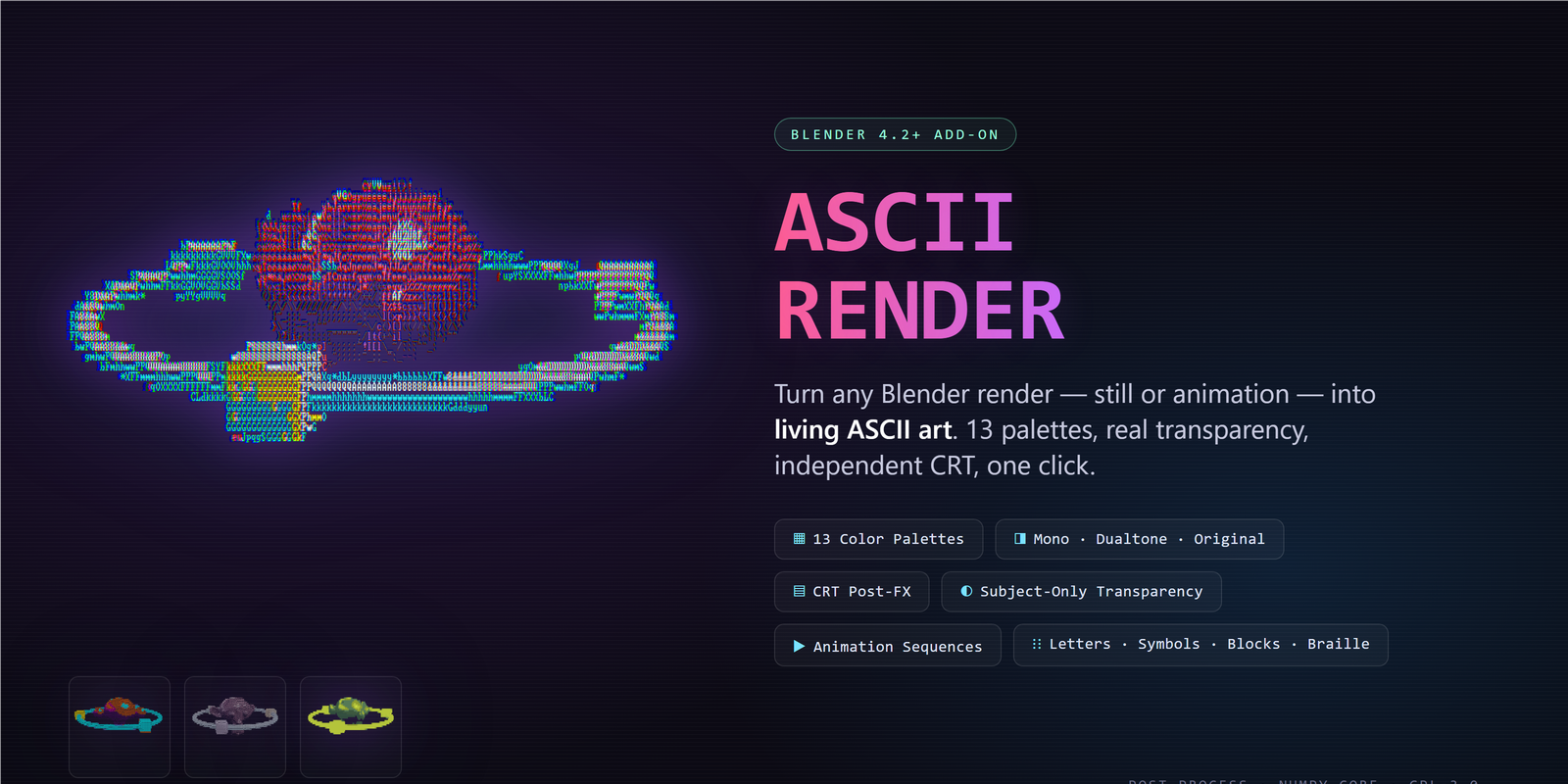
Turn any Blender render—still or animation—into living ASCII art with 13 palettes, real transparency, an independent CRT layer and one-click output.
Categories
Tags
Installation
- Download ASCII Render and check which Blender versions the creator supports. Keep the installable archive (for example,
ASCII_Render.zip) intact. If the download is a bundle, extract it first to find the add-on archive. - In Blender, go to Edit → Preferences → Add-ons. In Blender 4.2 and newer, open the top-right menu and choose Install from Disk. In older versions, click Install….
- Select the add-on archive (for example,
ASCII_Render.zip) or its standalone.pyfile and confirm the installation. - Find the add-on in the Add-ons list and tick its checkbox if it isn’t already enabled.
Check the creator’s instructions for any extra setup, such as dependencies or license activation.
Compare with other products
Choose a category to find products to compare with this listing.
Product versions
-
ASCII Render 0.2.2 published
Created Oct 13, 2026 · Published Oct 13, 2026
Release notes (source)
<p><b>Fixed</b></p><p>Fixed a crash when rendering an animation while an Image Editor was open. Animation frames now render one by one on Blender's main thread, with a progress bar. Press Esc to stop.</p><p>The ASCII result no longer gets recreated when its size changes, so an open Image Editor keeps showing it safely.</p><p>Removed the compositor warnings in Blender 5.x; Compositor Preview works the same, without console noise.</p><p><br></p><p><b>New</b></p><p>Auto Preview: the preview refreshes on its own a moment after you change any look setting. You can toggle it with the refresh icon next to Preview (on by default).</p><p>Auto Save on by default: ASCII Render saves the PNG automatically and reports where it was saved.</p><p>Smarter output folder: leave Output Directory empty and files go into Blender's render output folder, inside a per-project subfolder (<file name>_ascii). The Output panel shows the folder in use, and Open Folder opens it.</p><p><br></p><p><b>Improved</b></p><p>The animation result updates in the Image Editor after every frame.</p>