Product listing
AI studio Blender Addon
By Sher Ameen ·
$15.00
List price: $15.00
Listing details
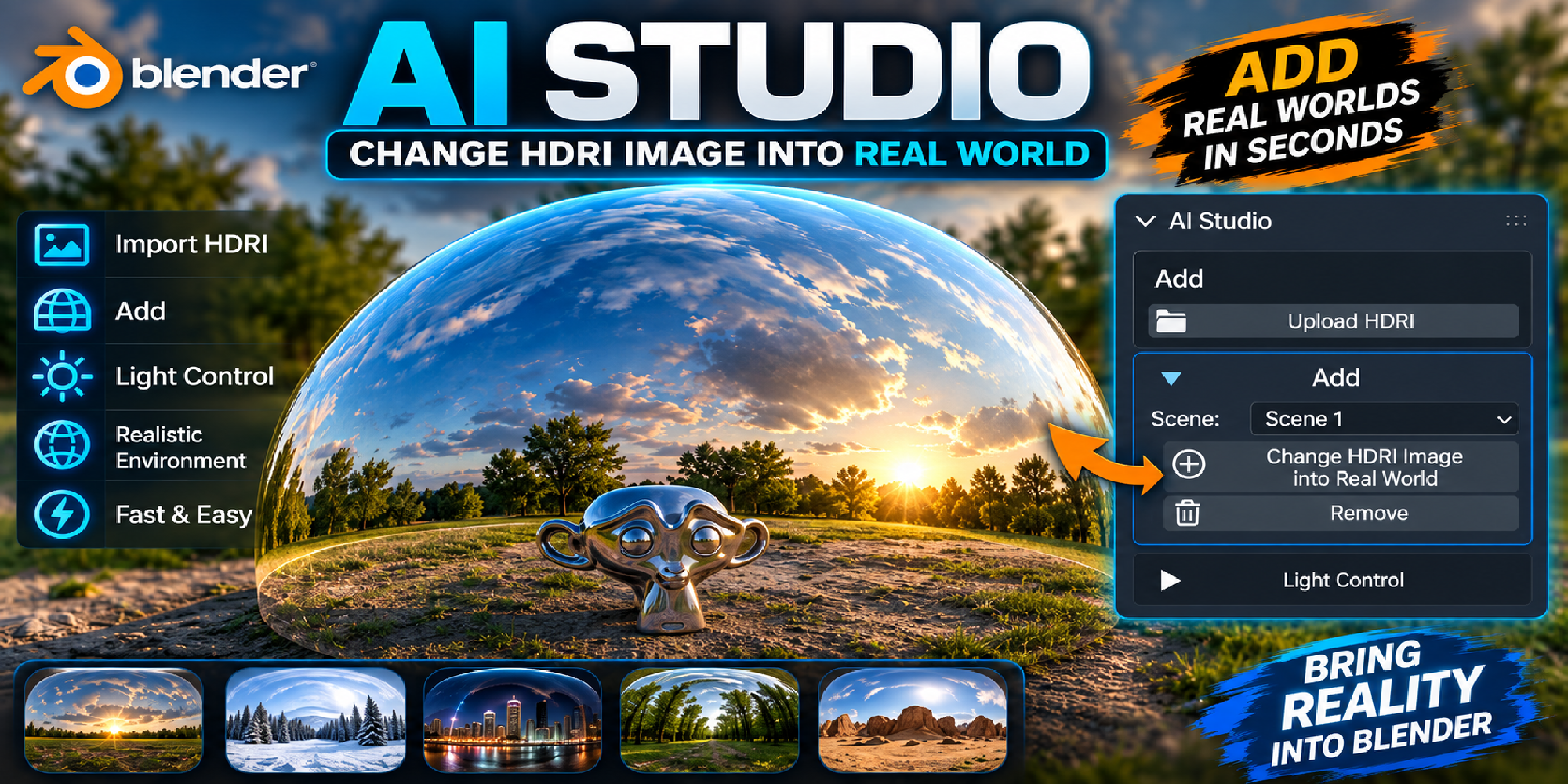
Turn your HDRI into a realistic 3D world in just a few clicks! HDRI to Real World is a powerful Blender addon designed to turn your HDRI environment into a realistic 3D world with matching ground and surroundings. With just a few clicks, you can create a seamless environment that helps your 3D objects feel naturally integrated into the HDRI scene instead of looking like they are floating. ✨ Key Features Create realistic ground from your HDRI Match the ground with the HDRI environment Simple and fast workflow No manual ground modeling required Perfect for product renders, VFX, cinematic scenes and realistic compositions Easy to use directly inside Blender Save time, simplify your workflow, and bring your HDRI scenes to life. HDRI to Real World — Make your 3D objects belong to the world. HDRI to Real World makes it easy to create a matching ground environment for your HDRI scenes — fast, simple, and Blender-friendly.
Categories
Tags
Installation
- Download AI studio Blender Addon and check which Blender versions the creator supports. Keep the installable archive (for example,
AI_studio_Blender_Addon.zip) intact. If the download is a bundle, extract it first to find the add-on archive. - In Blender, go to Edit → Preferences → Add-ons. In Blender 4.2 and newer, open the top-right menu and choose Install from Disk. In older versions, click Install….
- Select the add-on archive (for example,
AI_studio_Blender_Addon.zip) or its standalone.pyfile and confirm the installation. - Find the add-on in the Add-ons list and tick its checkbox if it isn’t already enabled.
Check the creator’s instructions for any extra setup, such as dependencies or license activation.
Compare with other products
Choose a category to find products to compare with this listing.