Product listing
Advanced Collection Manager for Blender
By Martin Lisen ·
From $22.99
Listing details
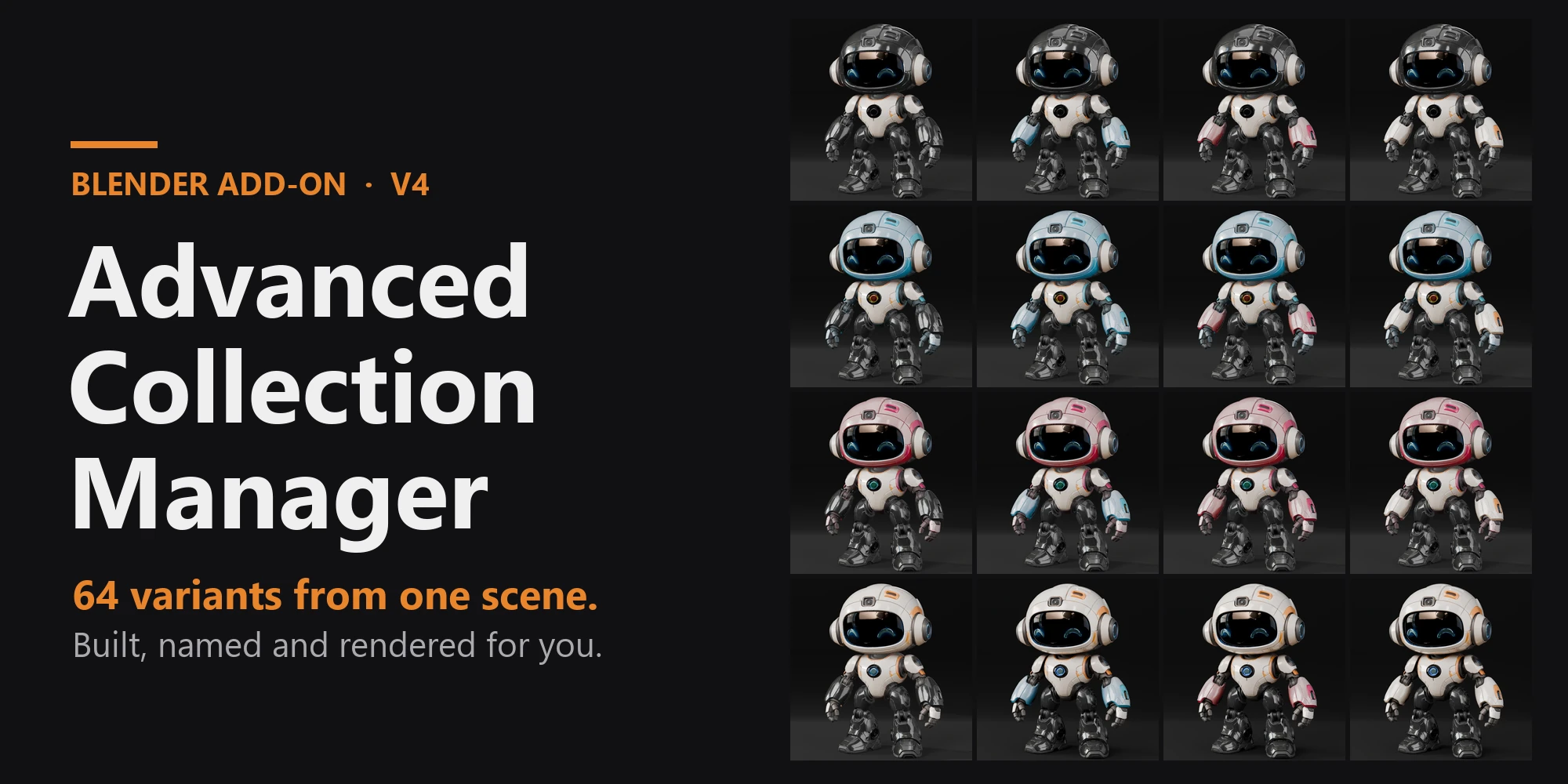
Build every product variant as a View Layer and render them all in the background while you keep working. Organize, rename and duplicate collections too. No scripting.
Categories
Tags
Compare with other products
Choose a category to find products to compare with this listing.
Variants
-
One-time Licence : Duplicate collections tools disabled
Price: $10.00 · List price: $10.00
-
Full License published
Price: $22.99 · List price: $22.99
Variant versions
-
advanced_collection_manager-2026.4.1 published
Created Sep 24, 2026 · Published Sep 24, 2026
Release notes (source)
<p><strong>2026.4.1</strong></p><ul><li>Now requires <strong>Blender 5.0 or newer</strong> (was 4.2+). The 6 · Render section relies on the compositor introduced in Blender 5.0, so the untested 4.x code path was removed.</li><li>Bundled readme updated for V4 (6 functions, Render section).</li><li>Extension manifest now passes Blender's official validation (official tags, shorter permission text).</li></ul>
-
advanced_collection_manager-2026.4.0 published
Created Sep 24, 2026 · Published Sep 24, 2026
Release notes (source)
<h3 dir="ltr">V4 — 2026.4.0</h3><h3><ul dir="ltr"><li>New <strong>6 · Render</strong>, replacing "Render All" from panel 4 (operator kept registered for scripts, just no longer shown — it froze Blender and reloaded the whole scene for every image).<ul dir="ltr"><li>Build Layers in Compositor: one Render Layers node per generated View Layer, wired to a single File Output node (one PNG per layer, named exactly like it). ACM-only nodes, grouped in a frame; rebuilding never touches the user's own nodes and never duplicates.</li><li>View Layers to render: tied directly to Blender's own "Use for Rendering", All/None/Missing/Invert, already-rendered layers flagged.</li><li>Output folder (own setting, no longer tied to <code>scene.render.filepath</code>), Skip existing (resume after a crash/cancel), Batch Size, Background/Interface mode.</li><li>Background mode (default): renders in a separate, invisible Blender process — this Blender stays fully usable. Progress bar with ETA, current batch, Cancel (keeps images already written). Interface mode renders here, batch by batch, opening Blender's own render window each time (like F12) — falls back to a plain blocking loop when there's no window (background Blender, headless tests).</li></ul></li><li>Panel 4: prefix now always separated with <code>_</code> (<code>Robot</code> → <code>Robot_Body_White</code>, not <code>RobotBody_White</code>).</li><li>Duplicate: "Rename objects like their collection" — the suffix/name change applied to the root collection is now also applied to the objects inside it.</li><li>Batch Rename: "Remove Blender counter (.001)" when the name without it is free.</li><li>Fix: the Organize preview's "will be deleted once empty" now matches the real rule (<code>all_objects</code>, nested collections included) — a source that becomes the parent of its own new destination collection is correctly shown as kept, not deleted.</li></ul><hr></h3><h3 dir="ltr"></h3><ul>
</ul>
-
advanced_collection_manager-2026.3.0 published
Created Sep 24, 2026 · Published Sep 13, 2026
Release notes (source)
<h3 dir="ltr">V3 — 2026.3.0</h3><h3><ul dir="ltr"><li>New UI: one panel, 5 numbered functions as an accordion (one unfolded at a time), numbered steps, previews before every action.</li><li>Panel in Properties › Scene <strong>and</strong> 3D Viewport sidebar (toggle + tab name in preferences); version in the title.</li><li>1 · Collections & Assets: working list + asset detection across several collections, grouping by name part, organize with move / delete-emptied options, Delete Empty Collections.</li><li>2 · Batch Rename: collections and/or objects, by name part, with preview.</li><li>3 · Duplicate: Increment / Names / Suffixes, existing names skipped, references remapped in copies.</li><li>4 · View Layers: detection by prefix/suffix → all combinations, auto scenography (lights/cameras), optional prefix, only generated layers cleared.</li><li>5 · View Layer → Scene: Linked / Full / Settings, only visible content, single View Layer.</li><li>Fix: new scenes on Blender 5.2 have no layer tree until synced (handled).</li></ul></h3><ul> </ul>
-
advanced_collection_manager-2026.2.0 published
Created Sep 24, 2026 · Published Sep 1, 2026
Release notes (source)
<h3 dir="ltr">V2 — 2024.2.0</h3><h3 dir="ltr"><ul dir="ltr"><li>Variant Matrix (View Layers per combination), Render All Combinations.</li></ul><hr><p dir="ltr"></p></h3><ul>
</ul>
-