Product listing
Advanced Terrain Generator Pro — Terrain, Grading & GIS Tools
$24.99
List price: $24.99
Listing details
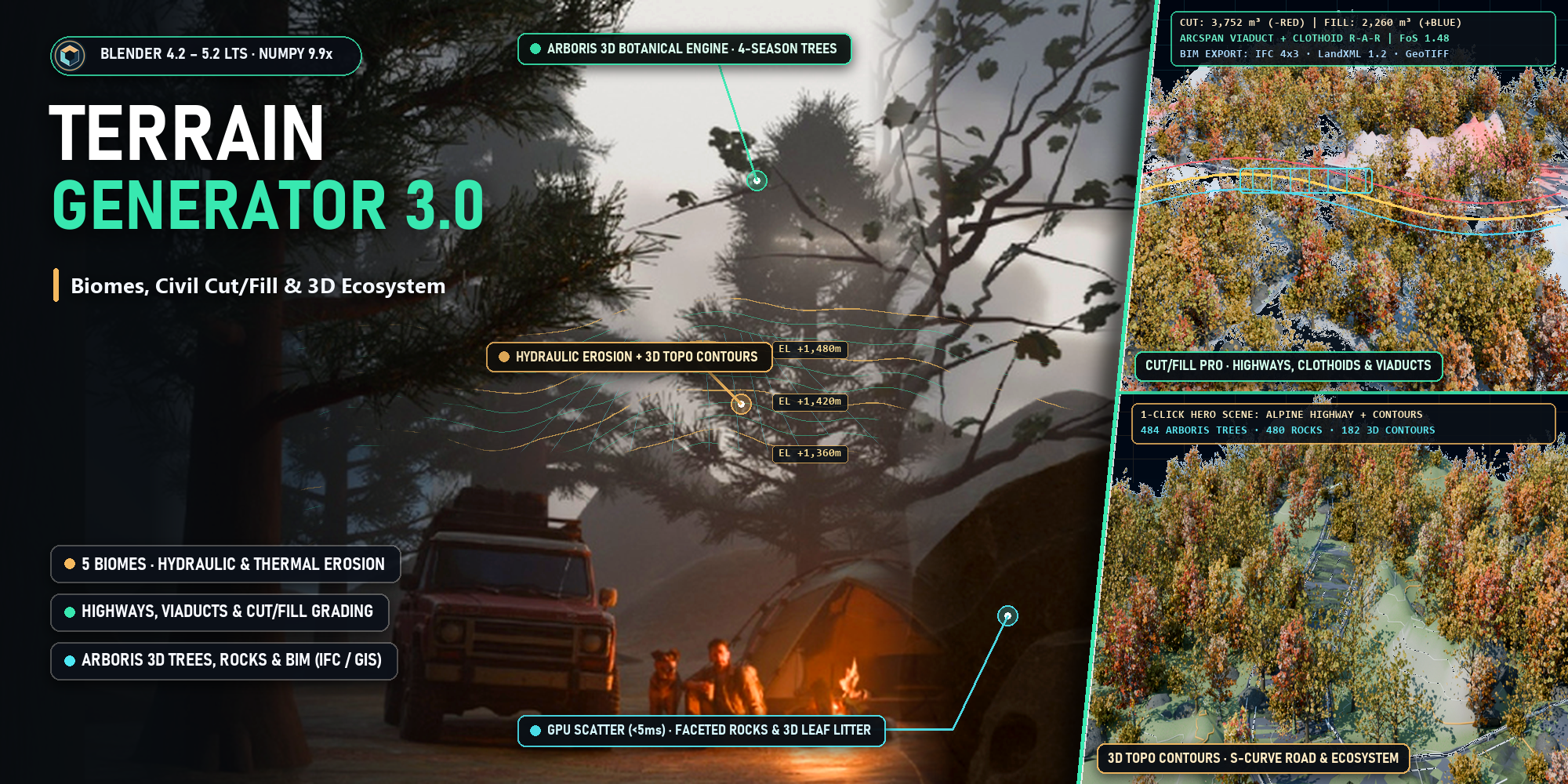
Create procedural terrain, grade road and railway corridors, import supported elevation data, and develop environment scenes in Blender.
Categories
Tags
Installation
- Download Advanced Terrain Generator Pro — Terrain, Grading & GIS Tools and check which Blender versions the creator supports. Keep the installable archive (for example,
Advanced_Terrain_Generator_Pro_—_Terrain,_Grading_&_GIS_Tools.zip) intact. If the download is a bundle, extract it first to find the add-on archive. - In Blender, go to Edit → Preferences → Add-ons. In Blender 4.2 and newer, open the top-right menu and choose Install from Disk. In older versions, click Install….
- Select the add-on archive (for example,
Advanced_Terrain_Generator_Pro_—_Terrain,_Grading_&_GIS_Tools.zip) or its standalone.pyfile and confirm the installation. - Find the add-on in the Add-ons list and tick its checkbox if it isn’t already enabled.
Check the creator’s instructions for any extra setup, such as dependencies or license activation.
Compare with other products
Choose a category to find products to compare with this listing.
Product versions
-
3.0.1 published
Created Oct 29, 2026 · Published Oct 29, 2026
Release notes (source)
<p>Fixed Noise Scale being ignored in Direct Mesh and tiled terrain generation. Higher values now produce smaller noise features; the default value (0.5) preserves the previous output.</p><p><br></p><p>Existing meshes stay unchanged until regenerated. Rebuilding older scenes with a non-default Noise Scale now produces different terrain. Save a copy before pressing Generate Terrain, especially if you have manual edits.</p><p><br></p><p>Includes updated documentation and IFC export version labels.</p><p><br></p>
-
3.0.0 published
Created Oct 29, 2026 · Published Oct 29, 2026
Release notes (source)
<p>Original 3.0.0 release. Retained for reference and rollback; use 3.0.1 for the Noise Scale correction.</p>