Product listing
Save Selections V2
By 3DPRS ·
$5.00
List price: $5.00
Listing details
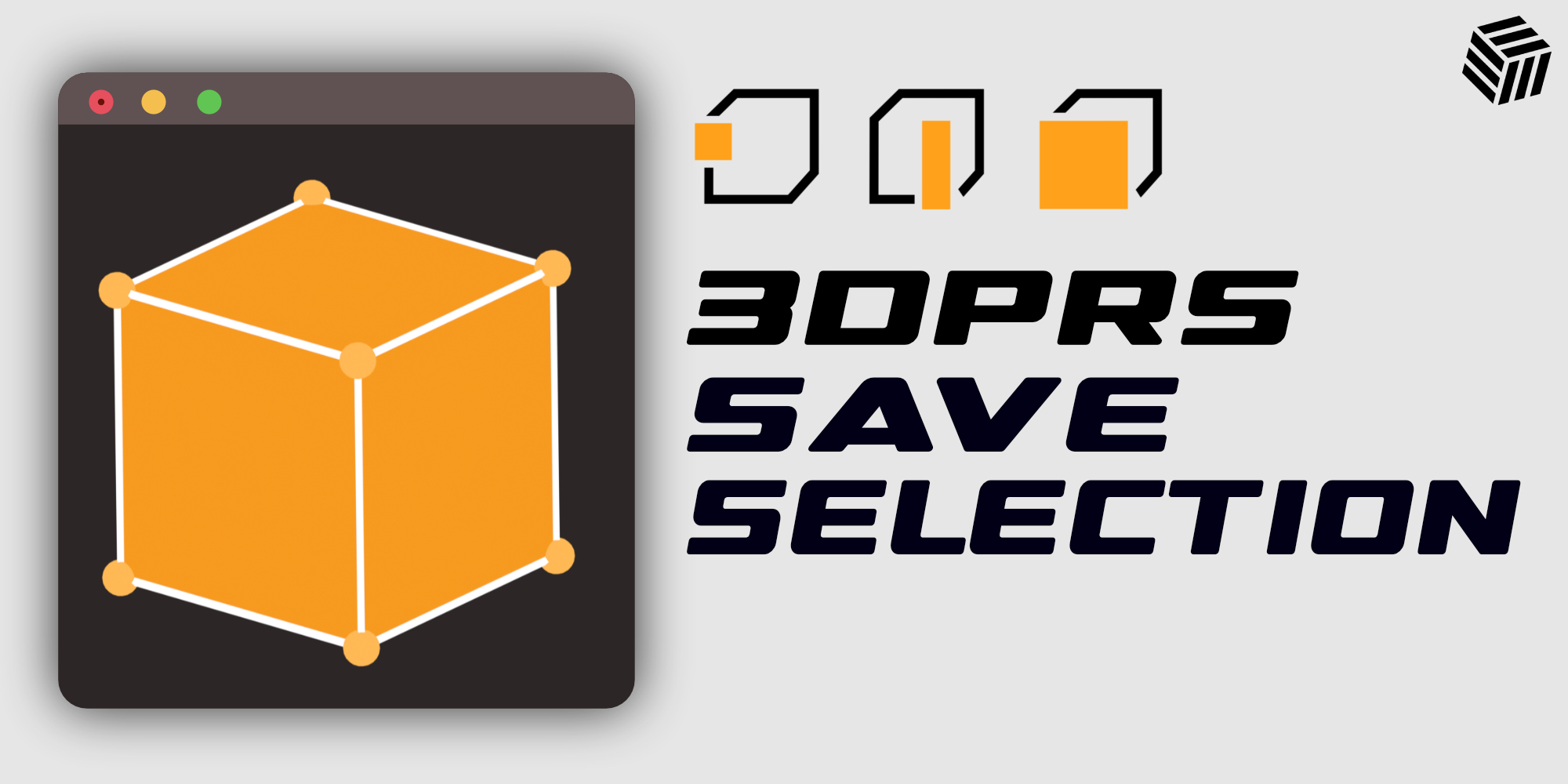
Save Vert, Edge, Face or Object selections effortlessly: custom icons for easy recognition. reuse, rename, update, and delete sets
Categories
Tags
Installation
- Download Save Selections V2 and check which Blender versions the creator supports. Keep the installable archive (for example,
Save_Selections_V2.zip) intact. If the download is a bundle, extract it first to find the add-on archive. - In Blender, go to Edit → Preferences → Add-ons. In Blender 4.2 and newer, open the top-right menu and choose Install from Disk. In older versions, click Install….
- Select the add-on archive (for example,
Save_Selections_V2.zip) or its standalone.pyfile and confirm the installation. - Find the add-on in the Add-ons list and tick its checkbox if it isn’t already enabled.
Check the creator’s instructions for any extra setup, such as dependencies or license activation.
Compare with other products
Choose a category to find products to compare with this listing.
Product versions
-
Version 2.0 published
Created Sep 18, 2026 · Published Sep 18, 2026
Release notes (source)
<li>
<strong>Multi-Object VEF:</strong> Save/apply vertex, edge or face selections across multiple objects.<br><span style="font-weight:bolder;">Move Up/Down:</span> move sets up or down the list.<span class="PDq2pG_selectionAnchor"></span>
</li><li>
<strong>+/- Buttonn:</strong> Add or remove objects/components to an existing set.
</li><li>
<strong>Colors:</strong> Object sets use viewport colors; VEF sets can show optional color-attribute previews.<br><strong>Auto View:</strong> Object tab shows object colors, VEF tab shows VEF colors.</li>
-
Version 1.3 published
Created Feb 1, 2026 · Published Feb 1, 2026
Release notes (source)
<p><strong>v1.3</strong> update with the <strong>QOL feature</strong>:</p><p>
</p><ul>
<li>
<p>✅ VEF sets now store the <strong>object name</strong> they were created from.</p>
</li>
<li>
<p>✅ When you <strong>Apply</strong> a VEF set, it will:</p>
<ol>
<li>
<p>switch to Object Mode</p>
</li>
<li>
<p>select + make active the stored object</p>
</li>
<li>
<p>enter Edit Mode (for meshes)</p>
</li>
<li>
<p>restore the saved V/E/F selection on that object</p>
</li>
</ol>
</li>
<li>
<p>✅ If the object is missing, it cancels with a clear message.</p>
</li>
</ul>
-
Version 1.2 published
Created Nov 9, 2024 · Published Nov 9, 2024
Release notes (source)
Added Armature Selection category to help with rigging
Added an Add button to add to a selection set
-
Version 1.1 published
Created Sep 16, 2024 · Published Sep 16, 2024
Release notes (source)
Added Armature Selection category to help with rigging
-
Version 1.0 published
Created Aug 19, 2024 · Published May 14, 2024