Product listing
3DC Polish - ClayPolish for Blender
By 3DCEPTION ·
$15.00
List price: $15.00
Listing details
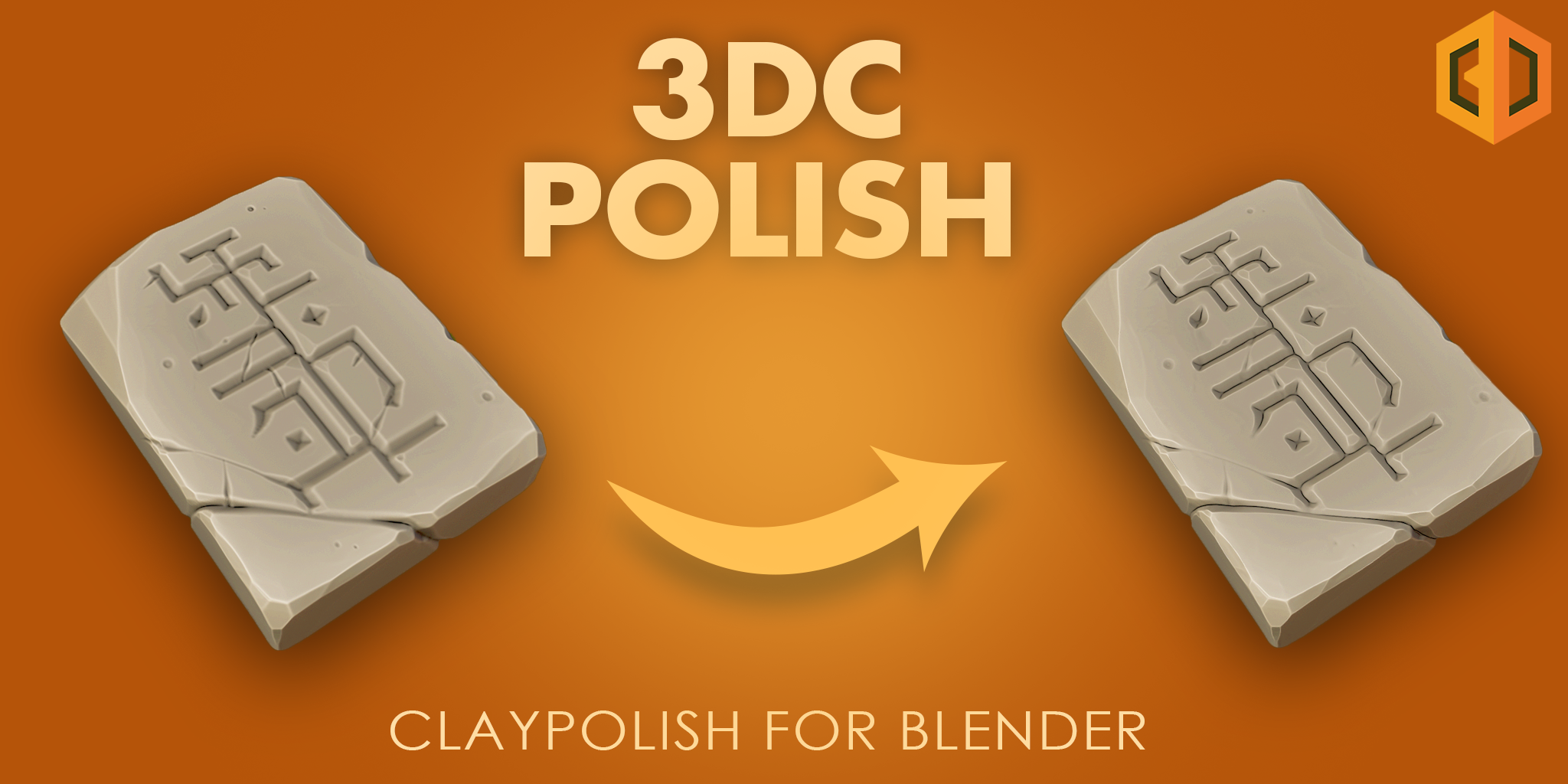
Sculptors! Meet 3DC Polish – a ClayPolish tool in Blender!
Categories
Tags
Installation
- Download 3DC Polish - ClayPolish for Blender and check which Blender versions the creator supports. Keep the installable archive (for example,
3DC__Polish_-_ClayPolish_for_Blender.zip) intact. If the download is a bundle, extract it first to find the add-on archive. - In Blender, go to Edit → Preferences → Add-ons. In Blender 4.2 and newer, open the top-right menu and choose Install from Disk. In older versions, click Install….
- Select the add-on archive (for example,
3DC__Polish_-_ClayPolish_for_Blender.zip) or its standalone.pyfile and confirm the installation. - Find the add-on in the Add-ons list and tick its checkbox if it isn’t already enabled.
Check the creator’s instructions for any extra setup, such as dependencies or license activation.
Compare with other products
Choose a category to find products to compare with this listing.
Product versions
-
3DC Polish v1.3.0 published
Created May 8, 2026 · Published May 8, 2026
Release notes (source)
<h3>Change log v1.3</h3><p><br></p><p><span><strong>✅ </strong></span><b>MultiRes modifier support:</b></p><p>Both Edge Polish and Deformation tools now work seamlessly with objects that have an active MultiRes modifier. The modifier’s subdivision levels are preserved during the operation.</p><p><br></p><p><span><strong>✅ </strong></span><b>Proper triplanar (box) mapping:</b></p><p>A new Box (Generated) coordinate mode provides seamless, projection‑based noise using the object’s local bounding box. Blending between axes can be controlled with the new Blend parameter.</p><p><br></p><p><span><strong>✅ </strong></span><b>Features removed:</b></p><ul><li><span><strong> </strong></span><i><b>Remesh - </b></i>The remesh tool has been removed from the addon, due to its low quality remeshing. You can easily replicate the same using remesh modifier</li></ul><ul><li><i><b>Live Deformation - </b></i>Live deformation is removed for better performance. Now the deformation is visible only after applying it, an undo-able operation.</li></ul><p><b><br></b></p><p><b><br></b></p><h3>📥 How to Update</h3><p><br></p><ol><li><p><span>Log in to your <strong>SuperHive account</strong></span></p></li><li><p><span><a href="https://superhivemarket.com/products/3dc-polish" target="_blank">Download</a> the latest version</span></p></li><li> <p><span>Remove the old version and install <strong>v1.3</strong></span></p> </li></ol><p><br></p>
-
3DC Polish v1.2.0 unlisted
Created May 8, 2026 · Published Jan 13, 2026
Release notes (source)
<h3>What’s New in v1.2</h3><p><br></p><p><span><strong>✅ Custom noise textures:</strong></span></p><p><span><strong><br></strong></span></p><p><span></span></p><ul><li><span>Browse for custom texture from your system to apply on your mesh</span></li></ul><ul><li><span>Choose from Local, Global and Object based coordinates to project the texture.</span></li></ul><ul><li><span>In case of any change in location of the sculpt, global projection can be updated using the 'Update' Button. </span></li></ul><ul><li><span>Apply the noise before applying transforms!</span></li></ul><p><br></p>