Free screencast keys for Blender: every key you press, shown in the 3D viewport's corner, with a mouse that lights up as you click. One button in the toolbar. Made for tutorials, shorts and livestreams.
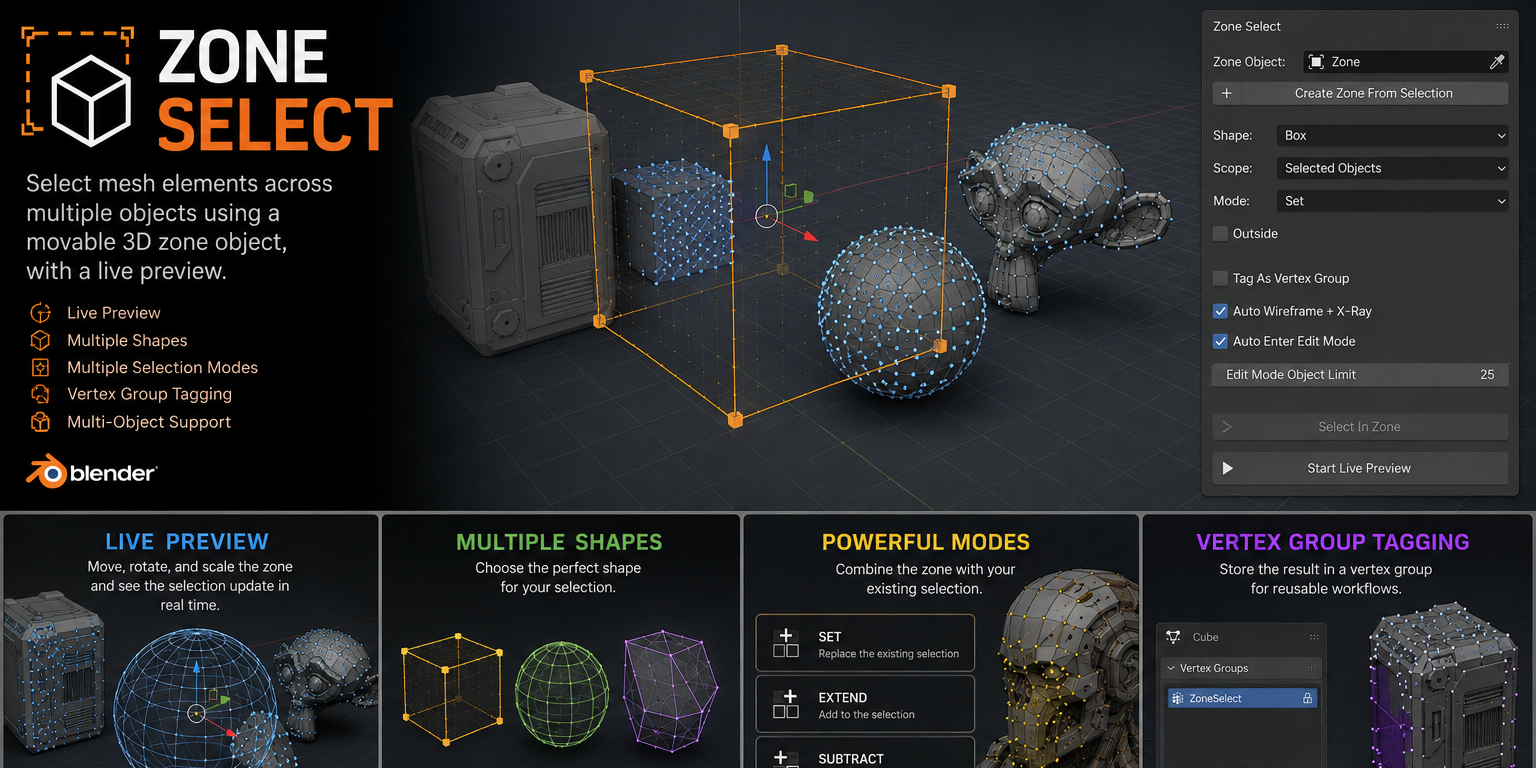
Select mesh vertices across multiple Blender objects using a movable 3D selection zone—with live visual feedback.
Zone Select lets you define a selection volume using Box, Sphere/Ellipsoid, or Convex Mesh shapes, then Set, Extend, Subtract, Intersect, or invert the selection. Use Live Preview to see exactly what will be selected while you move, rotate, or scale the zone. Perfect for fast spatial selection, scene cleanup, procedural workflows, and reusable vertex-group masks.