Projection Master — HDRI Ground Projection
- Creator
- Aaryan Kashyap
- Price
- $9.00
- List price
- $9.00
- Sale status
- Not on sale
- Published
Listing description
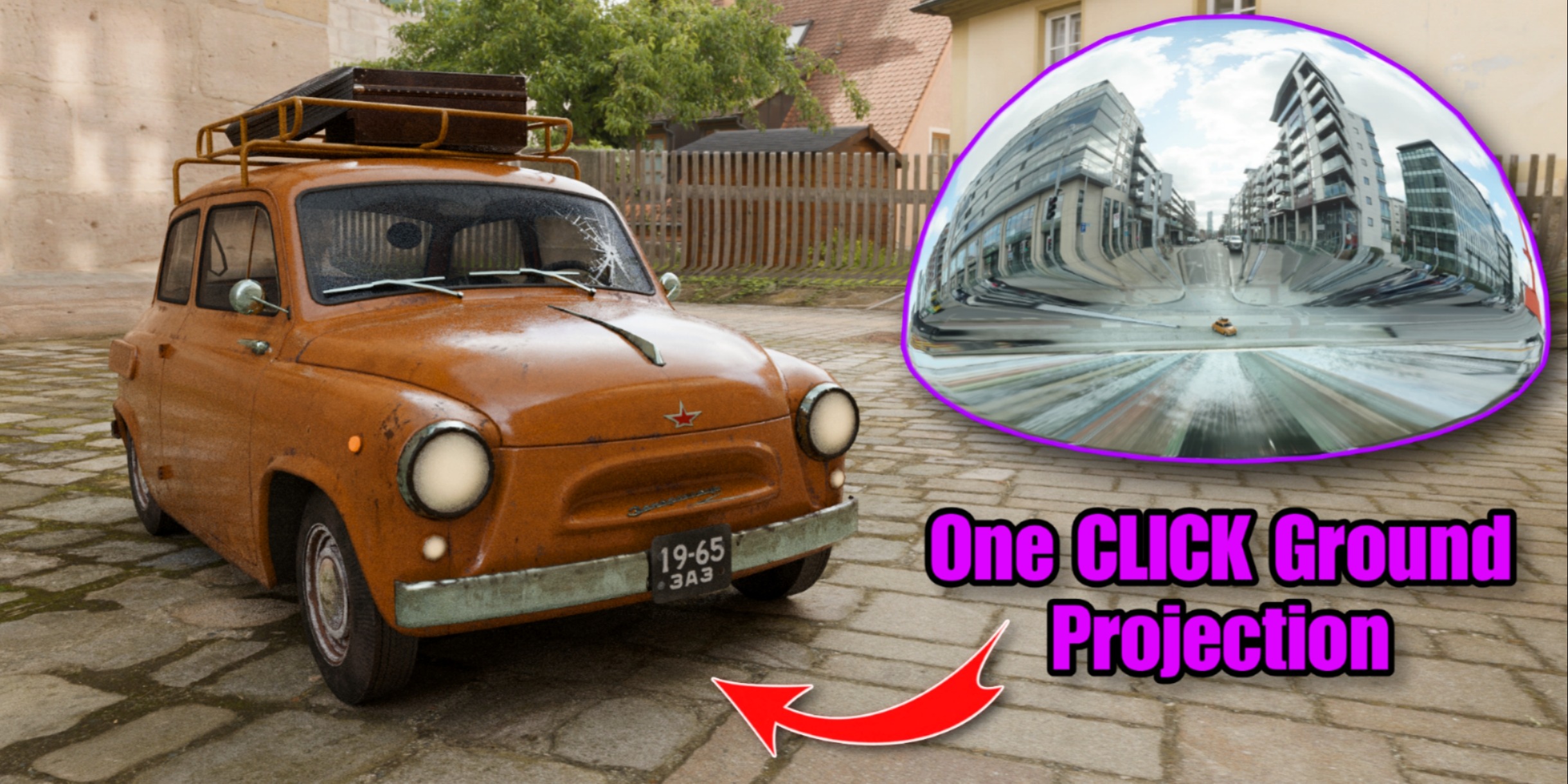
Turn any HDRI into a true ground-projected backdrop instead of a flat background dome. Projection Master appends a ready-made ground sphere and world setup, wires your HDRI straight into it, and gives you simple controls for strength, rotation, and ground mapping (location/scale) — all from a dedicated tab in the 3D Viewport sidebar. No manual node setup, no digging through World properties. Load an HDRI, hit Apply, and your horizon lines up like a real environment. Installation 1. Download the .zip file of the add-on. 2. In Blender, go to Edit > Preferences > Add-ons. 3. Click Install... and select the .zip file. 4. Enable the add-on by checking the box next to Projection-Master . 5. You're ready to go!
Published variants
No published variants listed.
