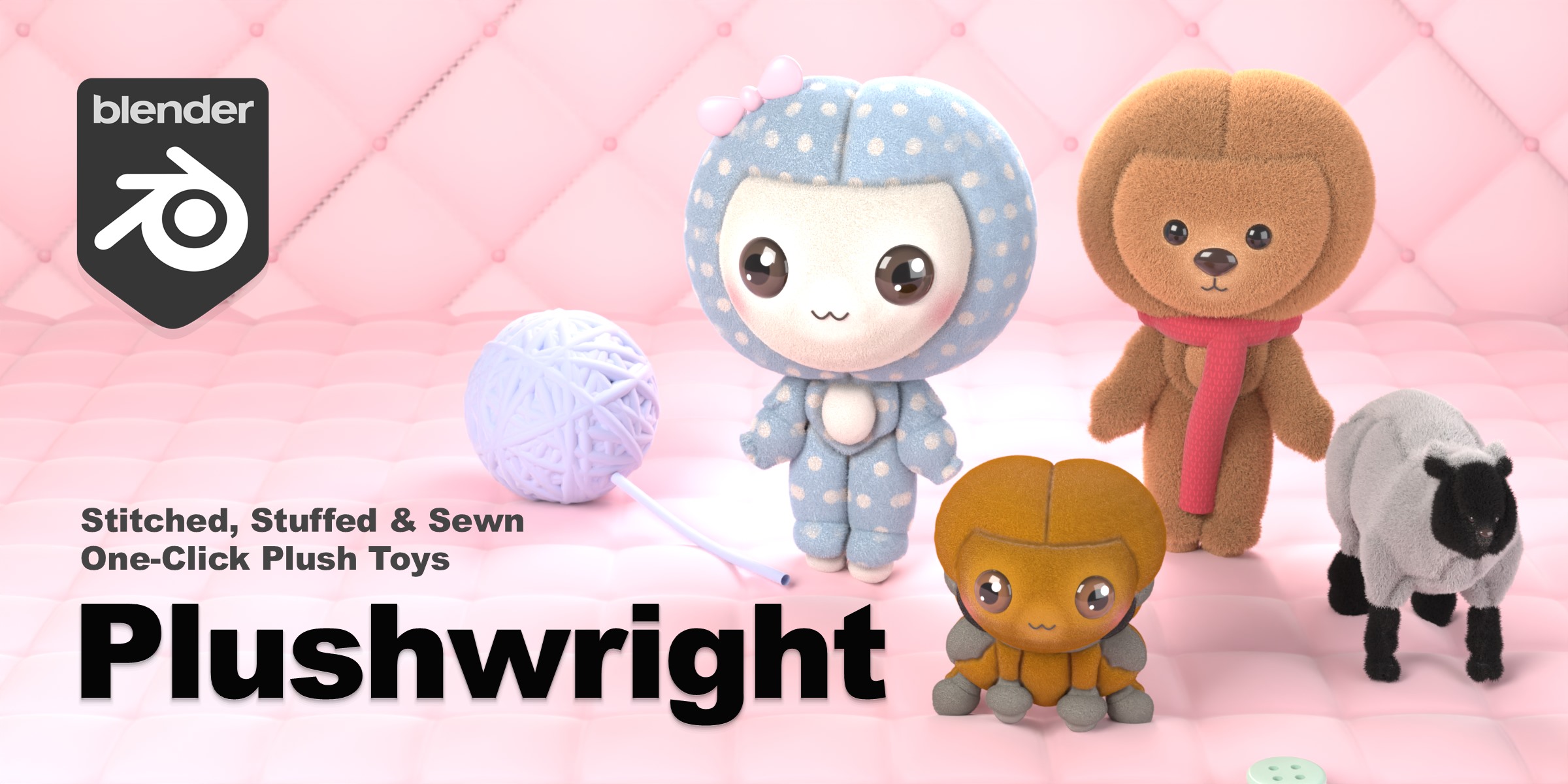
Turn any mesh into a stitched, stuffed plush toy in one click: sewn fabric panels, real stuffing, soft fibres, a sewn-on face and a studio. Characters become plush dolls.
Changing your object in edit or object mode, adding modifiers and going a few steps back to before you applied the modifiers or made your changes.
This is possible now, with buttons in a panel.
Your saved state will be displayed in the panel, as the objects name and a state number.
Adding materials can also be saved as a state, and you can always go back to an earlier state if needed, by pressing the 'restore' buttons in the panel
Going back to a previous state, making some adjustments and saving the new state again to the current state, is so easy.
You can switch from object to object any time to make adjustments.
To make objects, that have saved states, more visible, there is a 'toggle' button to show all these objects.
All your saved states will be available again for later if you save your blend file.