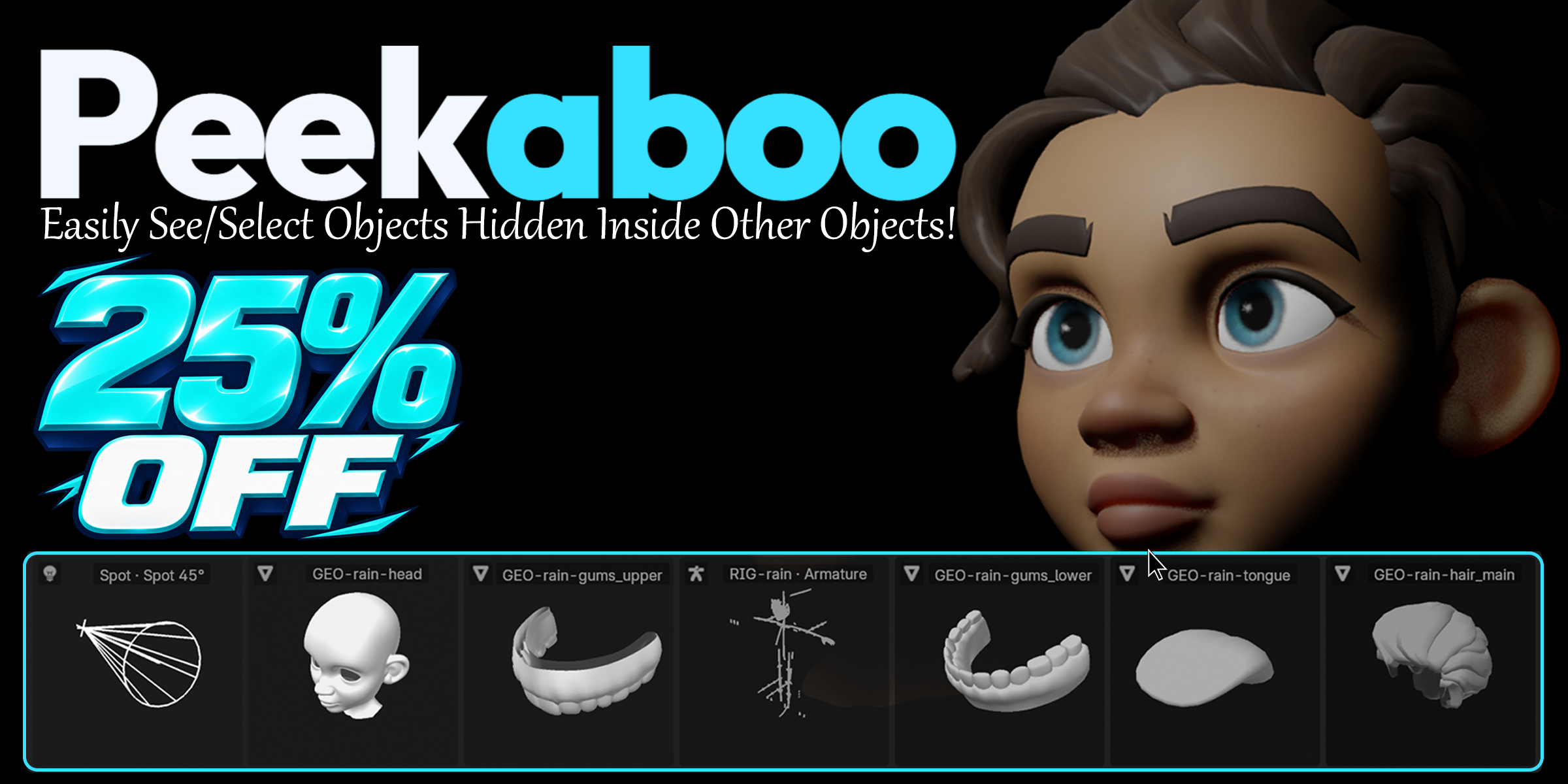
Peekaboo is a Blender addon that allows you to see hidden object under your cursor/mesh. Hold or tap Alt+Space over the 3D Viewport and a grid of live model previews opens under the cursor, one tile per object it finds. Click a tile to select that object.
Published variants
Peekaboo (Full) · Price: $14.99 · List price: $14.99
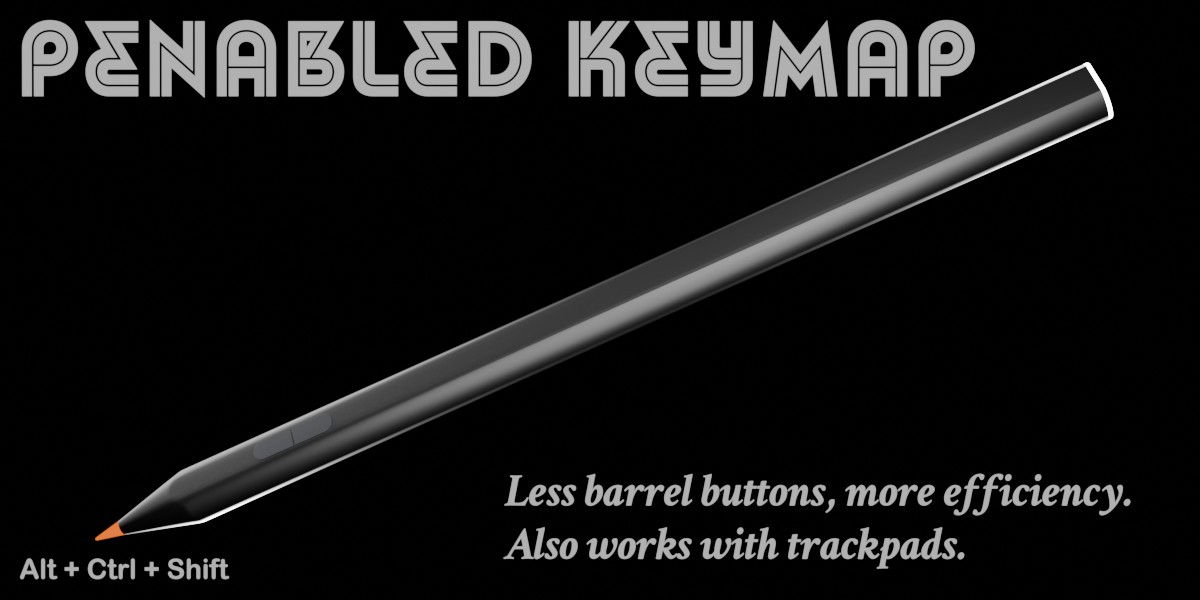
💻✏️Penabled / pen-input laptops and displays aren't yet given the love from Blender they deserve. Here's a keymap to give you traction right out of the gate with fast navigation / framing selection / whole work area across nearly every Blender mode / workspace, including modelling, sculpting, animation, and node editing. It also doubles as a helpful sort of "emulate 3 button mouse" for laptop trackpads, while still allowing you to perform alt / modifier key click functions on N-panel add-on buttons, something that Blender's current "Emulate 3 Button Mouse" fails to do. Full spreadsheet chart of hotkeys and pythonic operator names and key-bindings included for your tweaking convenience.