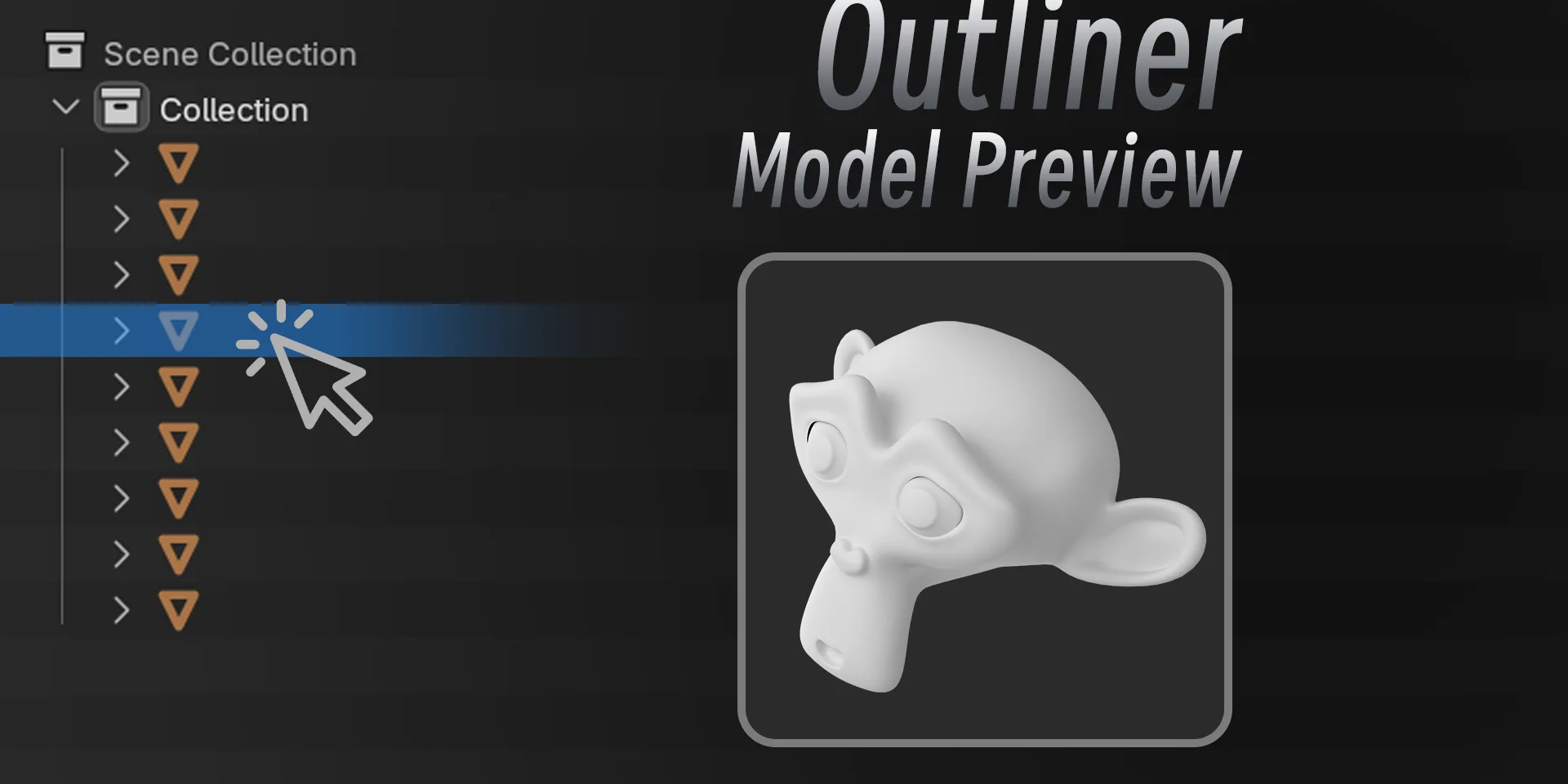
This extension allows for a 360° preview of the selected object or collection's model directly within the Outliner.
> **Shift + Left Click** the preview toggle button to open the function panel.
---
该扩展能在大纲视图(Outliner)中,360° 预览所选物体或集合的模型。
> **Shift+左键**点击预览开关按钮,即可呼出功能面板
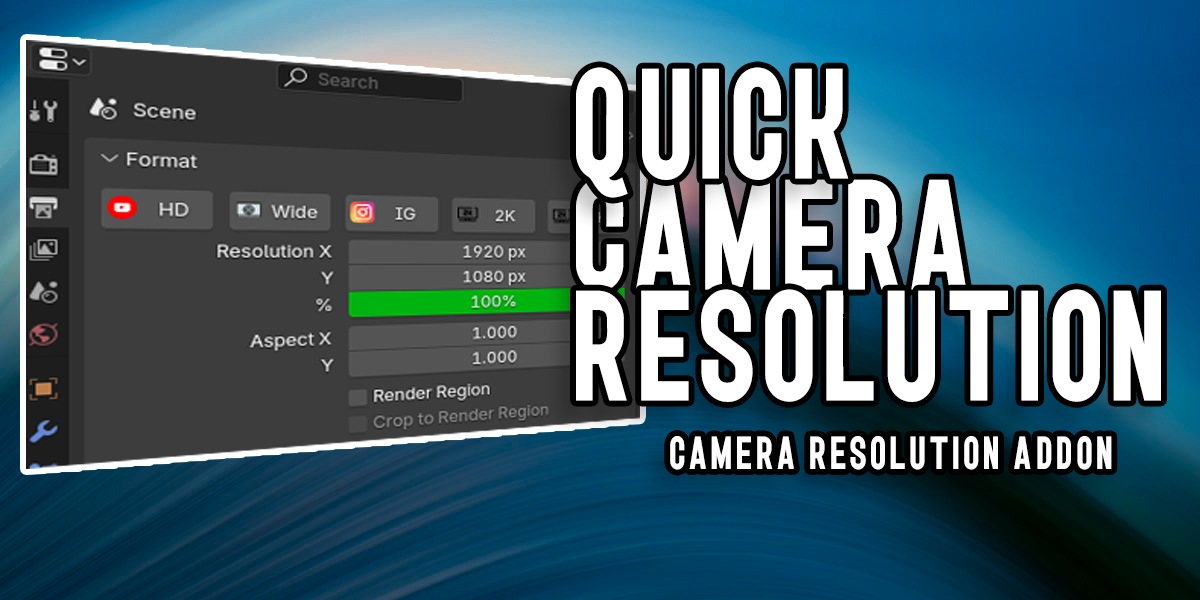
Introducing the "Quick Camera Resolution" addon for Blender! With this tool, changing the camera resolution type in Blender has never been easier.
Tired of having to manually change the camera resolution for every project? Have you wasted time and energy adjusting camera settings over and over again? With "Quick Camera Resolution", you can change the camera resolution in the blink of an eye.
This addon adds an easy to use button on the Blender toolbar that allows you to change the camera resolution with just one click. No more wasting time digging through Blender menus to find the camera resolution option!
"Quick Camera Resolution" is compatible with all recent versions of Blender and is easy to install. With this tool, you can improve your workflow in Blender and save valuable time to focus on the creativity and production of your projects.
Stop wasting time manually adjusting camera resolution. Download “Quick Camera Resolution” today and make camera setup easier and faster than ever!