🎉 Introducing the Node Parameter Display add-on for Blender! ⚙️ Boost your 3D modeling workflow with direct parameter manipulation in the 3D view. Plus, enjoy the convenience of 'Add to Parameter' and 'Remove from Parameter' options in your editor's context menu. Say goodbye to cumbersome navigation and hello to seamless node adjustments! Download now and redefine your Blender experience. #BlenderAddon #3DModeling #NodeParameterDisplay
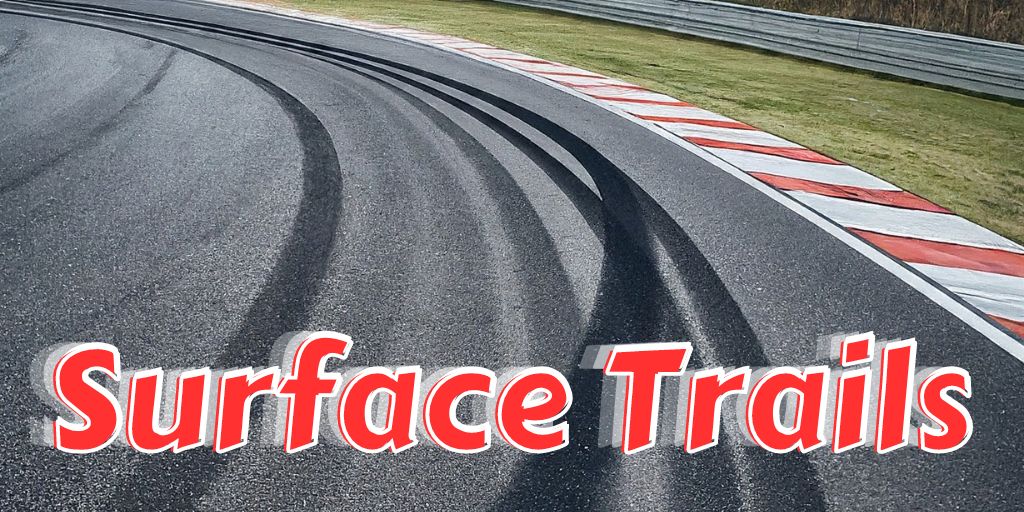
This unique tool can generate trail lines based on the proximity of 2 objects. Its very simple to use and it comes with 4 trail modes.
1-Stroke = This mode generates a flat geometry on the surface and can be used to simulate a wide variety of effects, such as pencil traces, scratches, tire marks...
It has an UV that is stored as an Attribute called "trailUV" and can be used to map your textures to achieve several of unique effects.
2-Carve = This mode will carve lines in the areas where there is contact between the 2 objects.
3-Curves = This mode generates curves in the areas where there is contact between the 2 objects and can be used further in many ways.
4-Tube = This mode generates a tube on the surface of the object set a the receiver, in the areas where there is contact between the 2 objects.