🎉 Introducing the Node Parameter Display add-on for Blender! ⚙️ Boost your 3D modeling workflow with direct parameter manipulation in the 3D view. Plus, enjoy the convenience of 'Add to Parameter' and 'Remove from Parameter' options in your editor's context menu. Say goodbye to cumbersome navigation and hello to seamless node adjustments! Download now and redefine your Blender experience. #BlenderAddon #3DModeling #NodeParameterDisplay
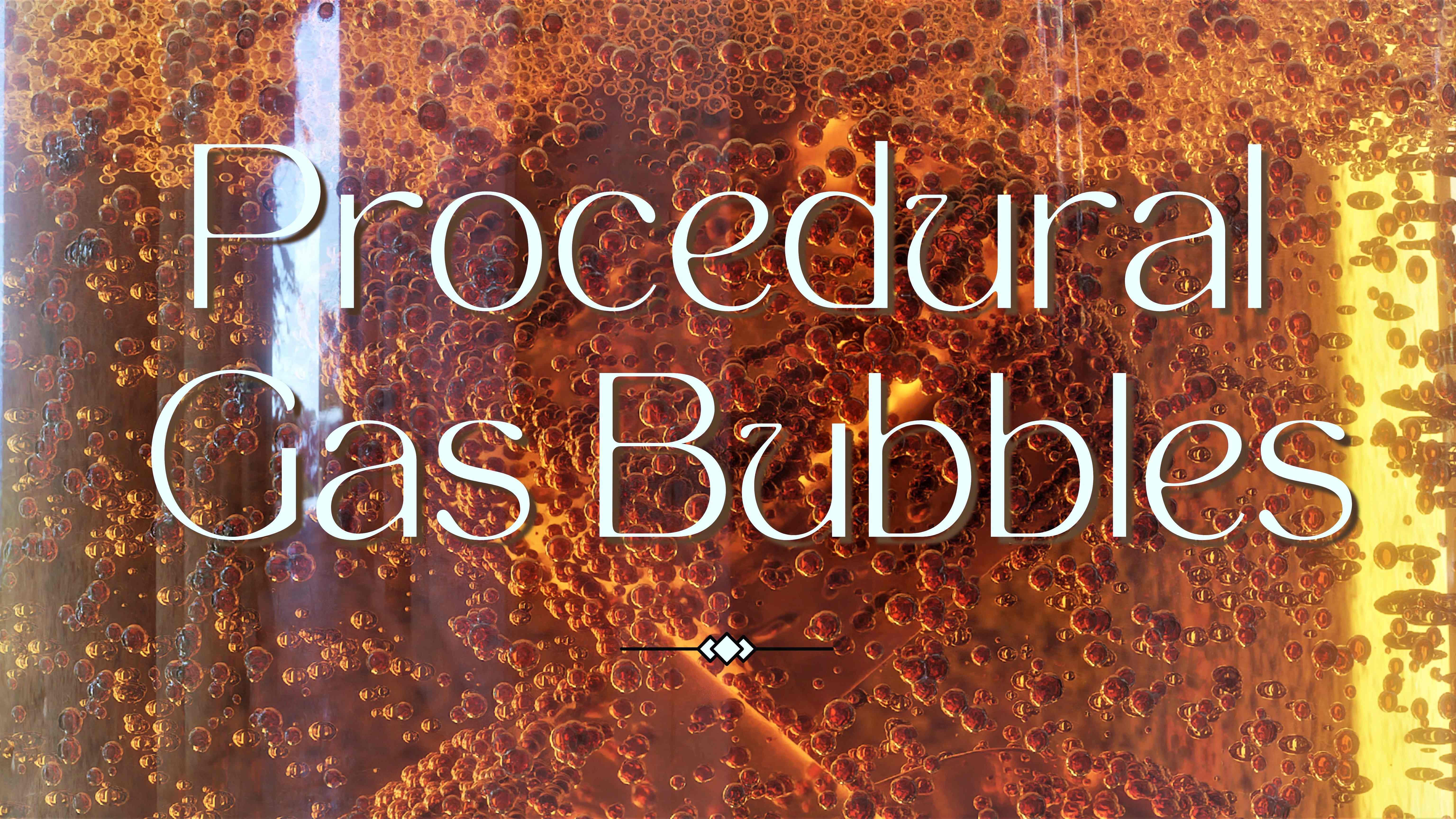
This tool made with Geometry Nodes allows you to quickly generate realistic animated bubbles inside a mesh and foam on the surface.
To use that you need to "Append" the "GasBubbles.blend" to your scene and select the "GasBubbles" inside the "NodeTree" folder.
Select the mesh you want to apply the effect, add a Geometry Node modifier to it and select the GasBubbles.
Increase the the density and the emission until it fits to the object and animate it using "Buoyancy" "Spin" and "Turbulence.
Adjust the collision.
You can watch the video above to see how to use it.