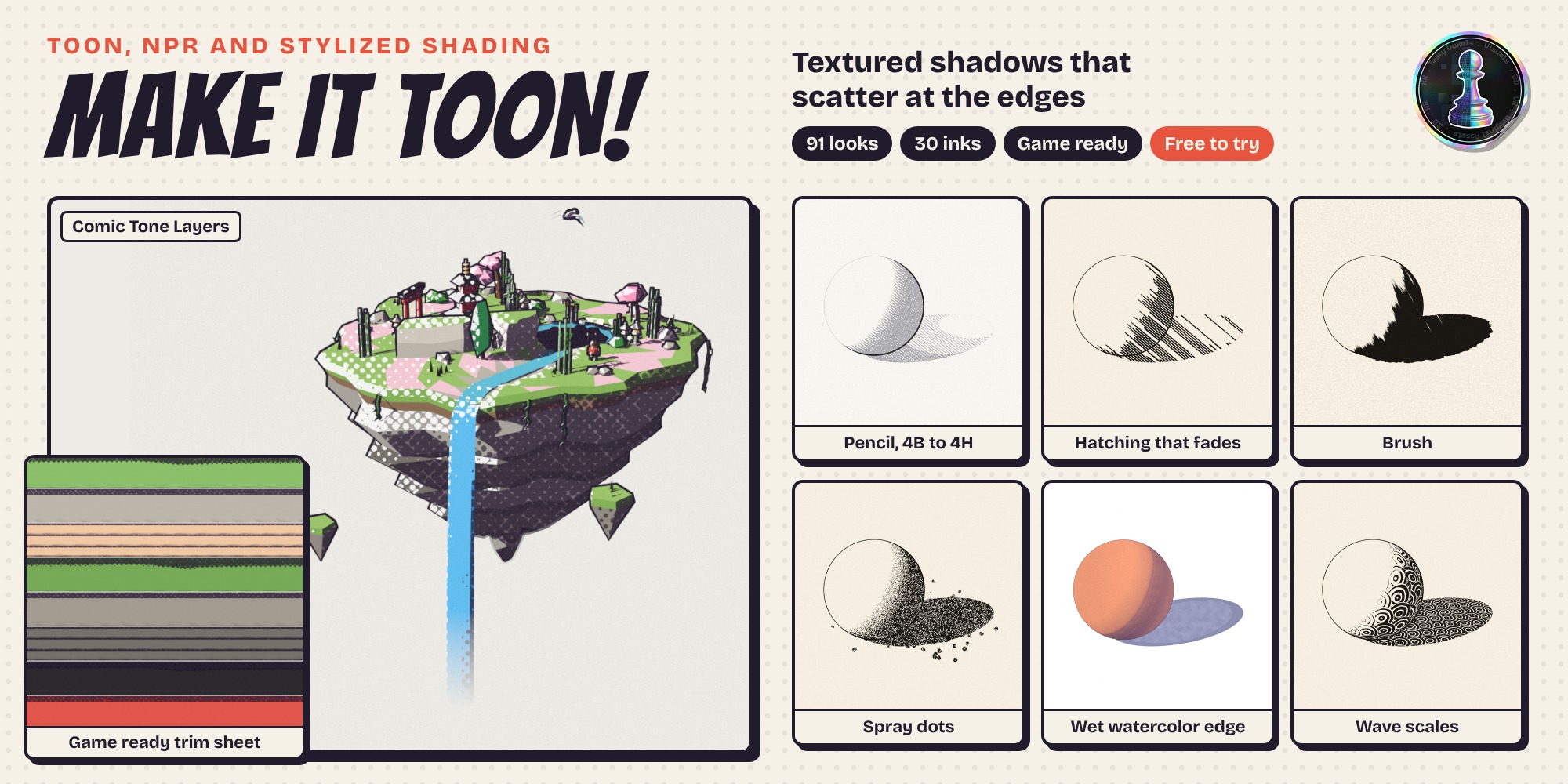
Free to try. Turn any scene into an illustration that reacts to real lights and cast shadows: textured shadows that scatter, fade and pool, 91 one-click looks, a Toon Creator Lab for your own, 30 inks, grass and foliage, game trim sheets, bake and colour 3MF. Optimized for Blender 5.3.
Published variants
Free edition, personal use · Price: $0.00 · List price: $0.00 · On sale
Full version · Price: $29.40 · List price: $49.00 · On sale
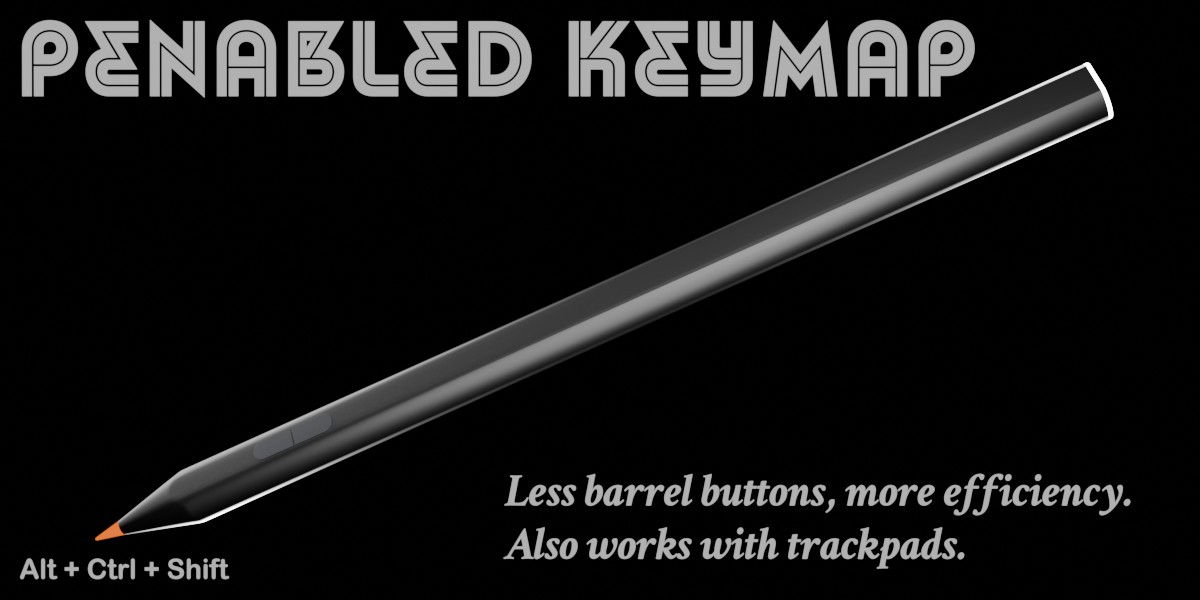
💻✏️Penabled / pen-input laptops and displays aren't yet given the love from Blender they deserve. Here's a keymap to give you traction right out of the gate with fast navigation / framing selection / whole work area across nearly every Blender mode / workspace, including modelling, sculpting, animation, and node editing. It also doubles as a helpful sort of "emulate 3 button mouse" for laptop trackpads, while still allowing you to perform alt / modifier key click functions on N-panel add-on buttons, something that Blender's current "Emulate 3 Button Mouse" fails to do. Full spreadsheet chart of hotkeys and pythonic operator names and key-bindings included for your tweaking convenience.