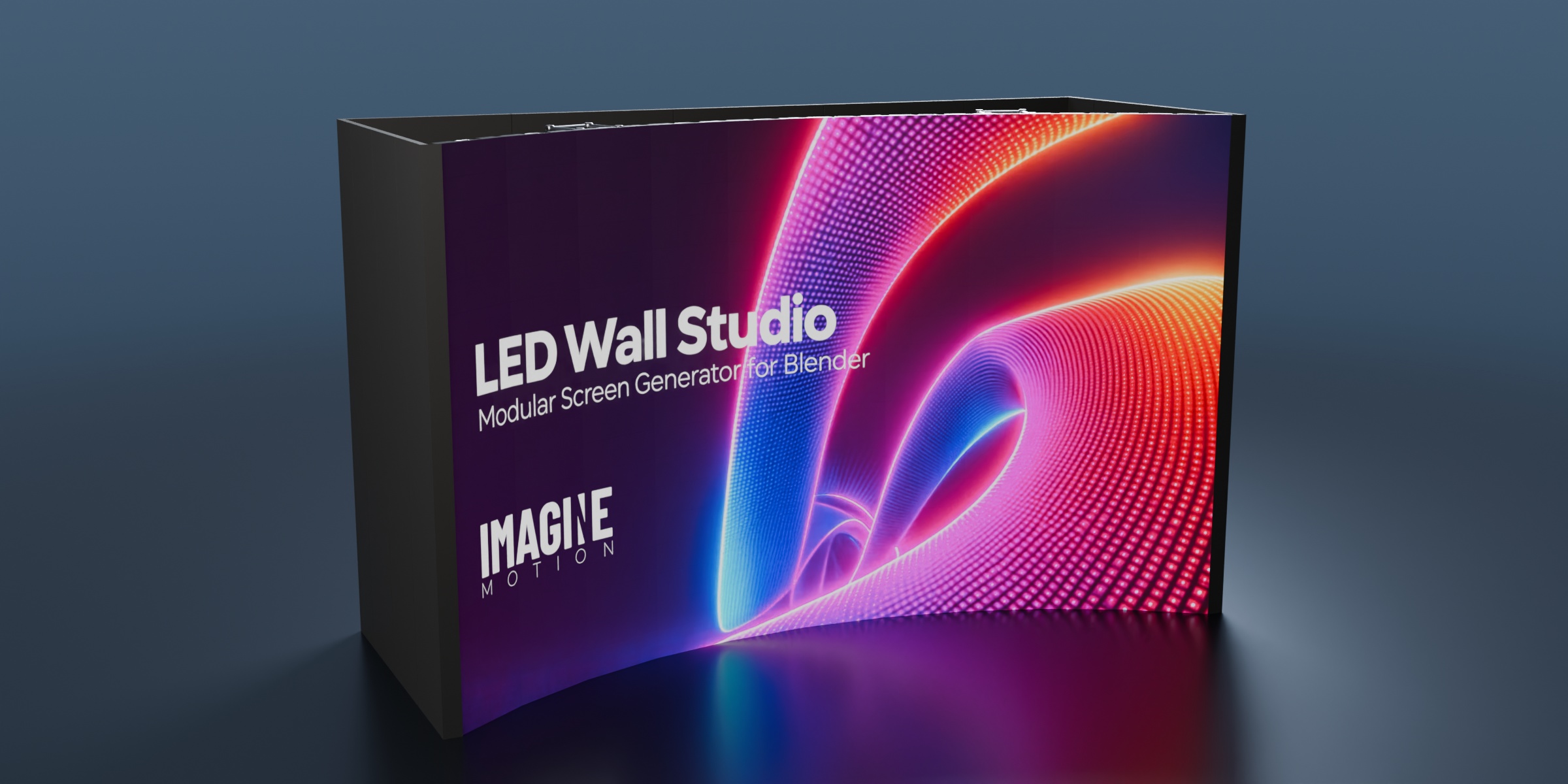
Build realistic straight or curved LED walls in Blender with LED Wall Studio. Use Geometry Nodes to adjust pixel pitch, add truss supports and rear panels, and preview screen specs for stages and events.
This tool allows you to generate a procedural volumetric foam on the surface of objects. It's very simple to use, you just need to paint a Vertex Weight in the area where you want the foam to be. This comes with a material that realistically imitates foam. You can choose an object to be used as a collision, like a glass for example to create the perfect foam for beverage rendering. You can also turn an object into a clump of bubbles.
It's very easy to use, you just need to append the .blend file to your scene, selecting the "Procedural Foam" inside the "NodeTree" folder or you can just drag the node from the Assets Browser.