ImageNode brings crisp, resizable images directly onto your Node Editor canvas. Whether you want to paste a decorative image or a mathematical equation, drop an ImageNode next to your Node Group, or embed a step-by-step visual diagram showing what a node group does. The image nodes are fully adjustable and can be viewed full size too with one click directly in the node editors !
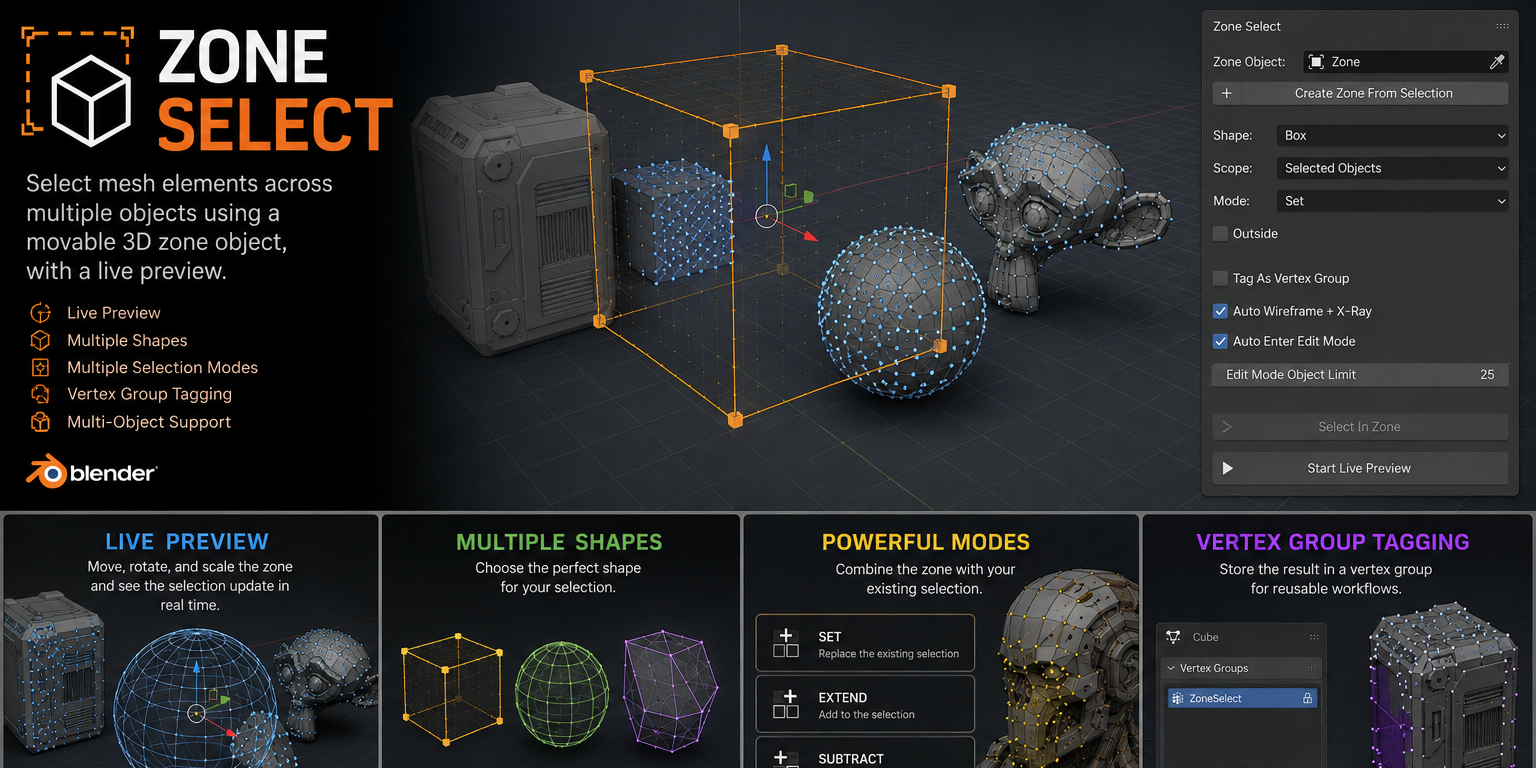
Select mesh vertices across multiple Blender objects using a movable 3D selection zone—with live visual feedback.
Zone Select lets you define a selection volume using Box, Sphere/Ellipsoid, or Convex Mesh shapes, then Set, Extend, Subtract, Intersect, or invert the selection. Use Live Preview to see exactly what will be selected while you move, rotate, or scale the zone. Perfect for fast spatial selection, scene cleanup, procedural workflows, and reusable vertex-group masks.