Helplines and Workplanes
- Creator
- Kurt Van Damme
- Price
- $4.99
- List price
- $4.99
- Sale status
- Not on sale
- Published
Listing description
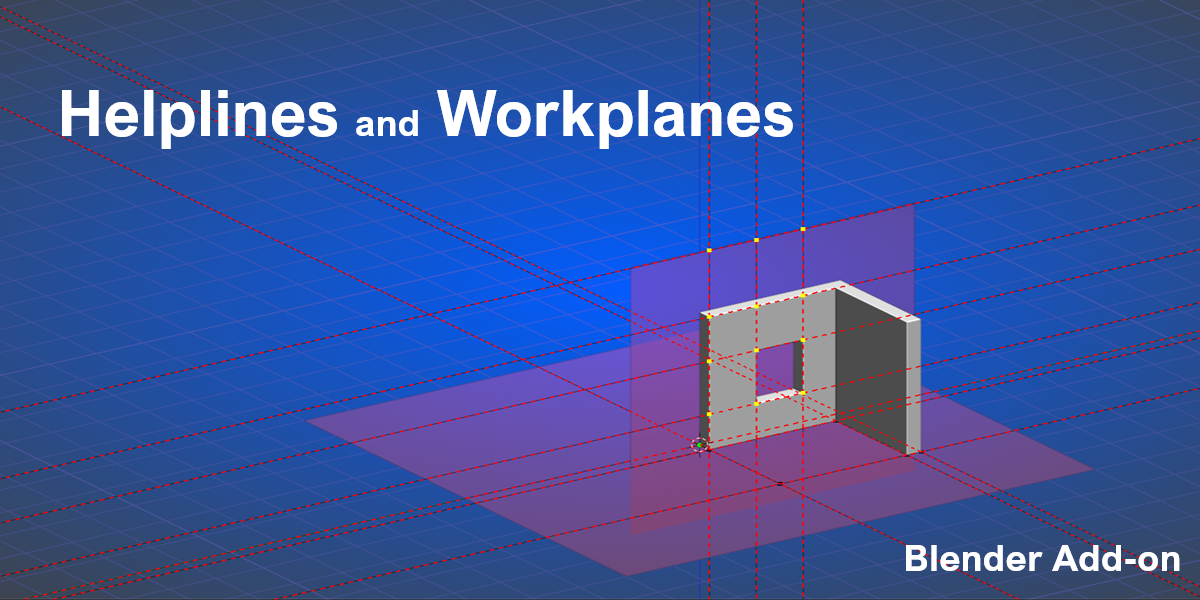
The CAD like helplines and workplanes for modeling in blender. You can add a selectable horizontal helpline, or construction line if you want to call it that way, to where you click in the X-Y top view. Adding horizontal or vertical lines is continuous, and pressing 'Esc' or LMB will cancel it. Freely adding the angled line, is done by picking 2 points. Pressing 'Shift' and 'LMB' after adding the first point, gives you the possibility to add an angle for the line. Offsetting the lines is also possible. just select your line and press the 'offset' button. Add the distance and after pressing ok, you select the side you want your offset line to be added. Offsetting is continuous, until 'Esc' or 'RMB' is pressed. The 'create workplane', will add a workplane to the world origin. You can move and rotate it as you need. The 'align view to active button', will give you the top view of the selected workplane. So adding horizontal, vertical and angled helplines is done properly. Workplanes can be added to a desired axis. Just select the one in the dropdown menu. A workplane can also be added directly, by selecting a face of a mesh object. The 'align view to active', will give you the needed topview to add your helplines. POLYLINE: There are 3 types of polyline. The open type 'Polyline', to just draw a continuous line, with the possibility to add a length and angle, if shift and Left mouse is pressed after a point is picked. The 'close' type, that closes the line segments when 'Esc' or 'RMB' is pressed. And the 'close and fill' type, where after closing, a face is created.
Published variants
No published variants listed.
