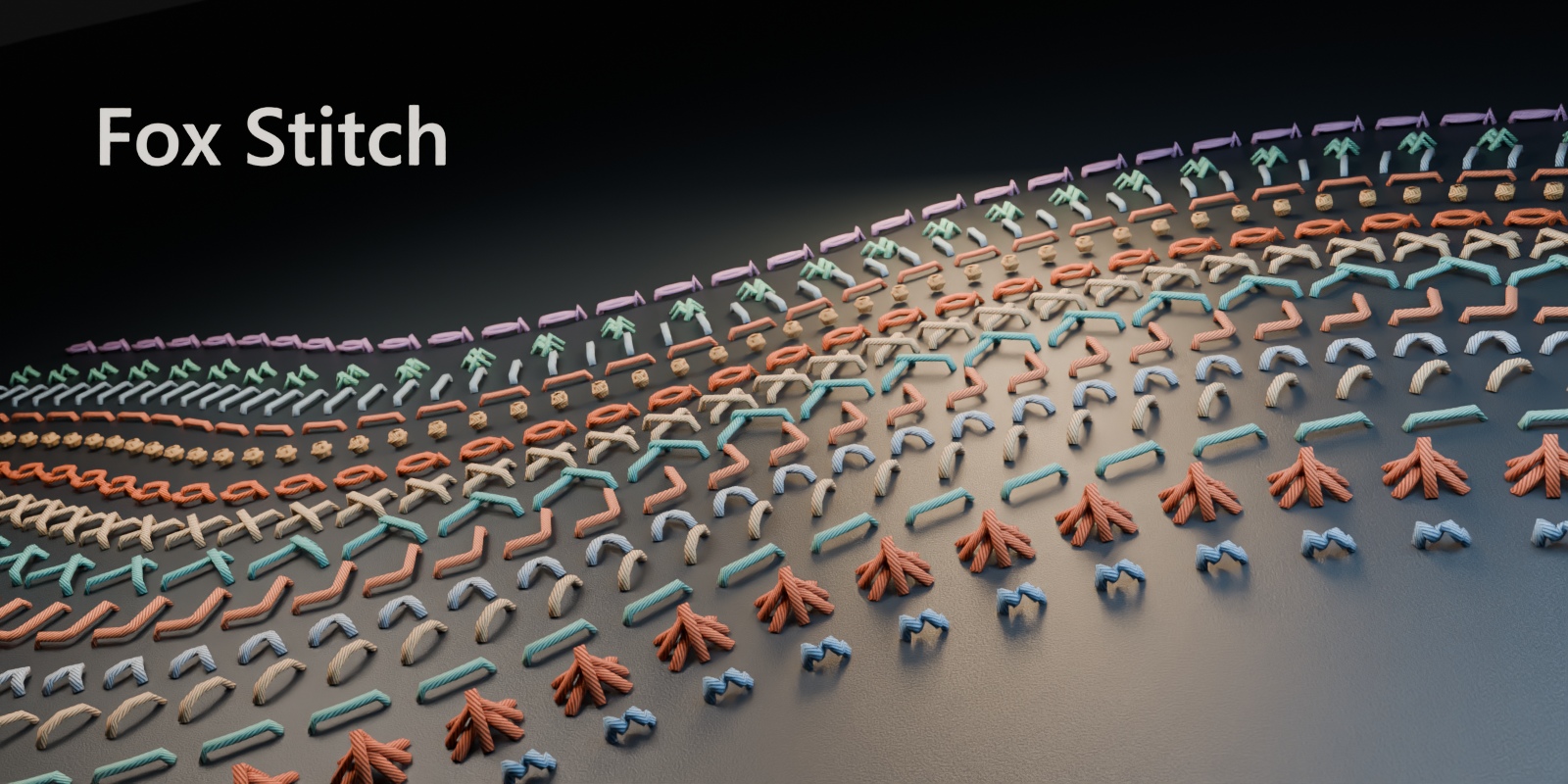
Give your 3D models a stitched finish with Fox Stitch for Blender. Draw a curve, pick from 36 stitch presets, and watch the thread follow the path as you edit it. Fine-tune spacing, size, color, and how deep the stitches sit, or use your own stitch model for a custom seam.
Made for leather goods, clothing, upholstery, and anywhere a little thread adds character.
#FoxStitch #Blender3D #3DModeling
Changing your object in edit or object mode, adding modifiers and going a few steps back to before you applied the modifiers or made your changes.
This is possible now, with buttons in a panel.
Your saved state will be displayed in the panel, as the objects name and a state number.
Adding materials can also be saved as a state, and you can always go back to an earlier state if needed, by pressing the 'restore' buttons in the panel
Going back to a previous state, making some adjustments and saving the new state again to the current state, is so easy.
You can switch from object to object any time to make adjustments.
To make objects, that have saved states, more visible, there is a 'toggle' button to show all these objects.
All your saved states will be available again for later if you save your blend file.