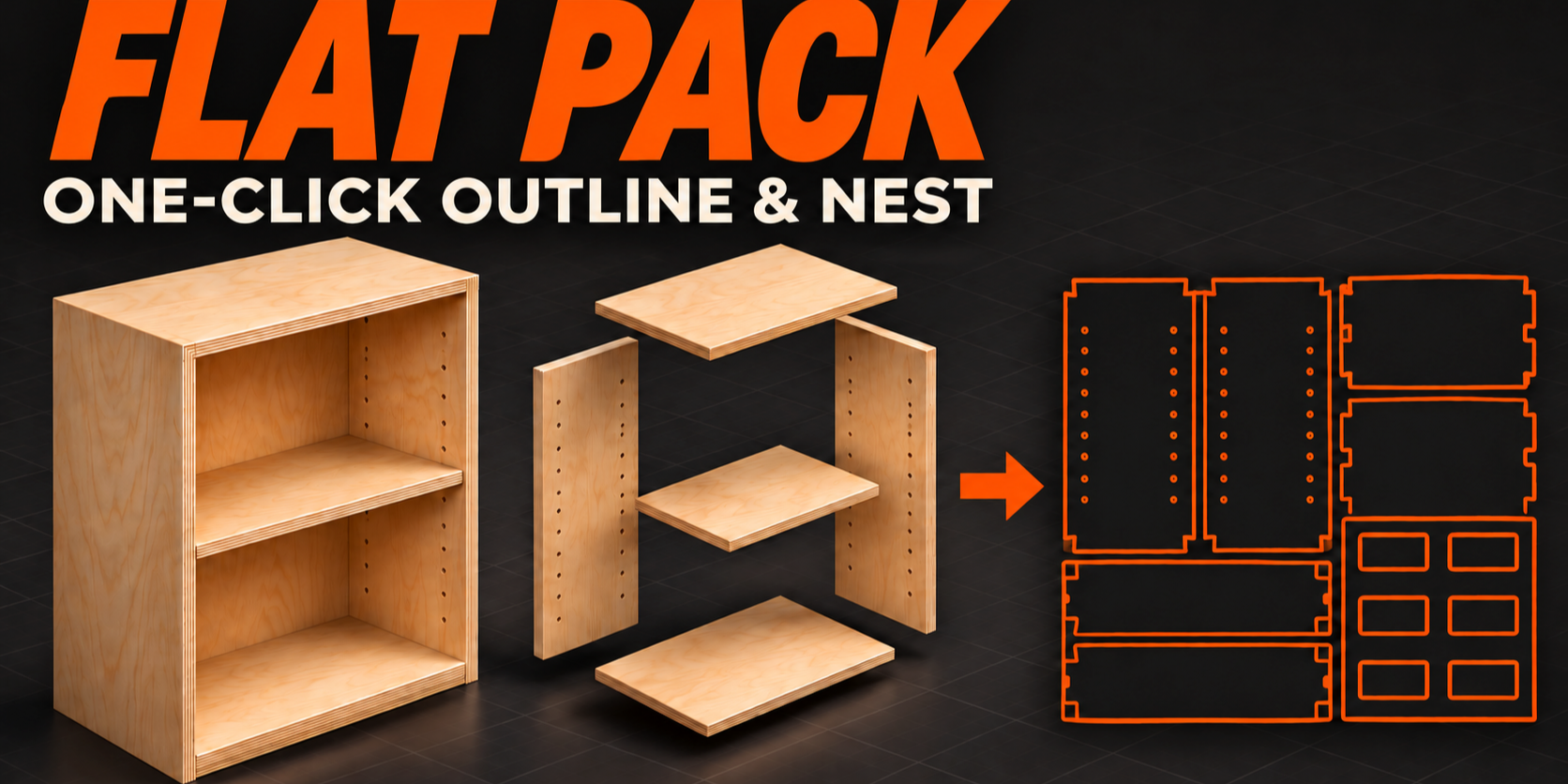
Turn Blender parts into organized 2D cutting profiles in one click. Full Send extracts outlines, groups parts by thickness, and arranges them into compact layouts for cabinetry and CNC preparation.
Hide your selected object or objects with a button.
They will be hidden in the viewport and listed in your 'hide it' panel.
The objects will appear in the 'currently hidden objects' list.
Next to each object, there will be a 'button' to unhide the selected object again.
Or, in the outliner, the eye icon can also be used.
There is also a 'unhide last' button.
Objects hidden by using the panel or using the outliner
It makes no difference. The 'unhide last' will show the object again in the opposite order of hiding.
And with the 'unhide steps' selector you can choose how many 'unhide last' steps you want to go back at once.
And the steps, they can be changed whenever you want.
Hiding vertices, edges and faces is also possible.
You can select one or more vertices, edges or faces at once or in steps.
The unhide last button, will unhide the hidden parts of your mesh, in the step that was set in the selector.
You can undo the steps until the mesh is complete again.