Automate routine tasks in Blender: combine commands into stack macros, assign hotkeys, organize them into groups with icons. Works in all editors — save hours of clicking.
When working with nodes, it can get complicated over time.
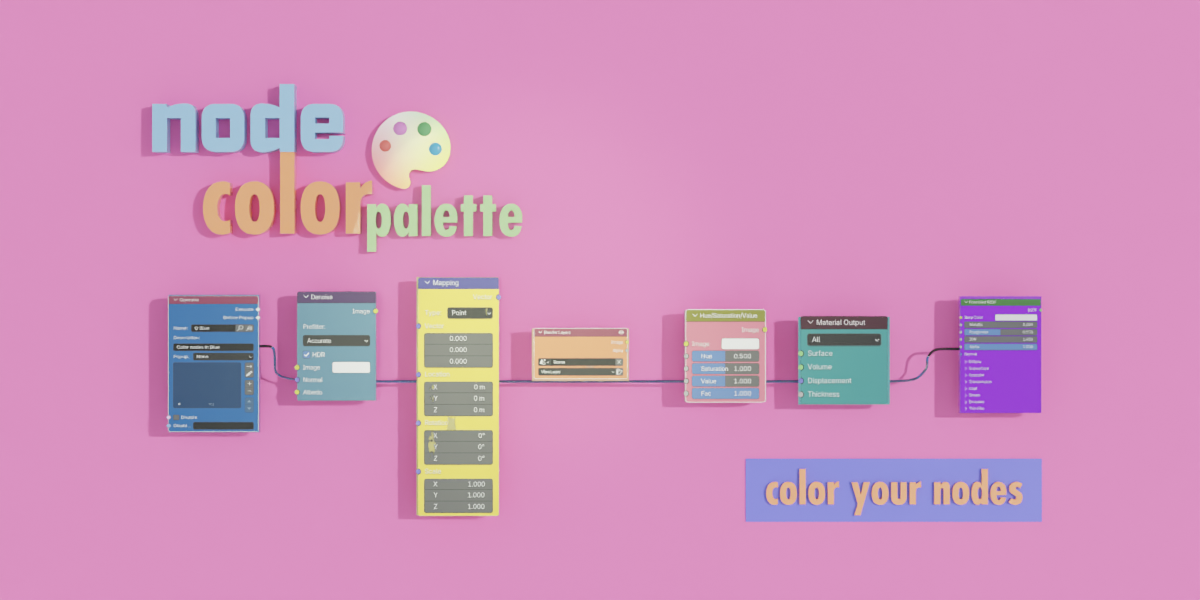
The Node Color Palette plugin helps you change the color of the nodes in every nodegraph.
Whether you’re in the shading editor, compositing editor, geometry nodes, or even in Sverchok or Serpens, every node graph now has access to the color palette. Simply switch to the desired node graph, display the sidebar, and select the nodes to color (or all with A button in the studui version) and clic on the color you need.
You can also filter which nodes are affected by the color change based on their name or label.
Published variants
Studio Licence (1 seat) · Price: $8.99 · List price: $8.99
Studio Licence (5 seats) · Price: $49.99 · List price: $49.99
University License (30 seats) · Price: $49.99 · List price: $49.99
Studio Licence (12 seats) · Price: $69.99 · List price: $69.99
Essentiels version · Price: $4.99 · List price: $4.99