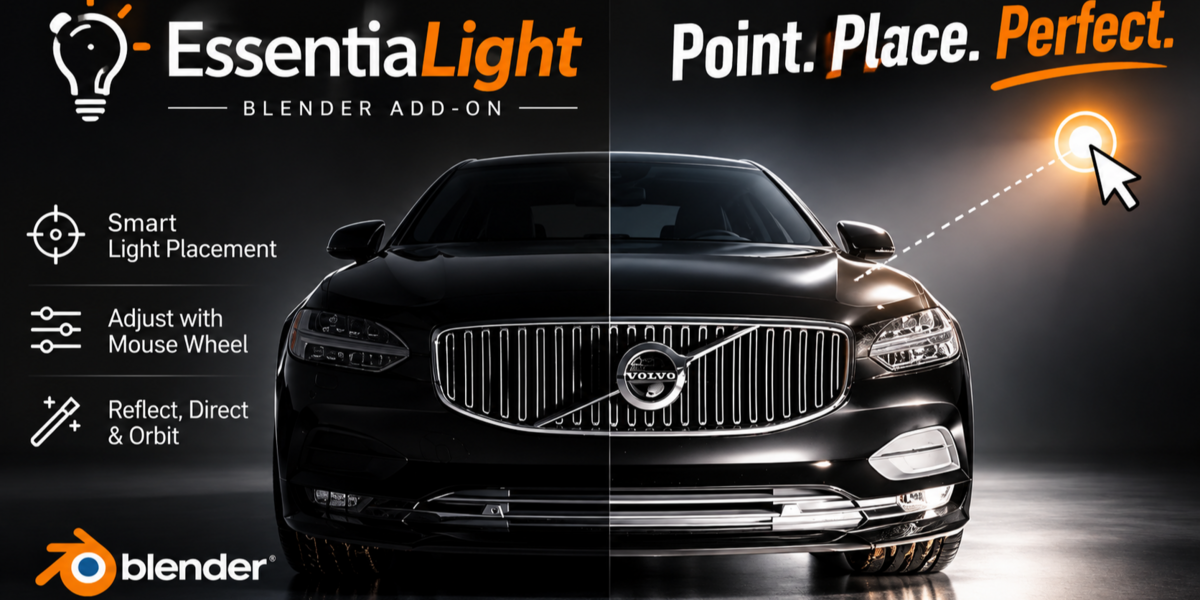
EssentiaLight makes lighting effortless. Simply point at any surface to place lights instantly, skip tedious G, R, and S adjustments, and focus on creating.
Sure! Here's a social media excerpt for your "i-Lity Lights" Blender add-on, optimized for search engines:
🌟 Transform Your Blender Lighting with i-Lity Lights! 🌟
Elevate your 3D rendering and animation projects with the "i-Lity Lights" add-on for Blender, brought to you by Gtech-i-Design LLC. Designed for both beginners and professionals, this powerful tool simplifies studio lighting setups, ensuring your scenes shine with professional quality.
🎨 Features:
Easy-to-use interface within Blender's 3D Viewport Sidebar
Quick import of studio light setups and HDRI environments
Dynamic snapping and alignment tools for cameras and objects
Comprehensive property controls for active objects, materials, and world settings
Customizable lighting settings for Eevee and Cycles
🚀 Why Choose i-Lity Lights?
Enhance your workflow with efficient and user-friendly lighting tools
Achieve stunning realism in your renders with ease
Seamlessly integrate advanced lighting techniques into your projects
Free and open-source, adhering to the GNU General Public License
🔗 Download Now:
Get started with i-Lity Lights and revolutionize your Blender lighting experience. Perfect for 3D artists, animators, and designers aiming for excellence in visual storytelling.
🔗 Download i-Lity Lights
🌐 Follow Us:
YouTube: Gtech-i-Design 3D
Website: Gtech-i-Design
Twitter: @GtechiDesign3D
#Blender #3DRendering #3DAnimation #Lighting #BlenderAddon #GtechDesign #iLityLights #3DArt #CGI #VisualEffects #OpenSource #BlenderCommunity