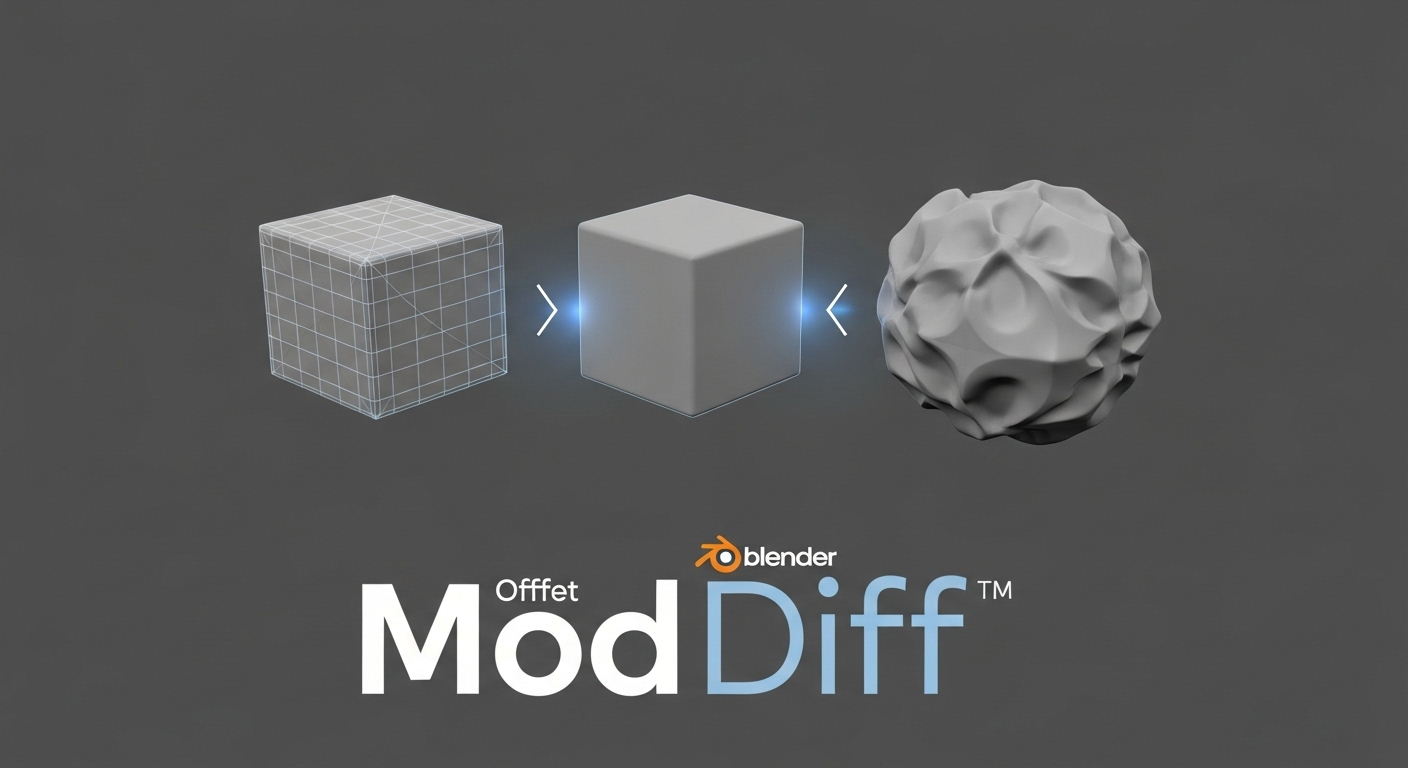
Edit Poly Modifier brings a 3ds Max-style workflow to Blender. Add Bevel or Subdivision, then Edit Poly and continue modeling on the result. Keep your modeling stages in the modifier stack.
Stop manually duplicating objects to check your modifier stack. ModDiff creates an applied copy with just one click.
Perfect for non-destructive workflows, hard-surface modeling, and final mesh checks before exporting. A true time-saver!