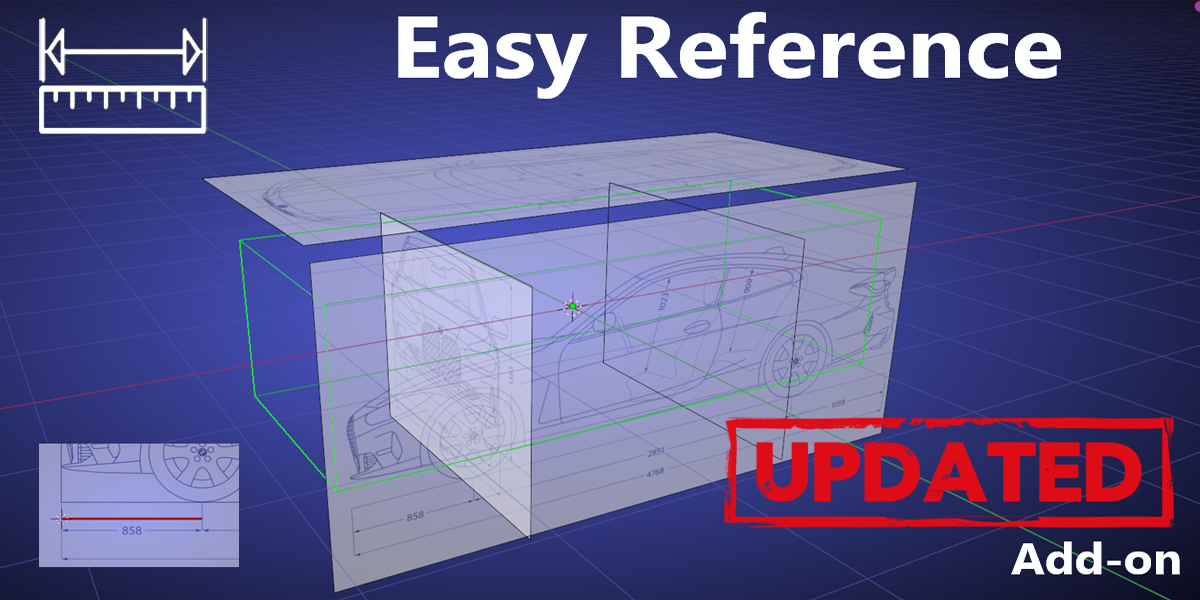
Adding your reference images in a quick and easy way, and scaled to the scene.
The selected images are listed in a panel and each image is set to a view.
Positioning and scaling can be done with the help of the Model Box.
Or there are 2 more tools available to scale your images.
ImageNode brings crisp, resizable images directly onto your Node Editor canvas. Whether you want to paste a decorative image or a mathematical equation, drop an ImageNode next to your Node Group, or embed a step-by-step visual diagram showing what a node group does. The image nodes are fully adjustable and can be viewed full size too with one click directly in the node editors !