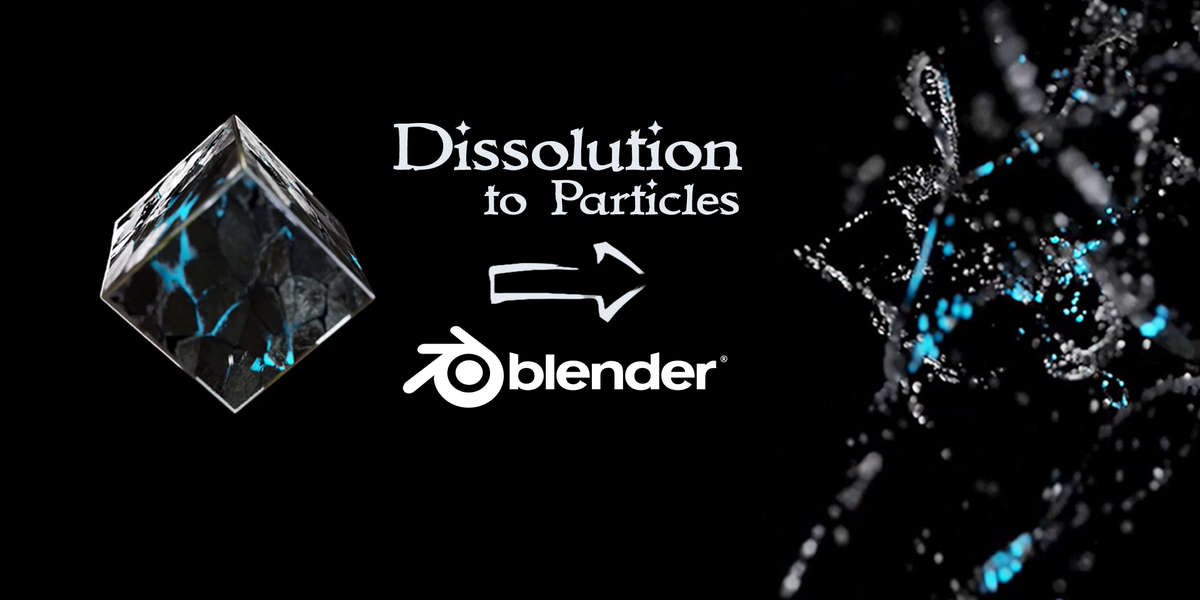
The Dissolution Suite combines both particle swarm dispersion and cohesive fluid-mesh disintegration into a unified Geometry Nodes toolkit for Blender.
Get both dissolution methods in one bundle at a discount. Each setup is standalone and non-destructive—apply the modifier to any mesh, adjust the exposed parameters, and drive the effect via keyframes, proximity, or empty controllers.
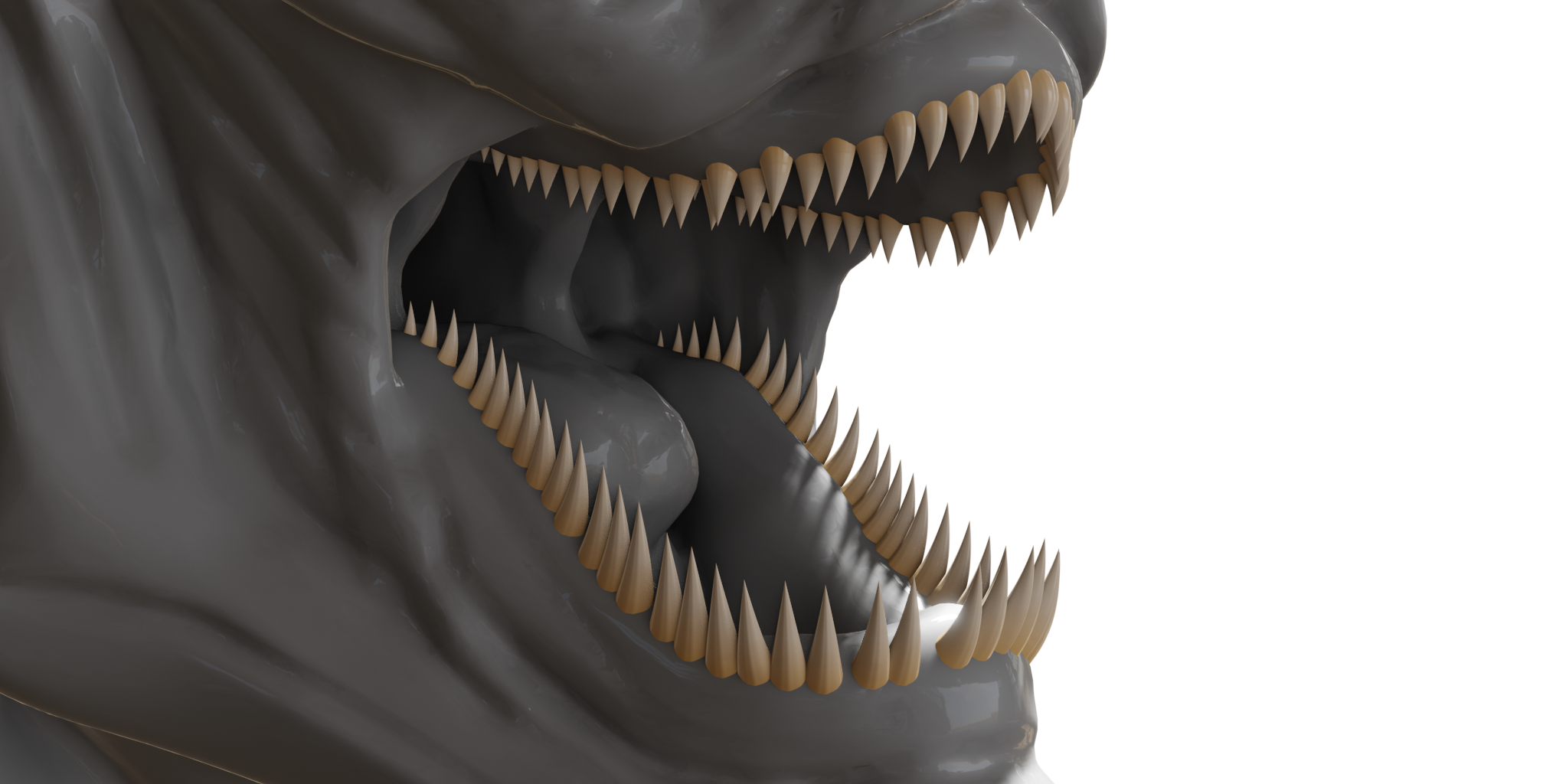
This tool made with Geometry Nodes allows you to quickly add teeths to the mouth of any creature's mouth.
It's highly customizable and speeds up a lot the boring work of placing this teeths manually.
You just need to create a curve object along all the gum of the creature were the teeths will gonna grow.
"Append" the 'Procedural Teeths.blend", go to the NodeTree and select the TeethGen.
After that, add a Geometry Node modifier to the object and select the TeethGen,
select the surface object,
use the controls to point the teeth on the right direction, adjust the scale to your creature
and repeat the process to the other side.